Transform horizontal landscape videos into viral 9:16 vertical shorts, reels, and stories with smart face centering, multi-scene trimming, and custom fill modes—100% client-side.
Large Video File Detected (> 1 GB)To conserve browser memory and ensure ultra-smooth performance, we recommend using Mode A (Quick Clips & Custom Cuts) to trim specific 90-second highlights.
Choose or Drop Video Here
MP4, MOV, WebM — Loaded securely in browser memory
video.mp4
1920×1080 (16:9)00:00:000.0 MB
Max 90s / clip
Custom Zoom & Scale:
100%
50%Fit (56%)100%Fill (178%)250%
Empty / Letterbox Background:
Center (50%)
Drag the video on the smartphone stage or choose an alignment preset:
Horizontal Pan (X):50%
Vertical Tilt (Y):50%
Position:
Text Size:
Duration: 00h 00m 30s
00:00:0000:00:1500:00:30
00h 00m 30s
00:00:00
00:00:30
CLIP START (IN)
Hours
:
Mins
:
Secs
CLIP END (OUT)
Hours
:
Mins
:
Secs
Quick Clip Durations:
Clips Sequence Storyboard:
1 Clip00h 00m 30s
Export Mode:
Smart Subject & Face Centering Analyzes keyframes & auto-aligns 9:16 frame over main face/subject
Batch Clip Count (Fast Generation):
⚡ Fast ~90s
Processing Range:
➔
0Vertical Reels
Load video to calculate reels1080×1920 (9:16 Full HD)
Output Resolution:
Frame Rate & Quality:
100% Private & Serverless:Your video is cropped and encoded entirely on your computer's GPU. Zero server uploads.
Non-blocking asynchronous loop ensures smooth UI. Keep this tab open during export.
Awaiting Video File
9:16 Vertical00:00:00
9:16 Vertical
Drag horizontally to frame subject
9:16 HARDWARE ENCODER
REEL 1 OF 30%00:00 / 00:00
1080×1920 (9:16)Stereo Synced
9:16 Vertical Reel Player
Select or drop your video on the left. The live vertical player and controls will activate here.
00:00 / 00:00
Quick Snap:
Rendering Reel 1 of 3...0%
Encoding clip using hardware-accelerated MediaRecorder...
0Reels Exported
≤90sDuration Cap
9:16Vertical Aspect
1080×1920Render Resolution
Generated Vertical Reels 0
Preview generated 9:16 vertical clips, play inline with native audio, download individual MP4 reels, or download everything bundled in a single ZIP.
No vertical reels rendered yet. Adjust your crop alignment and duration, then click Generate Vertical Reels.
OFFLINE DESKTOP POWER • WINDOWS 10 / 11
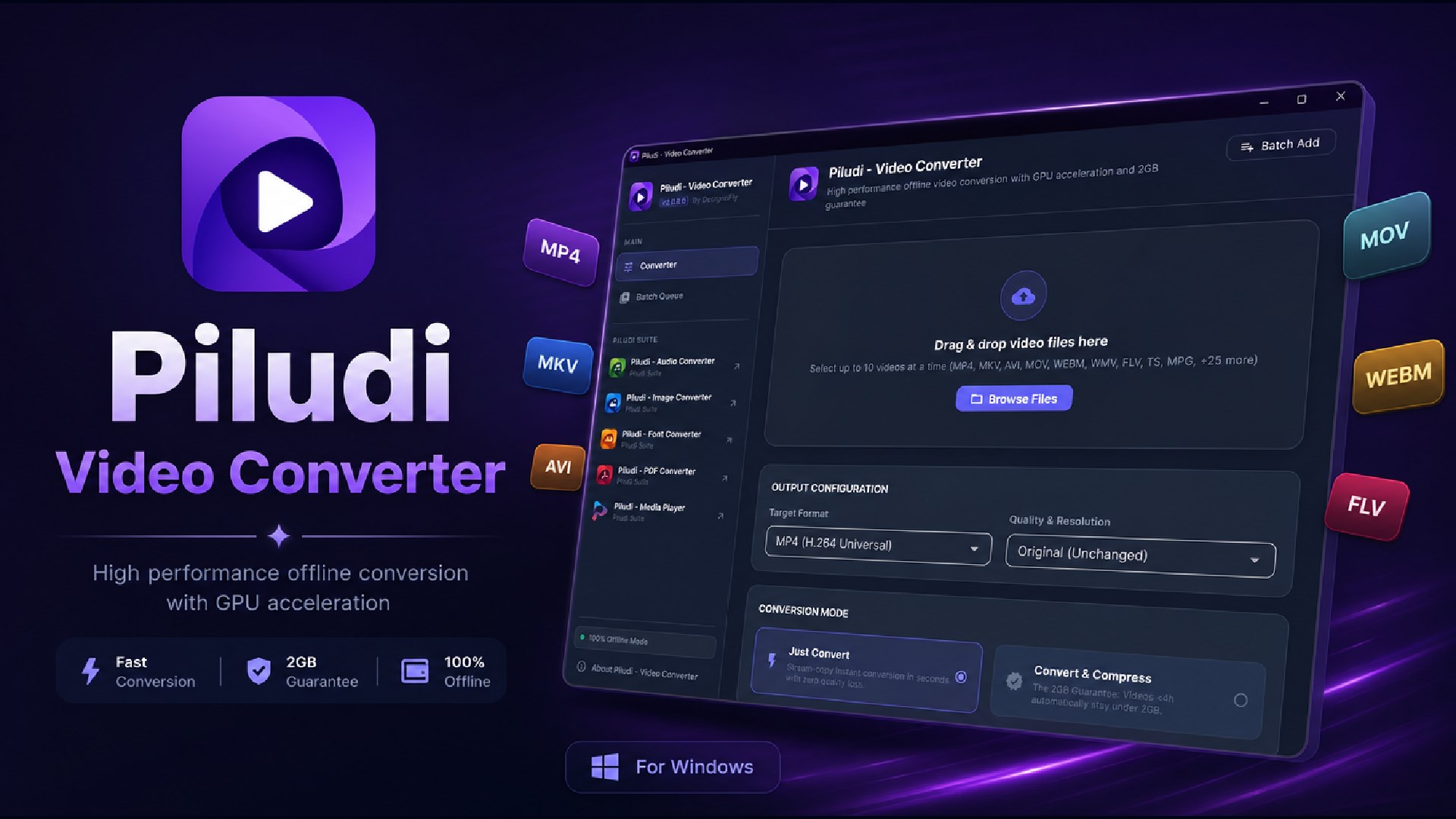
Need Heavy Video Encoding or Limitless Batch Conversion?
While this browser tool is built for fast individual tasks in local memory, our free Windows desktop app provides multi-stream hardware GPU acceleration, processes massive 4K/8K MKV, MP4, and MOV files with zero lag, and guarantees file size compression with 100% offline privacy.
How Long Video to Vertical Reels Clipper Works – 9:16 Aspect Ratio Architecture & Guide
Vertical Video & Slicing Architecture
The Definitive Guide to Repurposing Landscape Videos into 9:16 Vertical Reels, TikToks & Shorts 100% Client-Side
Learn how MetaoFly Long Video to Vertical Reels Clipper transforms horizontal 16:9 podcast recordings, presentations, and tutorials into viral 9:16 smartphone clips using in-browser Canvas GPU cropping, MediaRecorder streams, and zero cloud uploads.
Target Indexing Keywords:
MetaoFly Reels Clipper MetaoFly Vertical Video Converter video to vertical reels 16:9 to 9:16 video converter convert landscape video to tiktok horizontal to vertical video free youtube shorts clipper online
1. The Vertical Video Revolution: Transforming 16:9 into Viral 9:16 Feeds
Vertical video formats dominate social engagement. Algorithms across Instagram Reels, TikTok, and YouTube Shorts heavily favor full-screen 9:16 mobile viewports over traditional 16:9 horizontal videos, which appear bordered by wasteful black letterbox bars. However, re-recording content specifically for vertical feeds is expensive and time-consuming.
MetaoFly Long Video to Vertical Reels Clipper solves this challenge with zero friction. Without sending your raw footage to external cloud render farms, this utility lets you horizontally pan a visual 9:16 crop rectangle to lock onto key speakers, hosts, or visual demonstrations. You can slice hours of long-form interviews into bite-sized 15-second stories, 30-second clips, or 60-second reels and export them locally into high-bitrate MP4s bundled into a single ZIP file.
Draggable 9:16 Crop Stage
Interactive crop box overlay with Rule-of-Thirds guides lets you drag horizontally to center the speaker or choose instant Left/Center/Right presets.
Flexible Duration Slicing
Split into 15-second Instagram stories, 30-second standard clips, 60-second full reels, or configure custom durations up to 180 seconds.
100% Private Client-Side
Rendered entirely by your device's local GPU and Web Audio API engine. Your video files never touch external servers or cloud storage.
Bulk reels-export.zip Download
Download generated vertical clips individually with native inline preview or bundle all clips into an organized ZIP with a single click.
2. The Technical Pipeline: In-Browser GPU Cropping & Stream Capture
MetaoFly achieves high-performance video conversion inside the browser without requiring heavy cloud compute or third-party subscriptions. When a video is imported, the engine calculates the proportional 9:16 target coordinates (`cropWidth = videoHeight * 9/16`). Using an offscreen HTML5 2D Canvas paired with hardware-accelerated drawing pipelines, the engine renders only the user-selected cropped region at 1080×1920 Full HD or 720×1280 HD.
Concurrently, the Web Audio API captures the source video's audio track via `createMediaElementSource` and merges it synchronously with the canvas visual stream via `MediaStream`. The browser's native `MediaRecorder` encodes the resulting composite stream into optimized MP4 video chunks (`video/mp4;codecs=avc1` or WebM) with zero audio-video drift.
Feature / Metric
MetaoFly Reels Clipper
Cloud Video SaaS Platforms
Security & Privacy
100% Local (Zero uploads)
Videos stored on cloud servers
Upload Latency
0 seconds (Instant file loading)
Minutes to hours uploading gigabytes
Crop Positioning
Interactive draggable 9:16 box + Presets
Rigid automated crop or paid editor
Cost / Watermarks
100% Free • No Watermarks
Aggressive watermarks or $29/mo subscriptions
Export Format
Full HD 1080×1920 MP4 + Bulk ZIP
Restricted resolution on free tiers
3. Frequently Asked Questions
Yes! The pink 9:16 vertical crop rectangle on the video stage is completely interactive. You can click and drag it horizontally with your mouse or finger, or use the "Center Focus", "Left Focus", and "Right Focus" buttons to instantly center a specific person in a podcast or interview.
Yes. MetaoFly connects the HTML5 video element to an in-browser Web Audio API destination node, multiplexing high-quality stereo audio directly into the recorded MP4 vertical video output with perfect lip-sync synchronization.
Because processing runs entirely on your local machine rather than a shared server, there are no artificial file size caps. However, long videos (over 30 minutes or 500MB) will utilize significant system RAM and CPU during encoding, so keep your browser tab active while rendering.
The exported 1080×1920 (9:16) MP4 files comply with strict mobile publishing specifications for Instagram Reels, YouTube Shorts, TikTok, Facebook Reels, Snapchat Spotlight, and LinkedIn Mobile Video.
100% Client-Side In-Browser Suite
Explore Other Free In-Browser Utilities
Privacy-first creative developer utilities running locally in your browser. Zero cloud uploads, zero subscriptions.