


Piludi – Media Player
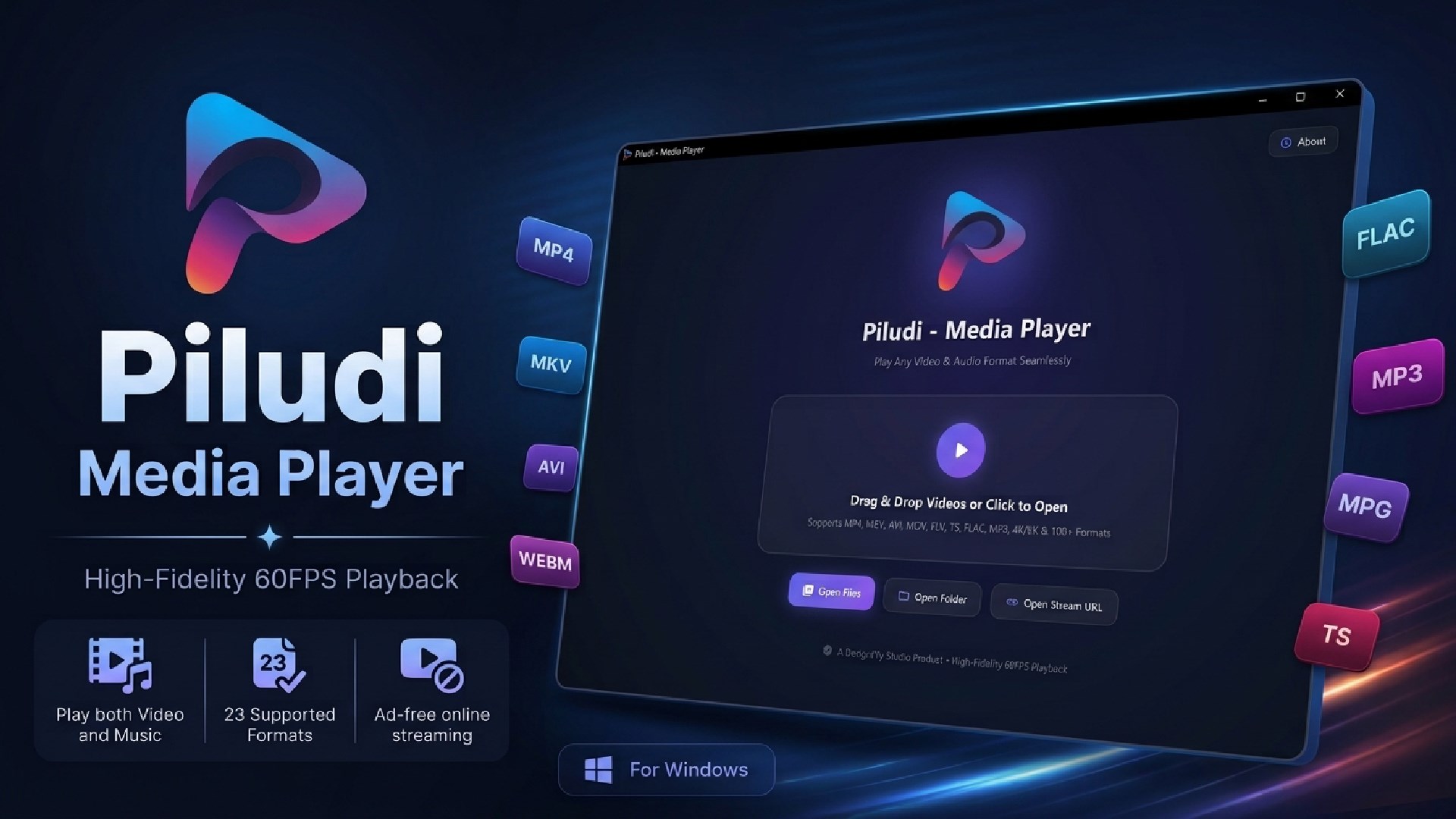
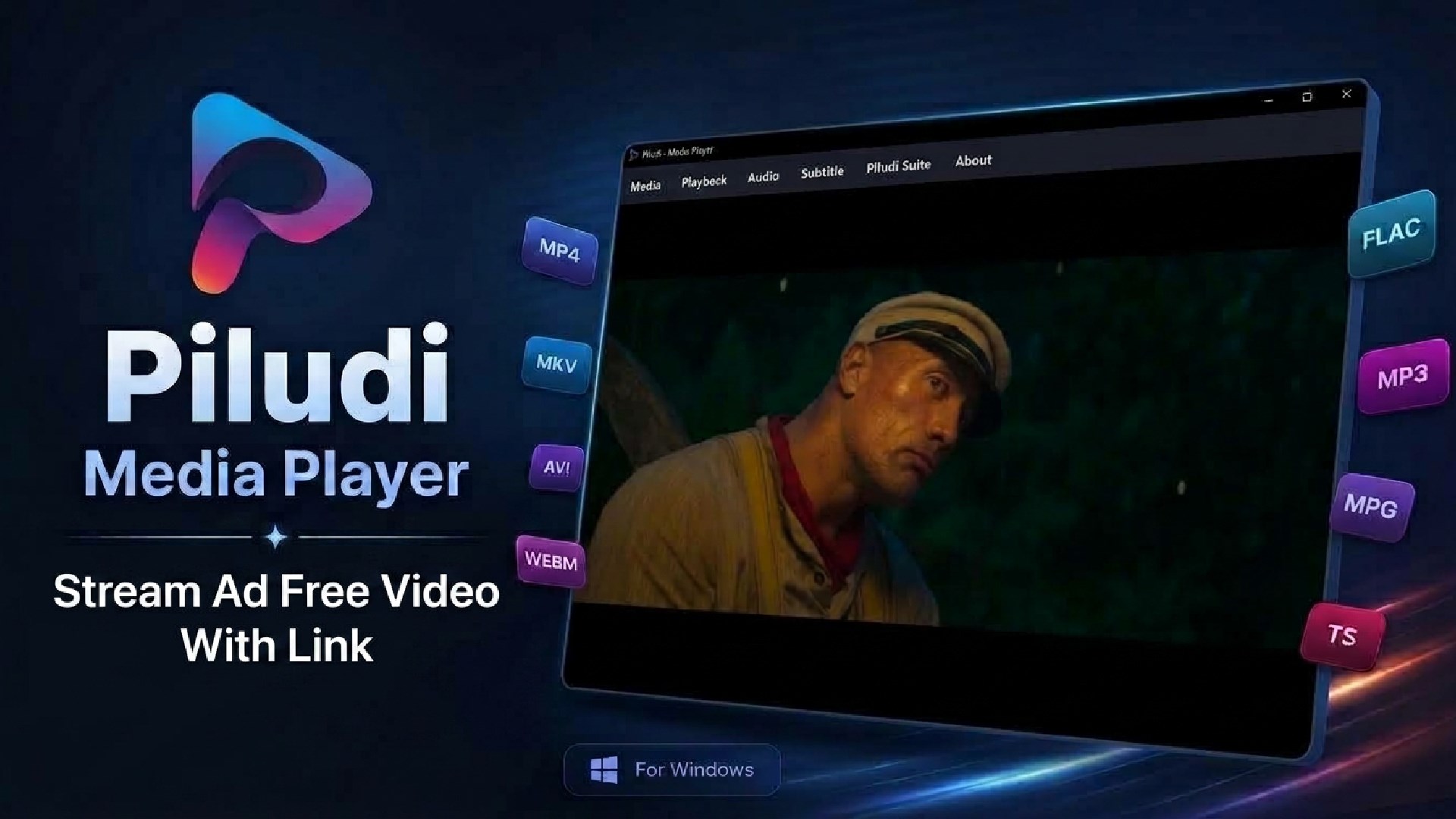
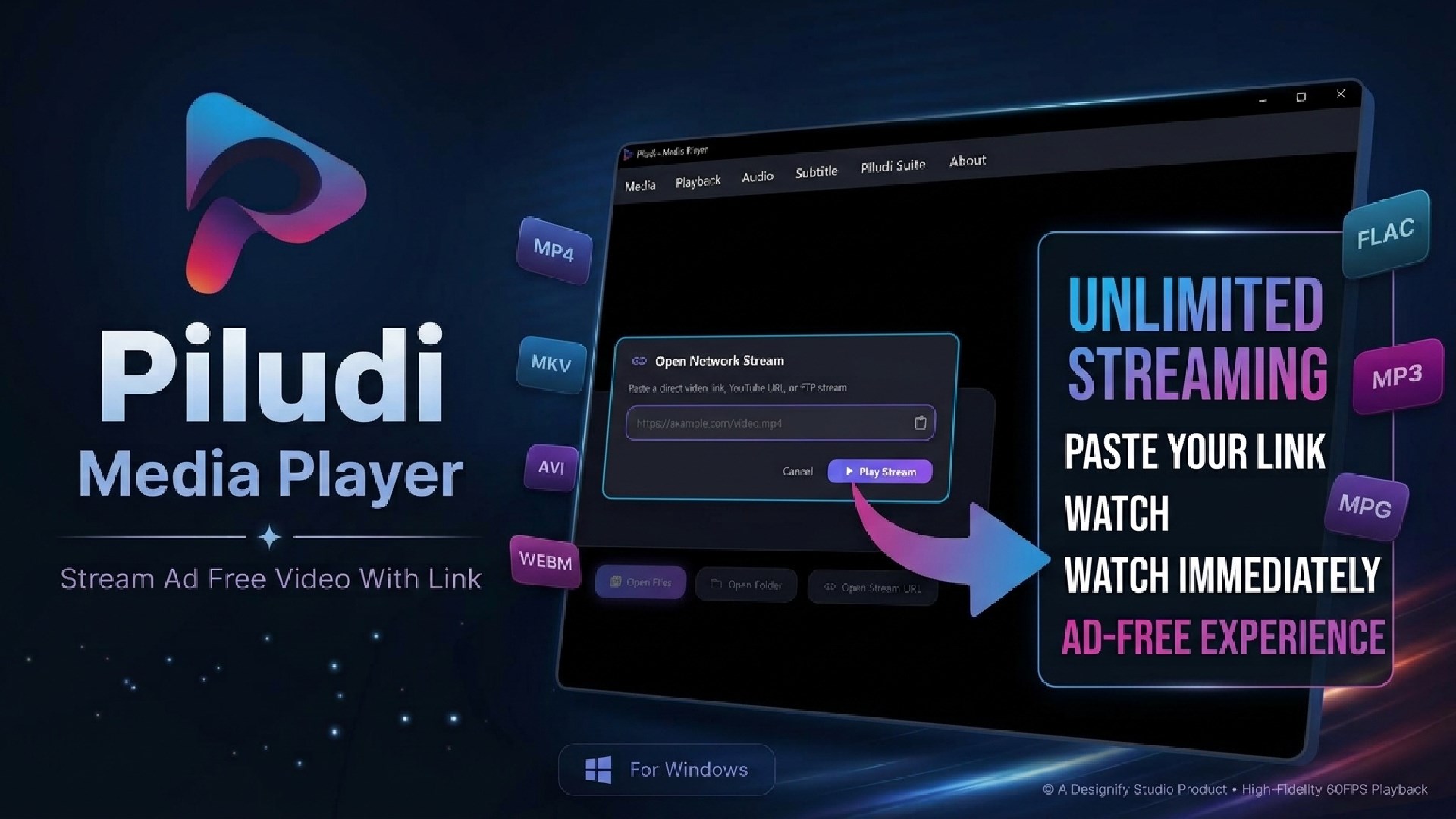
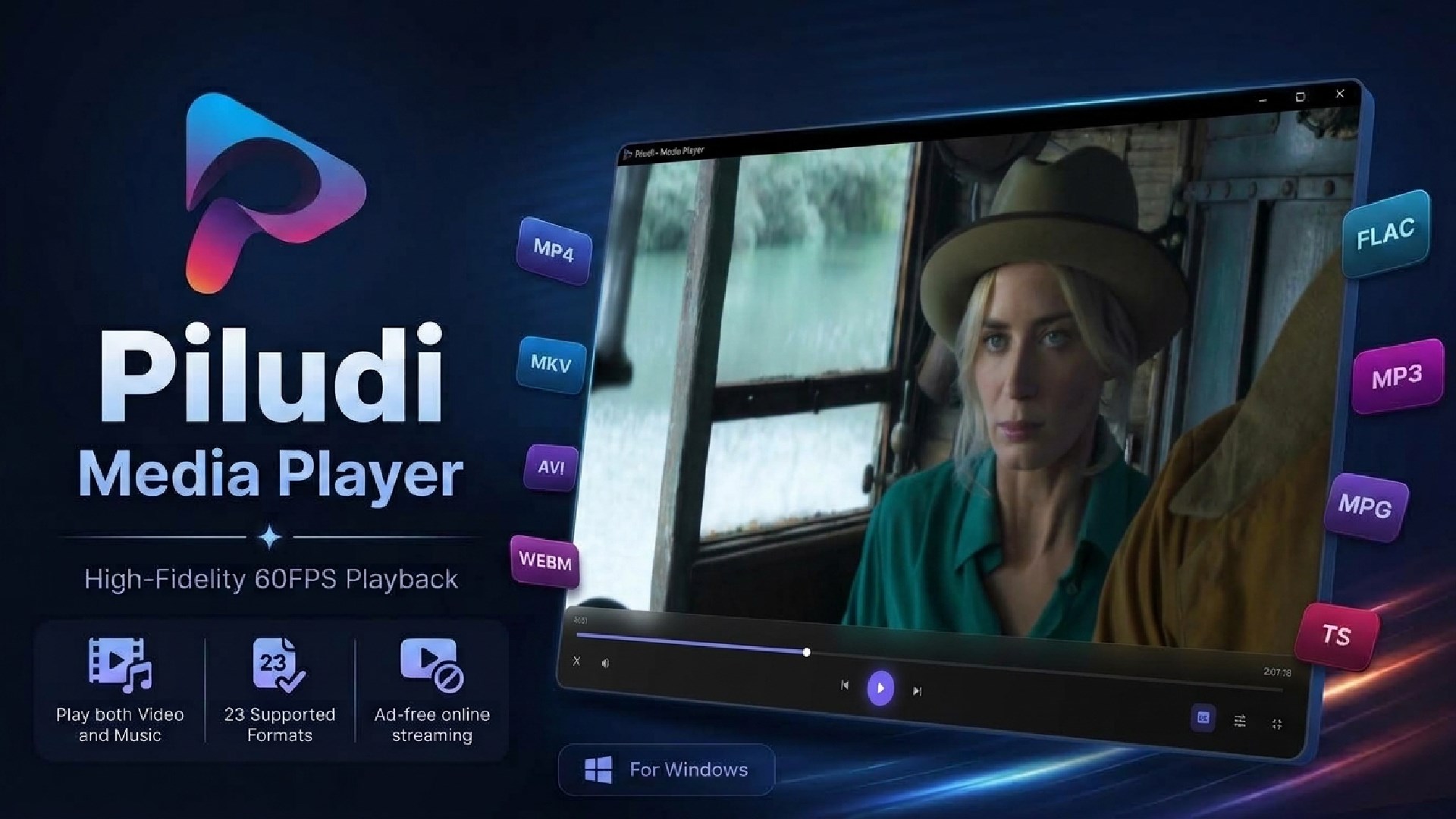
High-performance desktop media player engineered for ultra-smooth 4K & 8K Ultra HD video playback, lossless audio listening, and advanced styled subtitle rendering on Windows 10 and 11.
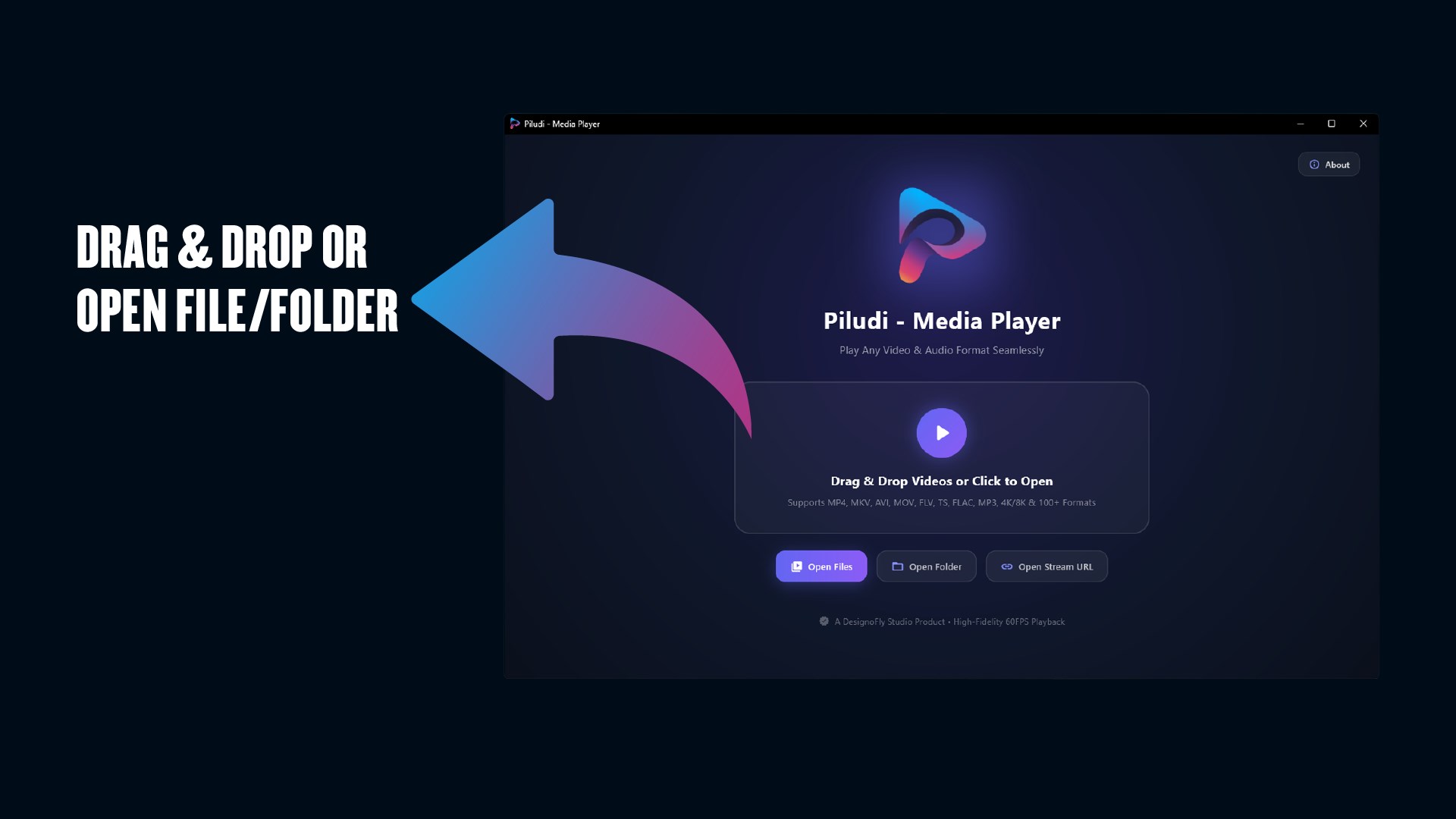
App Interface & Workflow
Features & Processing Modes
Butter-Smooth 4K & 8K Ultra HD GPU Playback
Harnesses libmpv and native GPU acceleration to play high-bitrate video streams with zero stutter and minimal CPU overhead.
- Direct Hardware Decoding: DirectX 11, NVIDIA NVDEC, Intel QuickSync, and AMD AMF accelerate HEVC (H.265), AV1, VP9, and H.264
- Zero Drop-Frames: Silky-smooth 60fps and 120fps refresh rates keep battery drain low on Windows laptops
- Universal Media Codecs: Open any high-resolution container immediately without installing bulky third-party codec packs.
Universal Video Containers & Lossless Audio Fidelity
Enjoy full multi-track switching, surround sound passthrough, and studio-grade lossless audio playback.
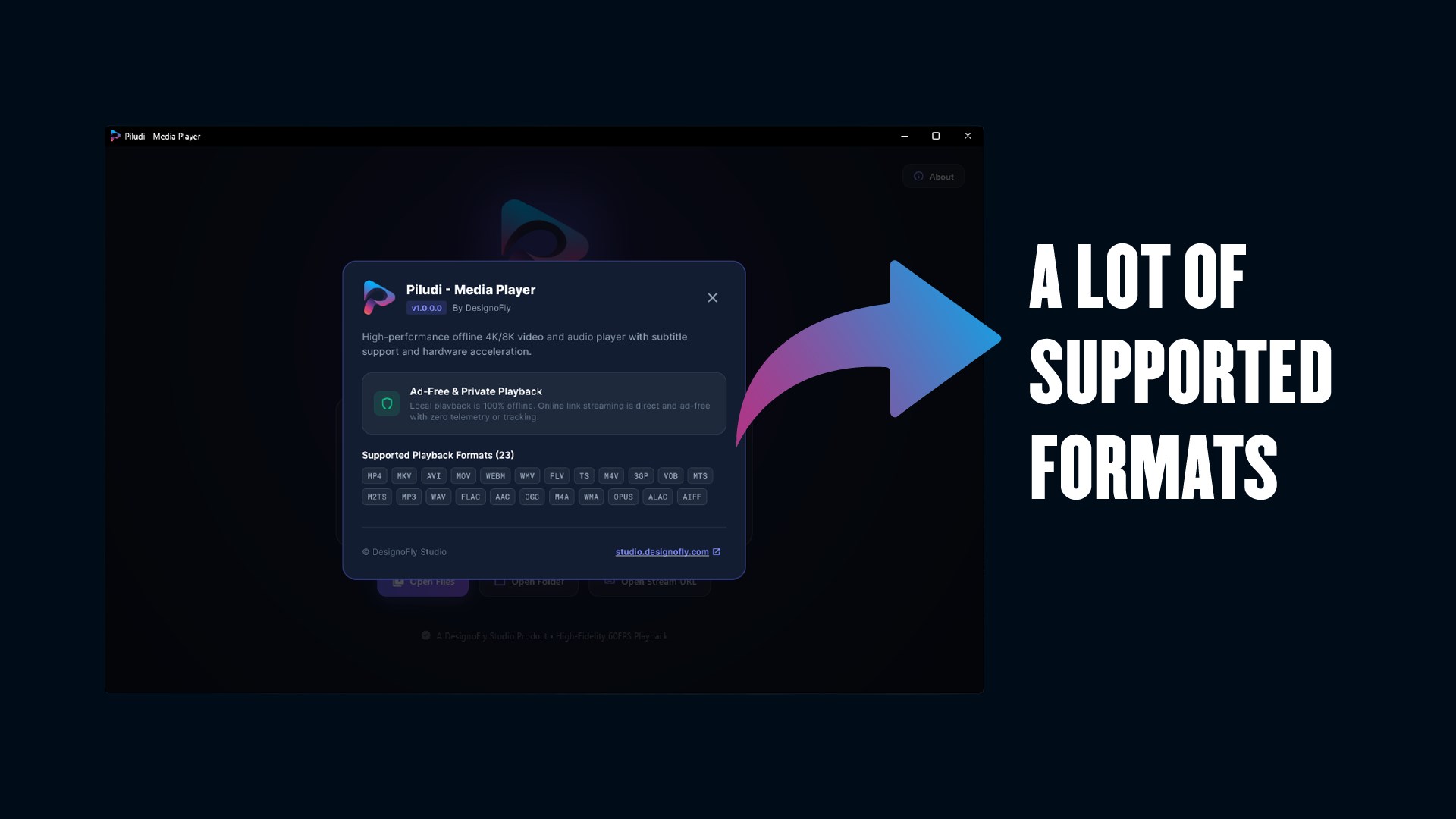
- Extensive Video Containers: MKV (Matroska), MP4, WebM, AVI, QuickTime MOV, TS, M2TS, MTS, FLV, WMV, VOB, M4V, and 3GP
- Lossless & Hi-Res Soundtracks: Crystal-clear playback of FLAC, WAV, ALAC, AIFF, AAC, MP3, Opus, OGG Vorbis, and WMA
- Multi-Track Audio Switching: Seamlessly swap between embedded audio commentaries, dubbed languages, and multichannel tracks.
Advanced Subtitle Rendering & Millisecond Sync
Render styled anime fansubs, movie captions, and external subtitle files with pristine typographic accuracy.
- Rich Format Support: Native rendering for .srt (SubRip), .vtt (WebVTT), and styled .ass / .ssa (SubStation Alpha)
- Automatic External Detection: Automatically pairs subtitle files in the same directory or with matching filenames
- Precision Timing Calibration: Advance or delay subtitle streams by milliseconds on the fly to eliminate sync drift.
Precision Playback Tools & Pure Windows 11 Fluent UI
Modern Dark Mode interface designed for pure content immersion with precision seek and speed control.
- Smooth Variable Speed: Dial speed from 0.25x slow-motion study up to 4.0x rapid lecture review with pitch correction
- Frame-Accurate Seeking: Step forward and backward frame-by-frame for exact scene review and timestamp tagging
- Aspect Ratio & Smart Limiter: Switch between Original, 16:9, 4:3, Fill, or Stretch with clear audio amplification boost.n100% Offline & Ad-Free: Zero ads, zero background telemetry, and zero account logins.
Complete Media Container & Audio Codec Support
20 Supported Video Containers:
13 Supported Audio & Subtitle Formats:
What's New in Version 1.0.1.0
- What's New in Piludi - Media Player (Version 1.0.1.0)
- CRITICAL UPDATE — MANDATORY SYSTEM INTEGRATION RELEASE
- Windows File Associations Registered: Mandatory release registering Piludi - Media Player as the system-level handler for 16 primary audio and video formats (.mp4, .mkv, .avi, .mov, .webm, .wmv, .flv, .ts, .m4v, .mp3, .wav, .flac, .aac, .ogg, .m4a, .wma).
- Shell Argument & Explorer Launch Fix: Double-clicking or selecting "Open with" in Windows File Explorer now instantly captures command-line arguments, boots the player, and queues the media immediately without manual file selection.
- GPU Hardware Decoding Stability: Enhanced DirectX Video Acceleration (DXVA2 / D3D11VA) stability to prevent crashes on Windows 11 23H2 and 24H2 during high-bitrate 4K and 8K 60fps video playback.
- Subtitle Sync & Sidecar Detection: Improved automatic sidecar subtitle loading (.srt, .vtt, .ass) with customizable timing synchronization.
- Suite Navigation Menu: Seamless cross-linking to companion Piludi converters with the new custom PDF app icon.
Ready to use Piludi – Media Player locally on your PC?
Download directly from the official Microsoft Store — safe, verified, and 100% free.