

Image Converter & Compressor
Convert and compress images with 100% privacy and security. Zero server uploads, zero storage, and no file limits.
Choose or Drop Image Here
Supports PNG, JPG, WebP, BMP, GIF, SVG
Need to Convert in Bulk or Unlock 50+ Pro Formats?
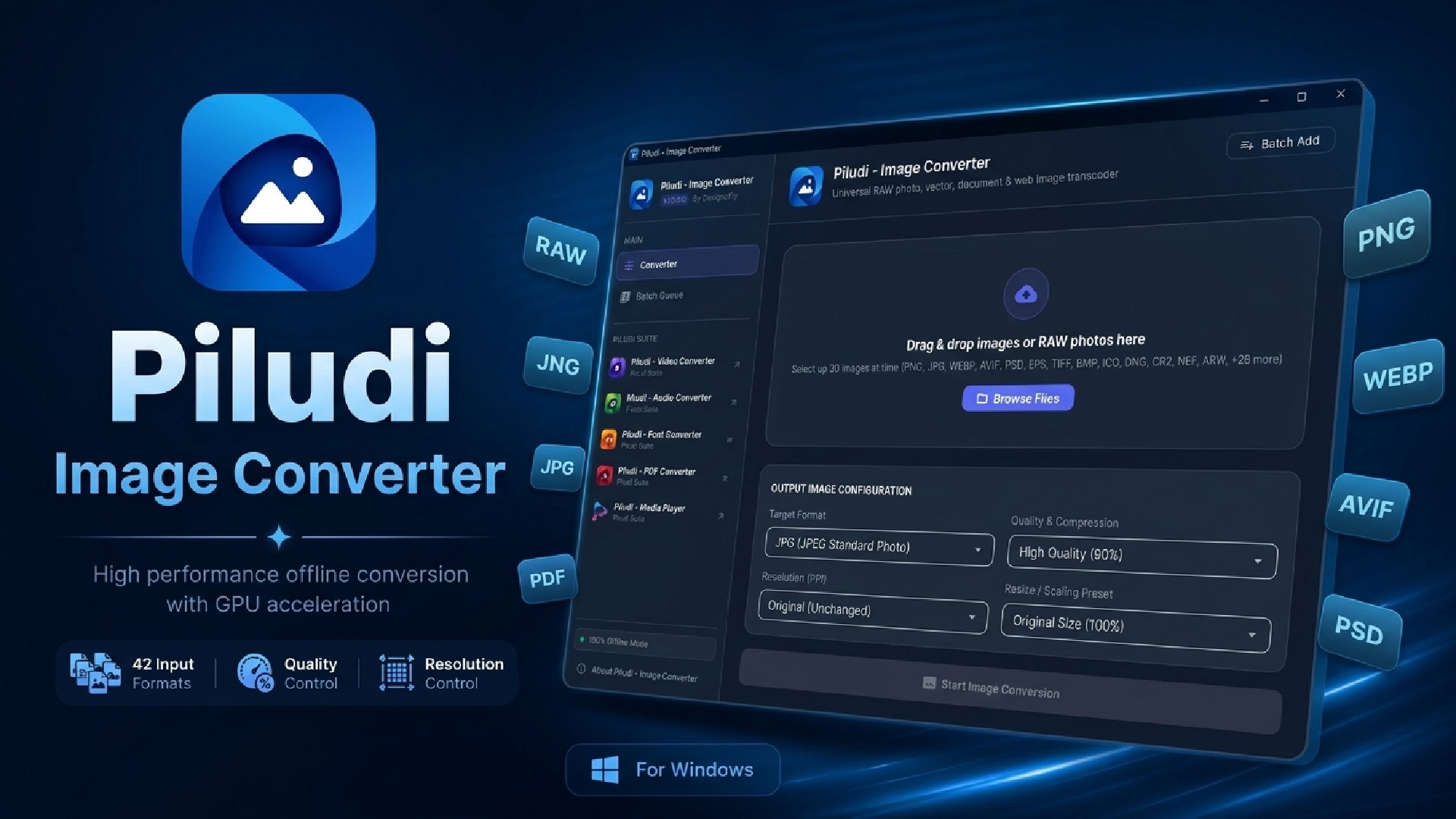
While this browser tool is built for fast individual conversions, our free Windows desktop app processes thousands of photos simultaneously, supports Camera RAW (CR2, NEF, ARW), PSD, SVG, and runs 100% offline with zero file size limits.

Professional 50+ format offline image converter for Windows. Converts WebP, AVIF, HEIC, Camera RAW (CR2, NEF, ARW, DNG), SVG, PSD, and PNG/JPG with 300 DPI print controls.
What is Image Converter – How to Convert & Compress Images to WebP, PNG, JPG
The Definitive Guide to In-Browser WebP Compression, Raster Formats & Core Web Vitals
Master modern digital image optimization. Learn how MetaoFly Image Converter leverages client-side GPU canvas rendering to compress and transcode between WebP, PNG, JPG, ICO, and BMP with up to 85% file size reduction and zero cloud server uploads.
Target Indexing Keywords:
MetaoFly Image Compressor
convert png to webp free
batch image compressor online
convert image to ico favicon
lossless webp converter
free client side image converter
1. Modern Web Image Formats & Google Core Web Vitals Optimization
In modern web development and digital publishing, images account for over 60% of total transferred page weight. Unoptimized legacy JPEG and PNG images are the primary culprits behind sluggish page load times, delayed Largest Contentful Paint (LCP) scores, and degraded organic search engine rankings. Google’s PageSpeed algorithms and Core Web Vitals metrics penalize websites that fail to serve modern, next-generation image formats like WebP.
MetaoFly Image Converter & Compressor was developed to give creators, developers, and photographers a completely free, lightning-fast in-browser rasterization studio. Traditional online converters upload your high-resolution photography to remote cloud servers, throttling batch queues and collecting your imagery. MetaoFly operates 100% locally within your device’s browser memory utilizing hardware-accelerated HTML5 Canvas and modern browser encoders. Your photos never leave your device, ensuring total privacy and instantaneous conversion speed.
Up to 85% WebP Compression
Slashes byte payload dramatically compared to standard PNG and JPEG formats while maintaining perceptual visual fidelity.
Multi-Format Cross-Conversion
Convert seamlessly across WebP, PNG (with alpha transparency), JPEG, Windows ICO Favicon, and BMP bitmaps.
Zero Uploads & Complete Privacy
Zero cloud file transfers. All rasterization executes in your local CPU/GPU memory pipeline with zero data leakage.
Instant Hardware Acceleration
Leverages your browser’s native Canvas 2D engine and WebGL contexts for near-instantaneous batch image encoding.
2. Comprehensive Digital Image Formats Comparison Matrix
Choosing the proper image container is critical for balancing download bandwidth, rendering speed, and visual presentation. Here is how major formats stack up across key technical criteria:
| Format | Compression Type | Alpha Transparency | Animation Support | Best Practical Use Case |
|---|---|---|---|---|
| WebP | Lossy & Lossless (VP8/VP8L) | Yes (8-bit alpha channel) | Yes (Animated WebP) | Modern websites, mobile web apps, Google Core Web Vitals optimization. |
| PNG | Lossless (Deflate LZ77) | Yes (Full 8-bit alpha) | No (APNG separate) | UI icons, logos, vector screenshots requiring crisp line art. |
| JPG / JPEG | Lossy (Discrete Cosine Transform) | No (Opaque background only) | No | Legacy photography, high-color complexity images on older browsers. |
| Windows ICO | Container (Embedded PNG / BMP) | Yes | No | Browser address bar favicons, Windows desktop app application icons. |
| BMP | Uncompressed Bitmap | Limited | No | Legacy Windows graphics, low-level microcontroller display memory. |
3. The Mathematical Physics Behind WebP Predictive Coding
Developed by Google and based on the VP8 video codec keyframe architecture, WebP achieves drastically superior compression ratios compared to legacy JPEG and PNG through advanced predictive coding techniques:
-
Spatial Macroblock Prediction:
Instead of encoding raw pixel values, WebP divides the image into 16×16 or 4×4 sub-blocks and predicts pixel values based on neighboring blocks that have already been decoded. The algorithm only stores the mathematical residual difference (error vector), requiring exponentially fewer bits to transmit. -
Lossless Green Subtraction & Color Transforms:
In WebP Lossless mode (VP8L), the encoder decorrelates color channels by subtracting the green channel value from red and blue components, drastically reducing color entropy before entropy coding. -
Arithmetic Huffman Entropy Encoding:
WebP replaces standard Huffman tables with arithmetic entropy coding, achieving compression densities up to 26% smaller than optimized PNGs and 30% smaller than mozJPEG files at equal structural similarity (SSIM) indexes.
4. Multi-Layer Windows ICO Favicon Generation
Creating a valid Windows ICO icon file requires far more than simply renaming a .png file extension. An authentic .ico binary file is a structured icon resource container containing an ICONDIR header followed by an array of ICONDIRENTRY descriptors pointing to discrete bitmap or PNG pixel arrays. MetaoFly’s ICO engine automatically downsamples your source image into standard 16×16, 32×32, and 48×48 pixel rasters with alpha transparency preserved, ensuring that your website favicon renders crisply on high-DPI Retina screens, browser bookmark bars, and Windows taskbars.
5. Step-by-Step Workflow: How to Convert & Compress Images
Select Target Output Format
Choose WebP for maximum web speed, PNG for transparent graphics, JPG for standard photos, or ICO for favicons.
Drag & Drop Source Images
Upload single or batch files. Images are loaded directly into local browser RAM via HTML5 FileReader APIs.
Fine-Tune Quality & Compression Sliders
Adjust the quality factor (recommended 80-85% for WebP) to balance file size savings against visual sharpness.
Inspect Side-by-Side File Savings & Export
Review original vs. compressed byte sizes and download optimized files individually or as a single bulk ZIP archive.
6. Frequently Asked Questions (FAQ)
How much file size reduction can I expect when converting PNG to WebP?
Converting standard 24-bit/32-bit PNG images to WebP typically yields between 60% and 85% file size reduction with zero perceptible loss in visual quality. For photographic imagery previously stored as uncompressed JPEGs, WebP lossy compression at 80% quality regularly achieves 30% to 50% byte savings while maintaining full alpha transparency support.
Explore Other Free In-Browser Utilities
Privacy-first creative developer utilities running locally in your browser. Zero cloud uploads, zero subscriptions.