

Piludi – Image Converter
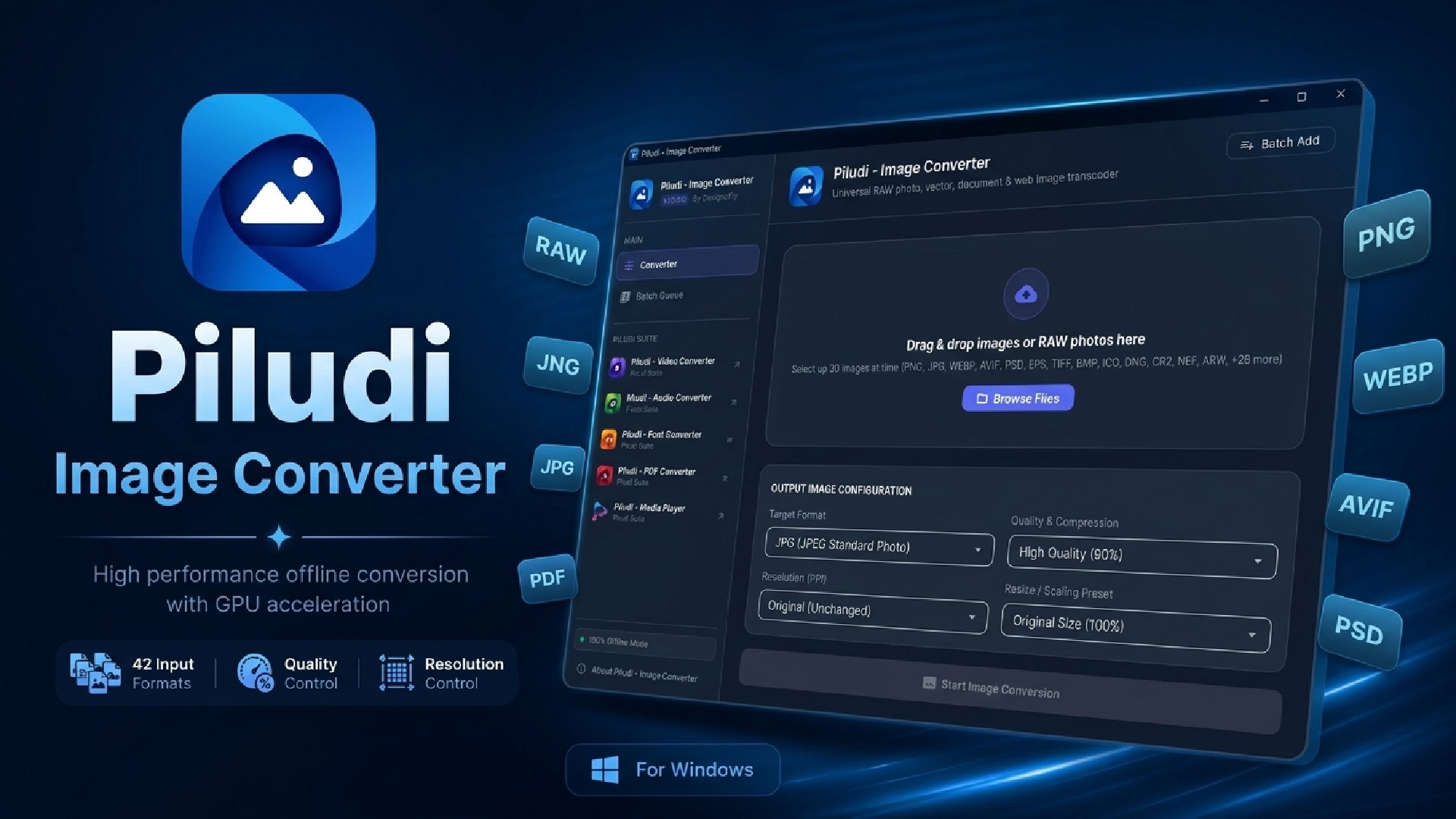
Professional 50+ format offline image converter for Windows. Converts WebP, AVIF, HEIC, Camera RAW (CR2, NEF, ARW, DNG), SVG, PSD, and PNG/JPG with 300 DPI print controls.
App Interface & Workflow
Features & Processing Modes
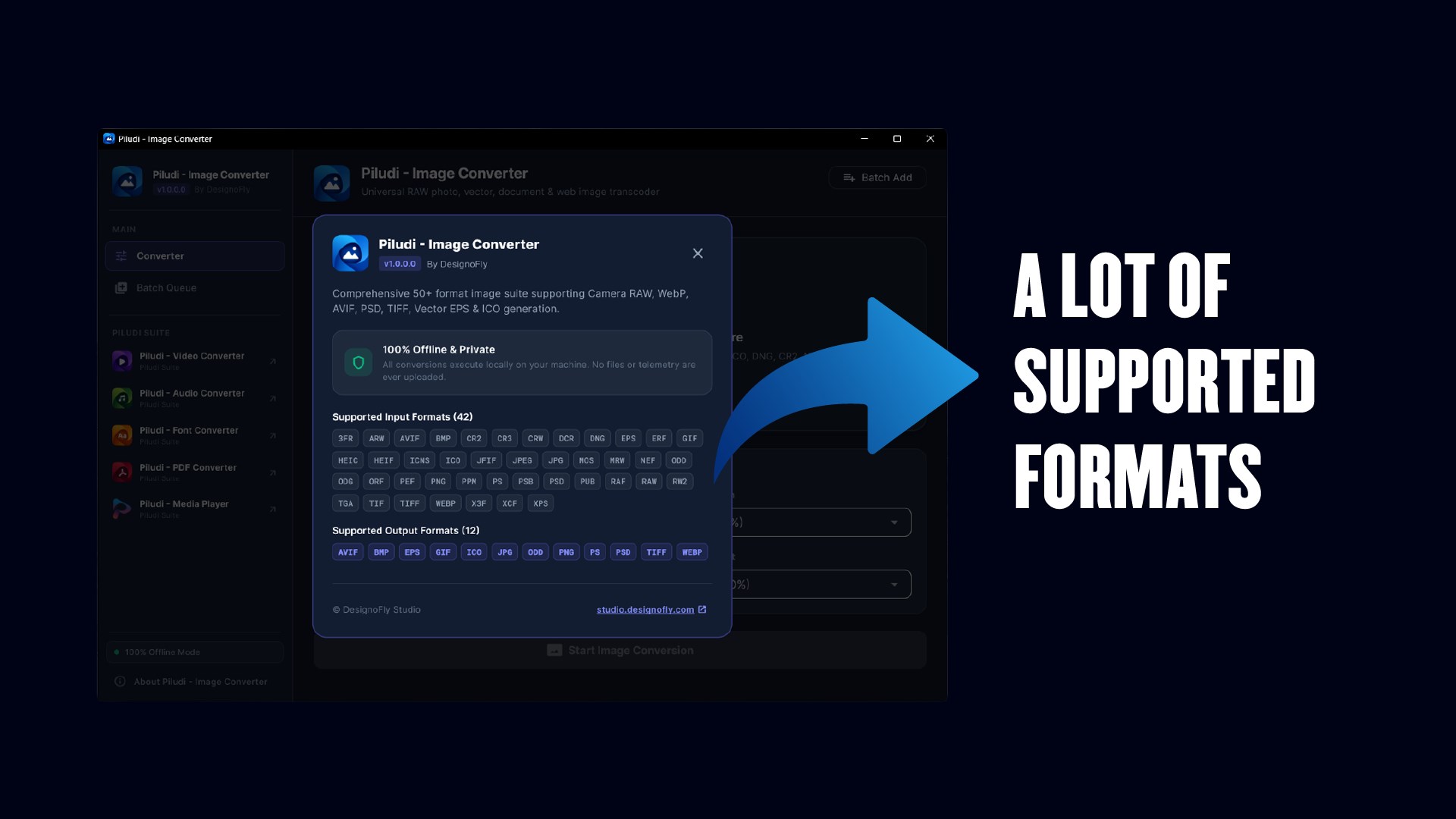
50+ Supported Formats Across Every Discipline
Convert seamlessly between camera sensor dumps, web assets, vectors, and design archives.
- Next-Gen Web standards: WebP, AVIF, HEIC, and HEIF for ultra-fast website speed
- Native DSLR Camera RAW decoding: Canon CR2/CR3, Nikon NEF, Sony ARW, Fuji RAF, and Adobe DNG
- Vector & publishing standards: SVG, EPS, PS, Adobe Illustrator AI, and PDF
- Adobe Photoshop PSD and PSB layer reading and raster extraction.
Multi-Resolution Windows Icon (.ICO) Generator
Create ready-to-use Windows application and desktop icons with a single click.
- Generates multi-resolution embedded layers: 16x16, 24x24, 32x32, 48x48, 64x64, 128x128, and 256x256 px
- Retains crisp alpha-channel transparency across every icon dimension
- Essential for desktop customizers, C#/C++ developers, and Windows software authors.
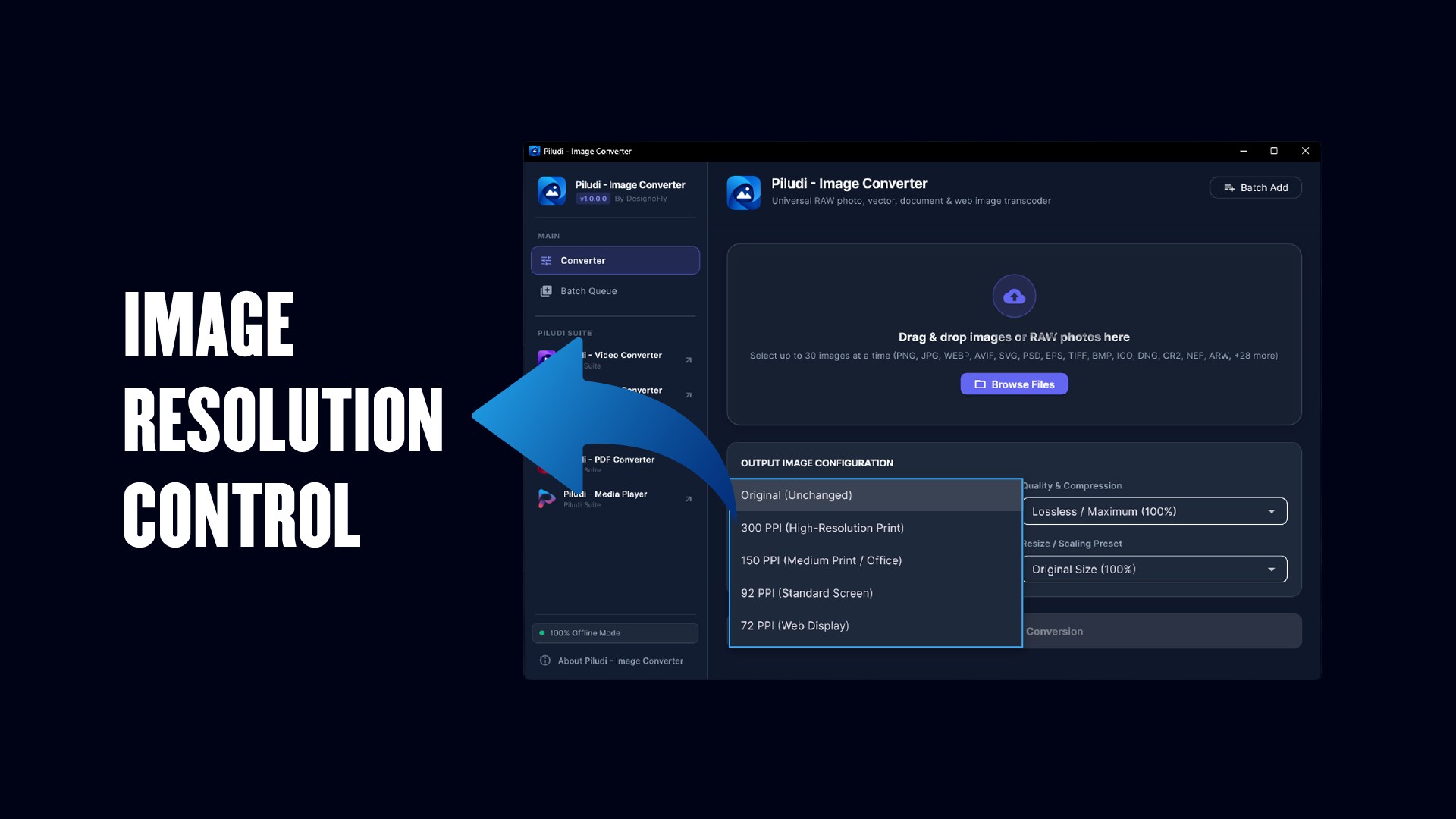
Precision Print DPI / PPI Metadata Controls
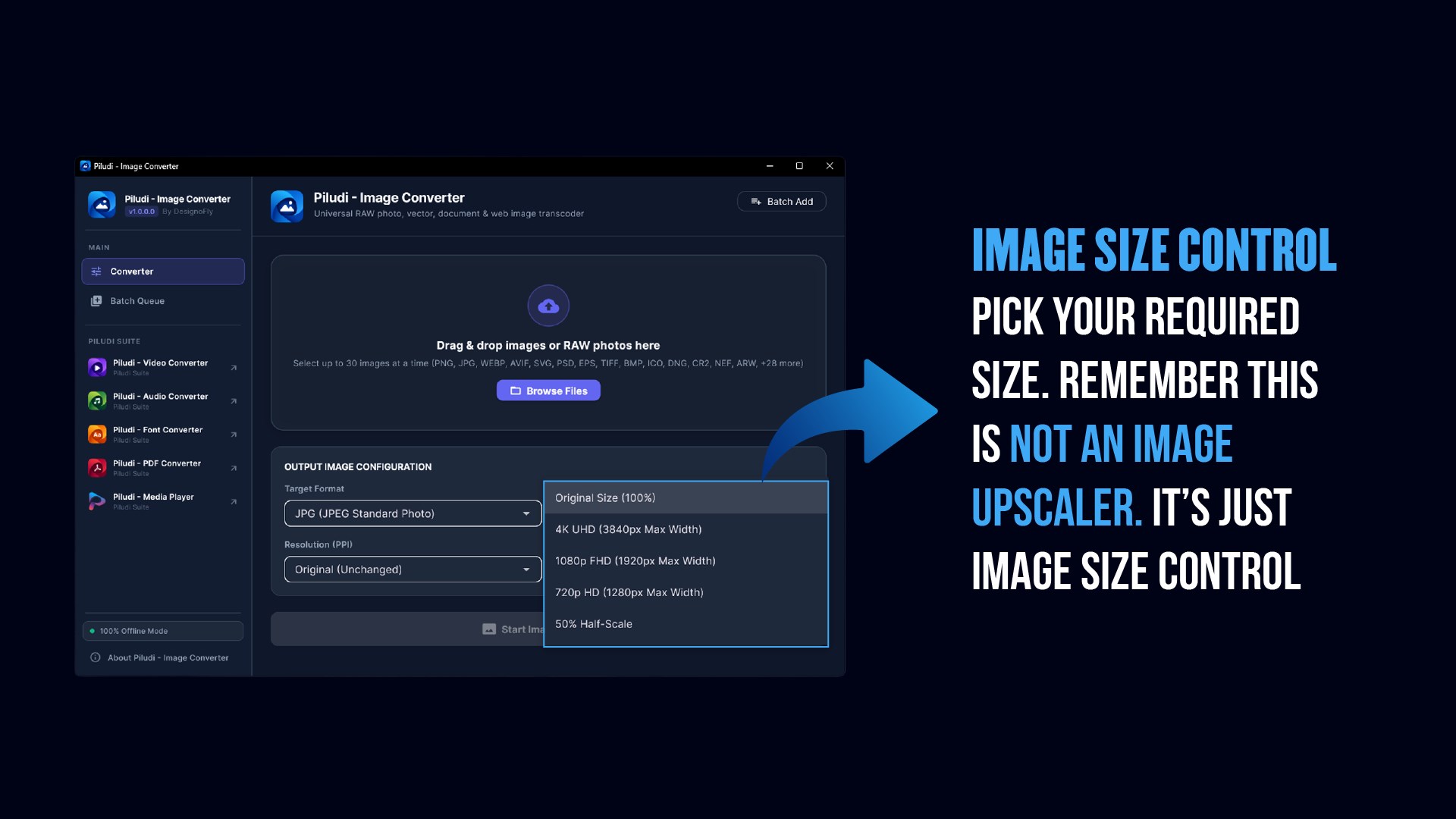
Standardize graphics for professional offset printing without distorting raw pixels.
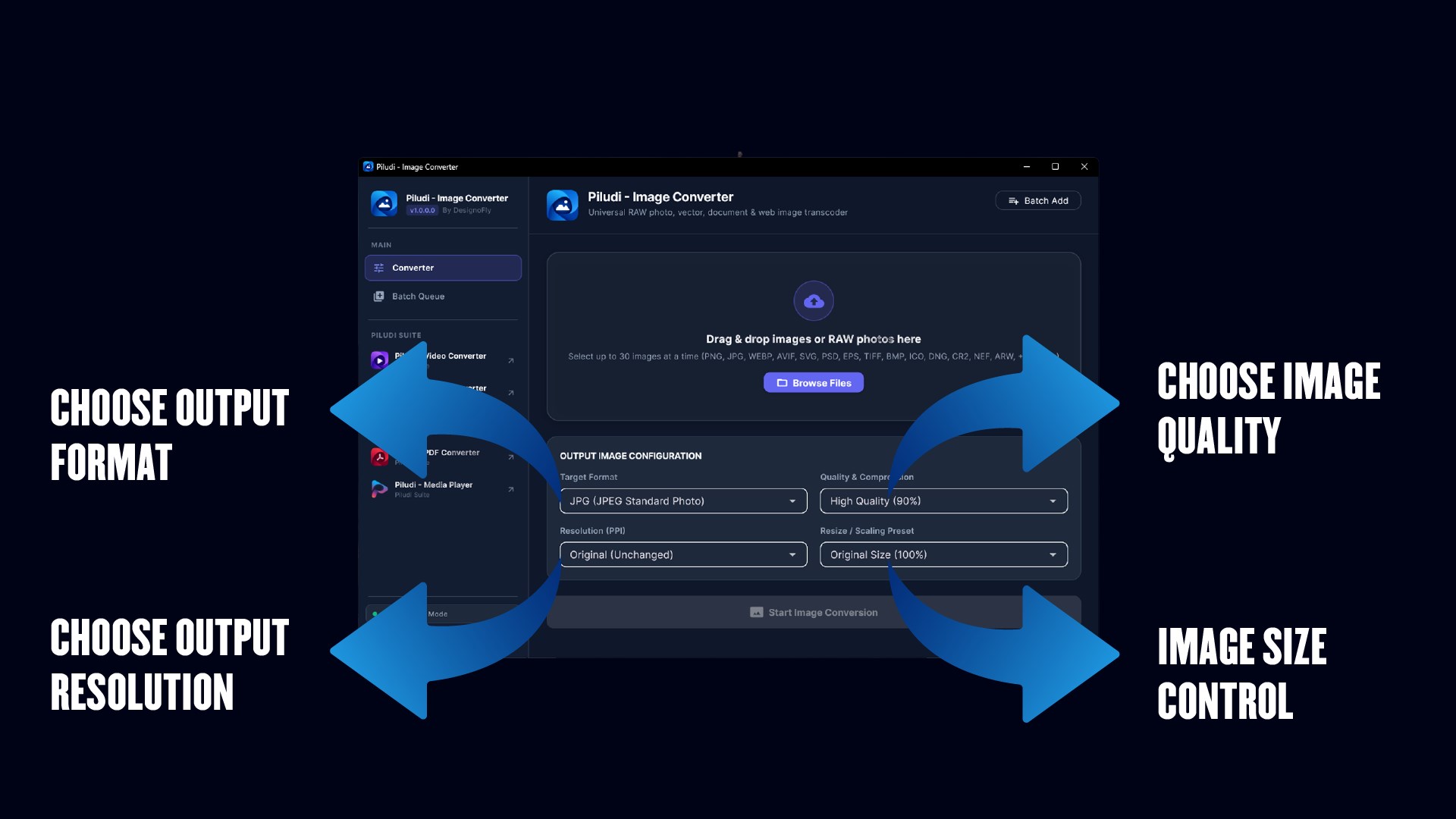
- Standard commercial print presets: 300 DPI (High-End Publication), 150 DPI (Office Document), 72/92 DPI (Web Standard)
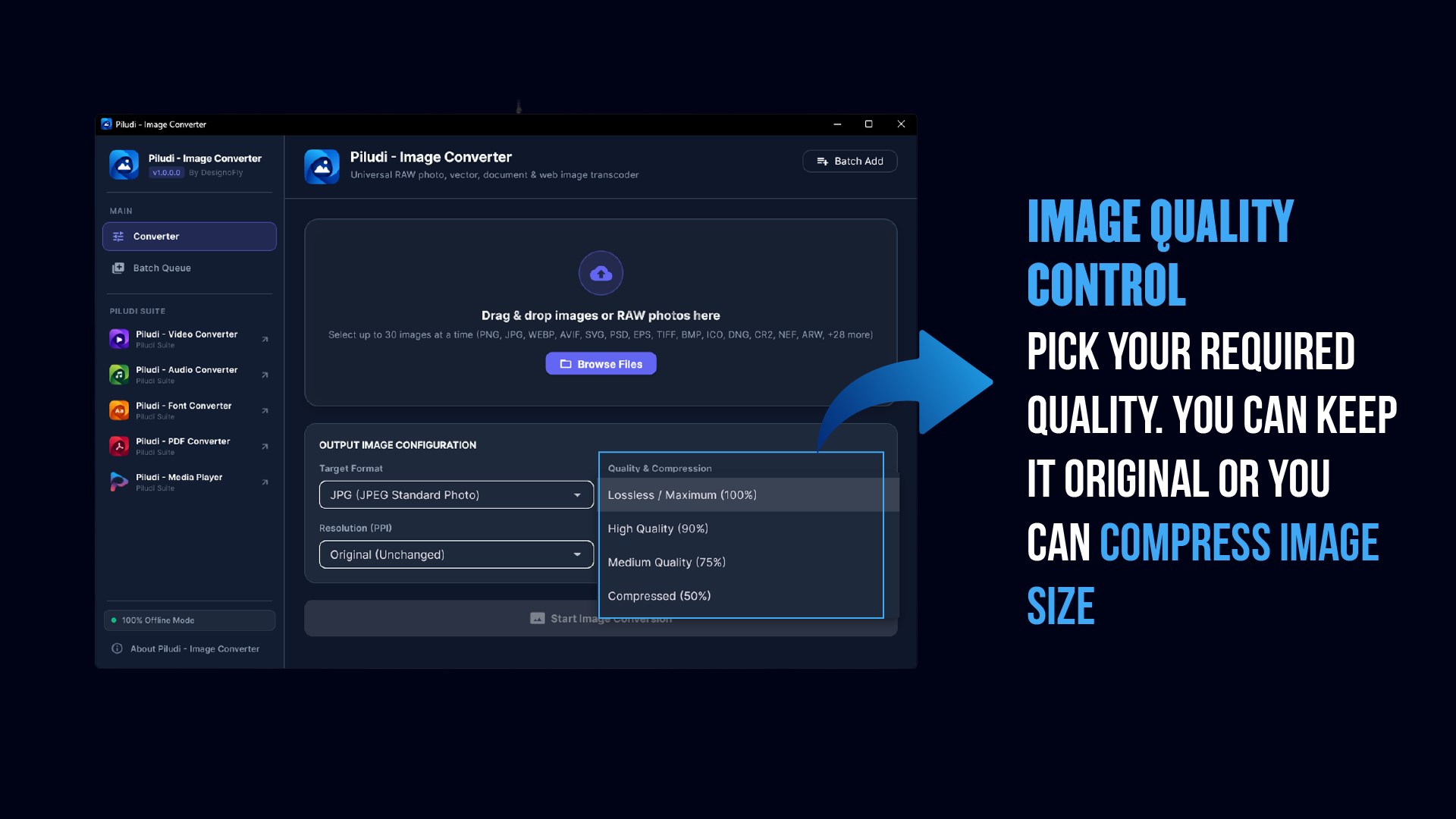
- Interactive lossy and lossless compression quality slider (1% to 100%)
- Batch metadata stamping across hundreds of files simultaneously.
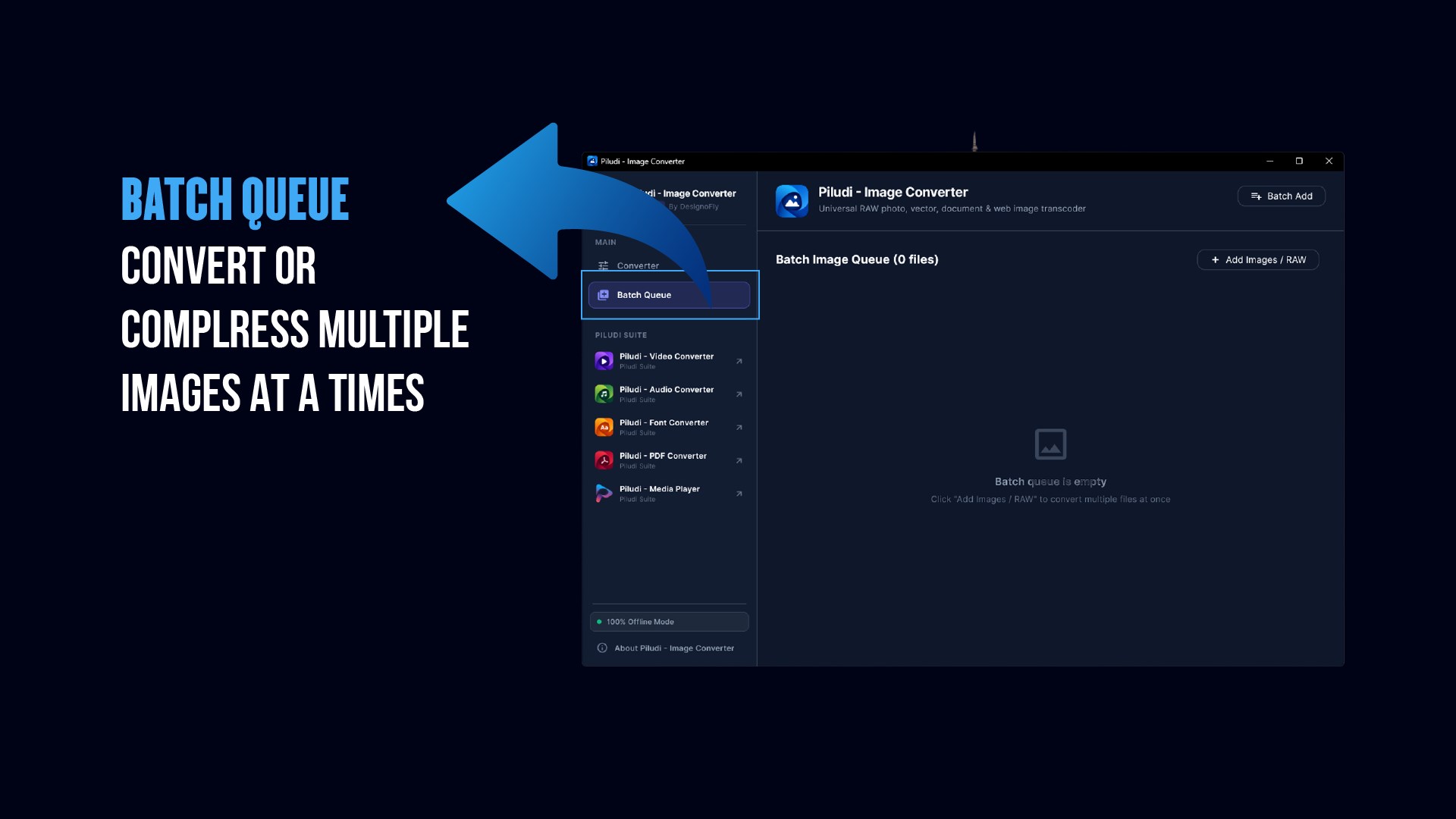
100% Offline Multi-Threaded Batch Queue
Convert hundreds of high-resolution photos and camera dumps in seconds.
- Drag-and-drop batch queue with individual progress indicators
- Zero accounts, zero subscriptions, zero watermarks, and no file size restrictions.n100% offline desktop processing: zero telemetry, zero tracking, zero cloud data transfer.
50+ Supported Image Standards & Precision Export Matrix
49 Supported Source Image Formats:
16 Supported Output Formats:
What's New in Version 1.0.1.0
- ⚠️ CRITICAL UPDATE — HIGHLY RECOMMENDED FOR ALL USERS
- Windows Multi-Size Icon (.ico) Corruption Fix: Resolved critical directory header and color plane alignment bugs that caused Windows Explorer thumbnail corruption. The upgraded icon generator now exports 100% standards-compliant multi-resolution icons (16x16 to 256x256) from any source image.
- Real-Time Batch Progress Tracking: Fixed premature progress spikes where the progress slider raced to 96% within seconds. Conversions now cleanly begin at 1% and advance steadily in real time as each image is decoded, transformed, and saved.
- RAW & PSD Buffer Protection: Enhanced memory management when decoding high-resolution Camera RAW (Canon CR2/CR3, Nikon NEF, Sony ARW) and multi-layered Adobe PSD/PSB files, preventing application crashes during batch jobs.
- Print DPI & Metadata Preservation: Fixed PPI/DPI metadata loss when converting to JPEG, TIFF, and PNG for print workflows.
- Suite Interoperability: Integrated sibling app launcher linking all Piludi software with updated suite visual assets.
Ready to use Piludi – Image Converter locally on your PC?
Download directly from the official Microsoft Store — safe, verified, and 100% free.