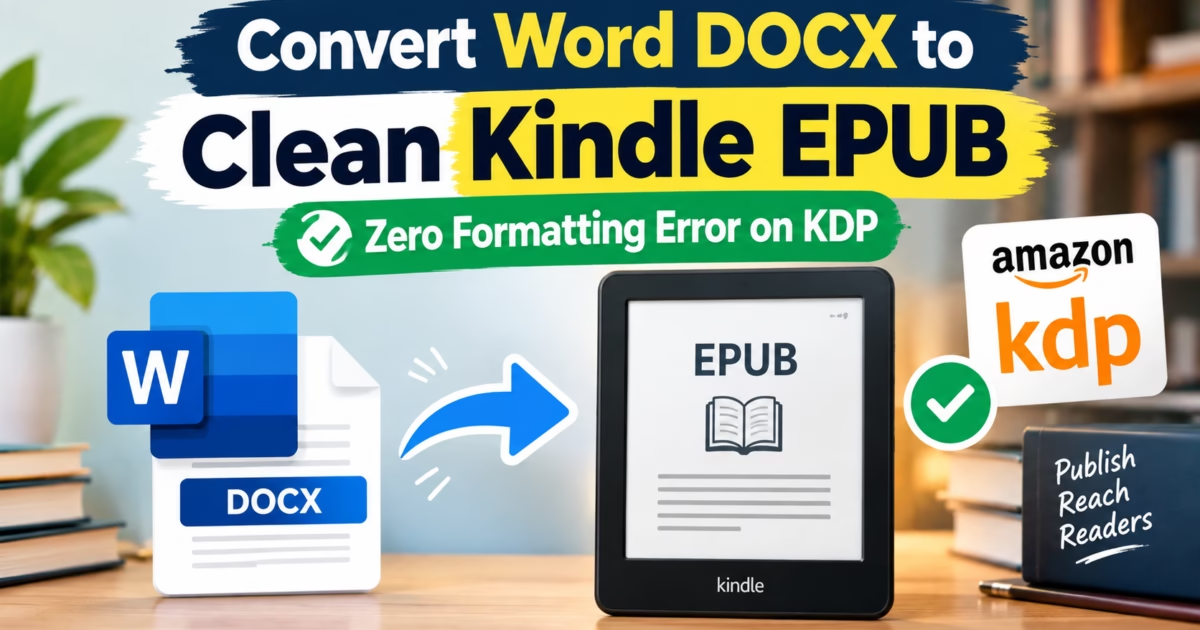
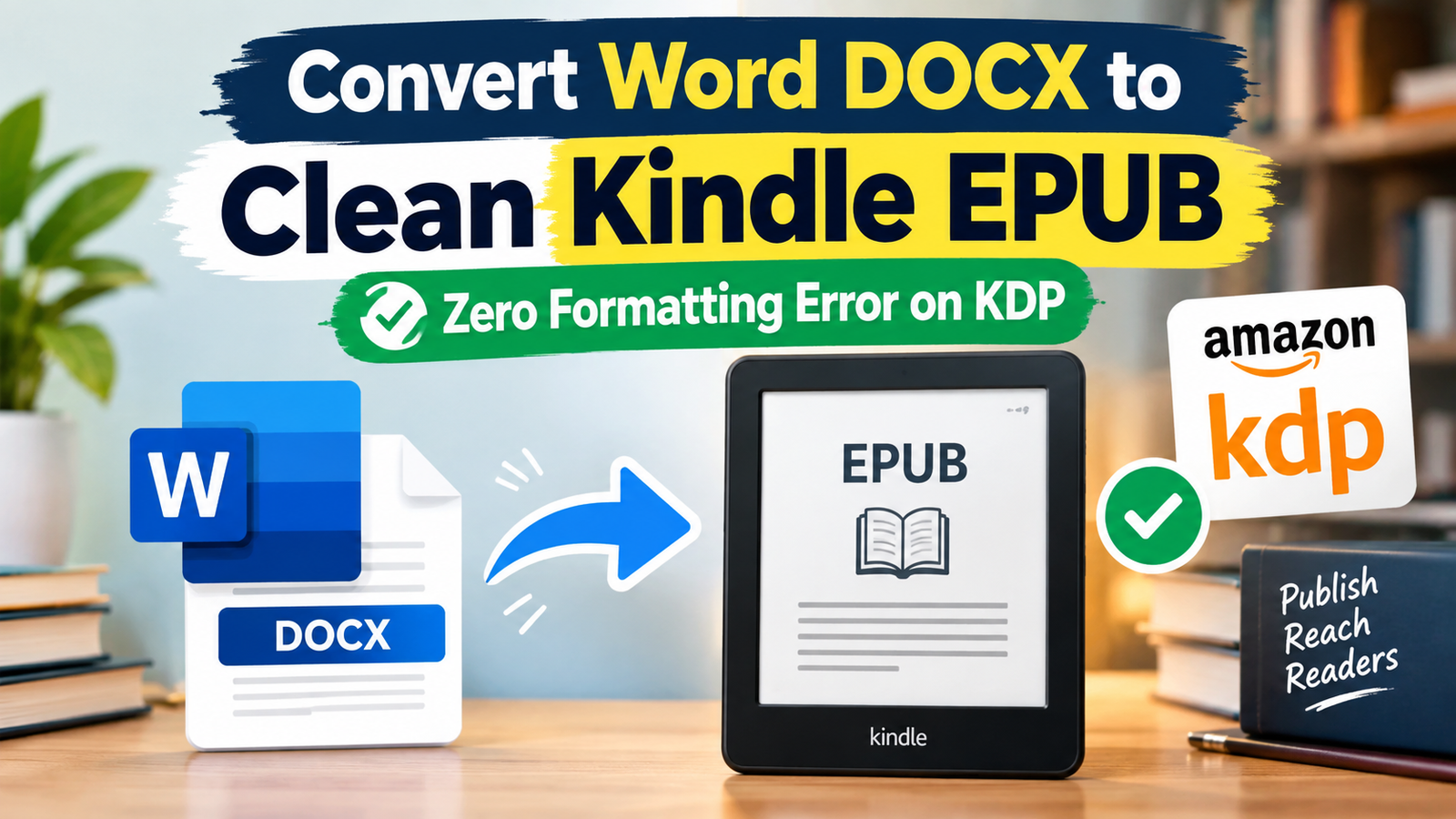
Editorial Technical Solution: When you need to Convert Word to EPUB for Amazon Kindle Direct Publishing (KDP), generating validated semantic chapter structures is essential. Specifically, this guide demonstrates how Microsoft Word DOCX and plain text manuscripts are converted into clean, reflowable EPUB3 packages that pass automated Amazon KDP and Apple Books ingestion checks. In addition, we review how Piludi Ebook Converter v1.0 handles digital text manuscripts 100% offline on your PC.
When you need to Convert Word to EPUB for independent publishing, formatting issues frequently threaten publication deadlines. Indie authors spend months writing novels, non-fiction guides, or academic manuscripts inside Microsoft Word. However, when you upload a raw `.docx` file directly to Amazon KDP, the ingestion parser frequently mangles paragraph indents, creates blank pages, breaks the table of contents, and produces formatting warnings that delay publication. Attempting to use bloated formatting tools or online ebook converters often injects unwanted tracking code, advertisements, and broken CSS stylesheets directly into your book.
The Semantic Ebook Architecture: Why Amazon KDP Prefers Validated EPUB3
To format an ebook that renders consistently across Kindle Paperwhites, iPads, and Kobo e-readers, you must understand how digital publications function under the W3C EPUB3 Standard.
An EPUB file is essentially a packaged website: a zipped archive containing valid XHTML chapter documents, a cascading stylesheet (`style.css`), an OPF package file, and an NCX navigation index. While Microsoft Word manages documents as visual print pages, e-readers rely on reflowable text. When a reader enlarges font sizes or changes margins on a Kindle, the text must reflow dynamically without breaking paragraphs or stranding headers.
Raw Word documents contain thousands of proprietary Microsoft MSO XML tags, hidden style definitions, and absolute point measurements. If these are not stripped and converted into clean semantic HTML5 (`h1`, `h2`, `p`, `em`, `strong`), Amazon KDP’s rendering engine stumbles, generating erratic line breaks and unreadable layouts.
Technical Notice on Scanned Image PDFs vs Digital Manuscripts
Piludi Ebook Converter v1.0.0.0 is engineered specifically for editable text manuscripts, including Microsoft Word (.docx), plain text (.txt), and digital PDFs that contain native selectable text streams. It converts text structures into reflowable XHTML seamlessly. However, if you import an image-only scanned book PDF (such as photographs of book pages), reflowable text extraction requires Optical Character Recognition (OCR), which is planned for future releases. Piludi includes an intelligent scanned-document heuristic detector that automatically alerts authors if an image scan is detected.
Kindle Typography Best Practices: Hyphenation & Drop Caps
Professional self-published books stand out by their refined typography. E-ink screens have relatively low pixel densities compared to high-end OLED displays. Consequently, improper paragraph indentation and forced line justifications lead to awkward “rivers of white space” across the page.
Piludi Ebook Converter automatically injects an Amazon-compliant CSS reset stylesheet. It configures standard em-based first-line paragraph indents (`text-indent: 1.5em;`), removes excessive inter-paragraph vertical spacing (`margin: 0;`), and enables Amazon’s Enhanced Typesetting engine (hyphenation and kerning) on compatible devices. Whether readers use a compact 6-inch e-reader or a 10-inch Kindle Scribe, text renders with bookstore elegance.
The Cloud Danger: Protecting Your Unreleased Intellectual Property
Writing a book represents hundreds of hours of creative labor. Uploading your unpublished manuscript to free online ebook converter websites creates massive intellectual property hazards:
- Uncontrolled Manuscript Retention: Free web tools rarely disclose how long uploaded documents remain cached on cloud servers, risking premature leaks of unreleased books.
- Injected Affiliate Links and Watermarks: Shady web converters frequently insert promotional back-matter pages, affiliate links, or hidden metadata tags into converted EPUB files.
- Strict File Size Quotas: Web converters reject epic fantasy novels or illustrated non-fiction manuscripts exceeding 15MB.
Windows 10 & 11 Desktop Ebook Studio
Self-Publish with Confidence Using Piludi Ebook Converter
Convert Word DOCX, text manuscripts, and digital PDFs into validated Kindle EPUB, MOBI, and PDF formats right on your local PC. Enjoy complete manuscript privacy, clean navigation landmarks, and zero formatting rejections.
Step-by-Step Blueprint: How to Convert Word to EPUB for Amazon KDP
Follow this simple step-by-step authoring workflow to transform a raw Word manuscript into an Amazon-ready EPUB:
Prepare Chapter Headings in Microsoft Word
Before converting, ensure your chapter titles inside Word use standard Heading 1 styles. This allows Piludi’s semantic parser to recognize chapter divisions automatically and generate a clean, clickable Table of Contents.
Import Document & Embed Book Metadata
Open Piludi – Ebook Converter and import your `.docx` file. Fill in your book details: Book Title, Author Name, Publisher, and ISBN. Attach your high-resolution front cover graphic (1600×2560 pixels recommended for Kindle displays).
Export Validated EPUB3 Package
Select EPUB (Reflowable EPUB3) as your output format and click Convert Manuscript. Piludi builds the chapter structure, strips messy MSO XML code, and outputs a validated EPUB file ready for direct upload to Amazon KDP, Kobo Writing Life, and Apple Books.
Ebook Publishing Platform Compatibility Matrix
The table below outlines ingestion requirements across major self-publishing platforms for files generated by Piludi Ebook Converter:
Frequently Asked Questions on Word to EPUB Conversion
Does Amazon KDP still accept .mobi files for new ebook uploads?
No. Amazon retired MOBI for new ebook uploads. Amazon KDP now standardizes strictly on reflowable EPUB files. Piludi Ebook Converter generates optimized EPUB packages designed specifically to meet Amazon’s modern publishing guidelines.
Can I convert digital PDFs into EPUB with Piludi Ebook Converter?
Yes, provided the PDF is a digital text document with selectable words and character layers. Piludi parses the text hierarchy and converts it into reflowable XHTML. However, image-only scanned PDFs require OCR tools before reflowable conversion can occur.
Does Piludi require complicated setup or Python dependencies?
No. Piludi Ebook Converter is a fully compiled, self-contained Windows application. It does not require Python, command-line scripts, or bulky open-source suites to operate. You install and convert in seconds.
Empower Your Author Journey with DesignoFly Studio
Discover clean, privacy-focused Windows software designed to give writers, creators, and professionals absolute control over their digital creations.