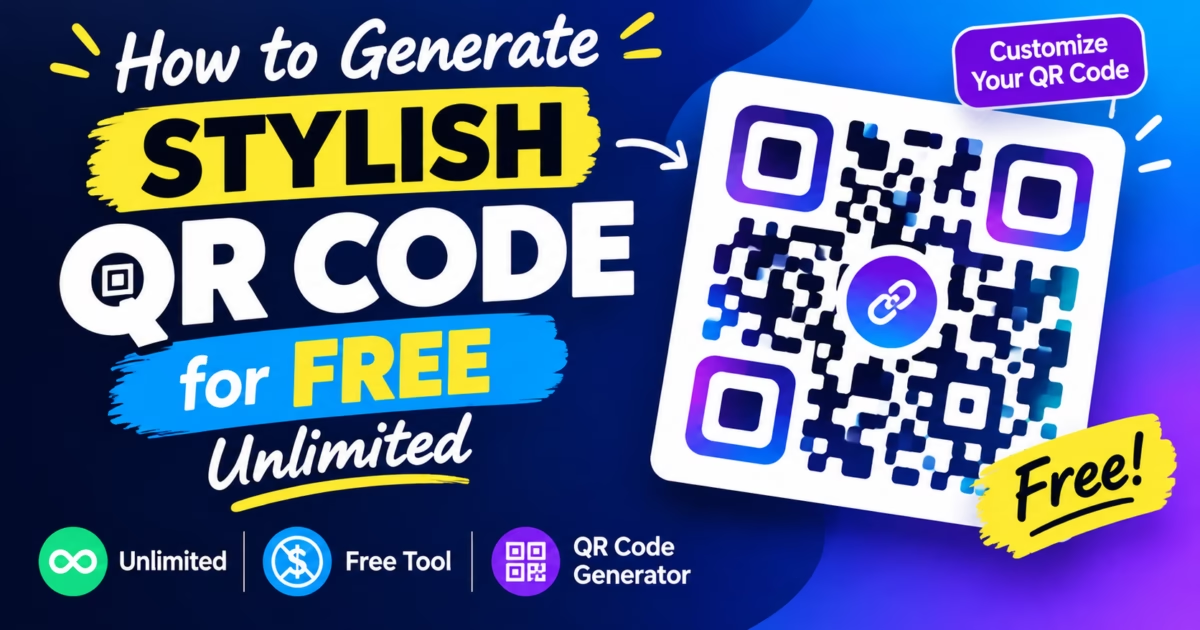
Editorial Technical Solution: When building physical marketing collateral or luxury packaging, standard pixelated barcodes compromise brand prestige. Using a modern custom vector qr code generator free enables enterprise teams and freelance creators to generate camera-verified, branded Quick Response assets with custom center logos, rounded modules, and infinite SVG vector scaling. MetaoFly Pro QR Code Studio executes the entire rasterization process 100% client-side in your web browser with zero server data retention.
Every modern consumer brand relies on interactive touchpoints to bridge offline physical collateral with high-converting digital storefronts. However, when creative directors export default monochrome barcodes from legacy utilities, they encounter unsightly pixelation, rigid black corners, and scan failures across retail environments. Adopting a versatile custom vector qr code generator free completely eliminates these visual compromises, allowing you to embed company insignias, customize corner eye radii, and download flawless print-ready vectors without paying recurring SaaS subscription fees. Furthermore, the entire generation process runs inside your browser tab, guaranteeing that sensitive payload URLs and proprietary landing page addresses remain completely private.
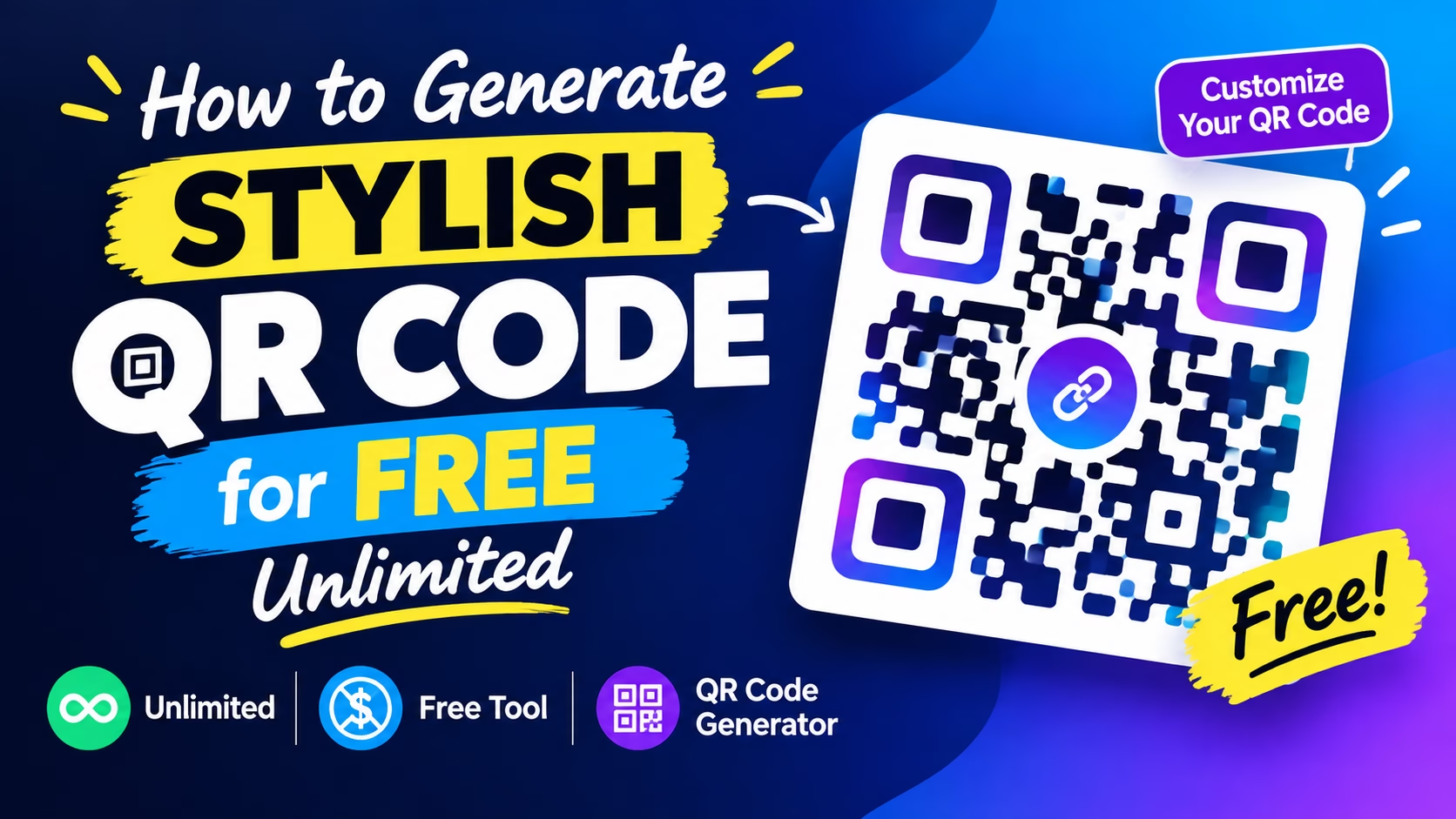
MetaoFly Pro QR Code Studio
Design custom branded vector QR codes with embedded center logos, gradient modules, and SVG vector export. 100% Free with zero cloud uploads. This Custom Vector QR Code capability ensures professional results every time.
Custom Vector QR Code: The Broken QR Code Workflow: Why Default Black-and-White Pixels Damage Brand Identity
For over two decades, the standard Quick Response symbology remained virtually unchanged. Engineered in 1994 by Denso Wave for automotive parts tracking, the original specification prioritized high-speed optical scanning over aesthetic elegance. The result was a rigid matrix of square black modules enclosed within three square positional patterns. This utilitarian design served industrial logistics perfectly but creates significant visual friction when applied to consumer-facing brand touchpoints.
When modern brands print these utilitarian black squares on metallic cosmetics packaging, luxury business cards, or architectural signage, the visual clash is immediate and damaging. A harsh monochromatic grid disrupts sophisticated typographic palettes, diminishes perceived product value, and creates the impression of an uncurated technical afterthought that undermines the premium positioning every brand works to establish.
This Custom Vector QR Code capability ensures professional results every time.
Furthermore, traditional online generators monetize this gap through predatory subscription traps. Unsuspecting designers create what they believe to be an unrestricted barcode, only to find the asset routed through a proprietary redirect URL that expires after fourteen days unless an expensive monthly subscription is maintained. This redirect dependency means the QR code becomes permanently non-functional if the subscription lapses or the service provider shuts down, creating a hidden liability in every printed marketing asset.
This Custom Vector QR Code capability ensures professional results every time.
The core innovation behind a custom vector qr code generator free is that it decouples visual customization from payload integrity. By operating entirely within the browser canvas, the QR encoding algorithm generates a mathematically valid error-corrected matrix while simultaneously allowing complete visual restyling of module shapes, corner eyes, and center logo overlays. The resulting code is self-contained with a direct URL payload, never routed through third-party redirect servers.
Additionally, cloud-based QR generators pose significant privacy concerns for organizations generating codes that link to pre-release product pages, internal company resources, or confidential event registration portals. Every URL entered into a cloud generator is transmitted to and stored on external servers, creating potential data exposure. Client-side generation in MetaoFly eliminates this risk entirely because the payload data never leaves your browser’s memory allocation.
This Custom Vector QR Code capability ensures professional results every time.
Raster PNG vs Vector SVG: Why Print Campaigns Require Scalable QR Formats
A frequent failure point in commercial packaging production involves exporting raster bitmap graphics for physical print runs. When you export a standard 72 DPI or 300 DPI PNG file, the image is comprised of a fixed grid of color pixels. If an exhibition booth designer enlarges that PNG to fit a 3-meter vinyl banner, the edges of the modules blur and bleed, causing complete scan failure under trade show lighting conditions.
This Custom Vector QR Code capability ensures professional results every time.
Optical camera sensors rely on razor-sharp luminance transitions between adjacent modules to calculate coordinate matrices. When pixel interpolation softens these boundary edges, smartphone lenses struggle to resolve the timing patterns, leading to infuriating scan latency or total read failure. This degradation is permanent and irreversible once the raster file is scaled beyond its native resolution.
This Custom Vector QR Code capability ensures professional results every time.
Vector SVG output eliminates this entire category of production defects. Because SVG paths are defined mathematically as coordinate curves rather than pixel grids, they render at infinite resolution without any quality loss. Whether printed at postage-stamp scale on luxury perfume boxes or billboard scale across highway vinyl, every module edge remains mathematically crisp. This scalability is essential for brands that use QR codes across multiple touchpoints at vastly different physical sizes.
This Custom Vector QR Code capability ensures professional results every time.
MetaoFly Pro QR Code Studio provides both SVG vector and ultra-high-resolution PNG export options. This dual-output capability means creative teams can simultaneously generate assets for digital screens at exact pixel dimensions while producing infinitely scalable vectors for offset lithography, embossing plates, and architectural signage. Additionally, the SVG output can be further edited in Adobe Illustrator or Figma for advanced compositing and color management workflows that require direct path manipulation.
Key Takeaways
- SVG vector QR codes scale to any physical size without blur or scan failure.
- PNG raster exports work for screens but degrade when enlarged beyond their native resolution.
- MetaoFly exports both formats simultaneously from one design session.
- Always use SVG for any print application larger than a standard business card.
- SVG files can be further edited in vector design applications for advanced compositing.
Using a Custom Vector Qr Code Generator Free to Calculate Scannability and Error Correction
The QR specification defined by the ISO/IEC 18004 international standard establishes four error correction levels labeled L, M, Q, and H. Each level determines the percentage of the data matrix that can be obscured or damaged while still allowing successful decoding. Level L recovers approximately 7 percent of data, M recovers 15 percent, Q recovers 25 percent, and H provides maximum redundancy at approximately 30 percent recovery capacity.
When embedding a brand logo into the center of a QR code, the logo physically replaces data modules in the matrix. If the logo covers more surface area than the selected error correction level can compensate for, the code becomes permanently unscannable regardless of how precisely the camera sensor focuses. This is the single most common failure point in branded QR design and the reason so many custom QR codes fail to scan in production.
For most commercial applications, Error Correction Level H provides the safest margin for logo embedding. It allows logo overlays covering up to 30 percent of the data area while maintaining reliable scanning across all smartphone camera qualities, including budget Android devices with lower-resolution sensors that struggle with precise edge detection.
MetaoFly Pro QR Code Studio automatically calculates the maximum safe logo area based on your selected error correction level. The live preview panel updates in real-time, showing exactly how much center space remains available for your brand insignia without compromising optical decode reliability. This eliminates the expensive guesswork that leads to failed print runs and wasted packaging inventory. The studio also validates the minimum module size to ensure each individual data square meets the threshold for reliable camera detection.
Beyond logo embedding, error correction also compensates for physical damage to printed QR codes. Business cards that experience wallet friction, outdoor signage exposed to weather degradation, and retail packaging handled during shipping all benefit from higher error correction levels that maintain scannability despite surface wear and partial obstruction.
Step-by-Step Blueprint: Designing a Branded QR Code Using MetaoFly Pro QR Code Studio
The complete workflow from opening the studio to downloading a finished, branded vector QR code takes under three minutes. Follow this precise sequence to generate a professional, camera-verified asset using the custom vector qr code generator free workflow provided by MetaoFly.
Step 1: Enter Your Target URL or Payload Data
Navigate to the MetaoFly Pro QR Code Studio and enter your destination URL, plain text, vCard data, or Wi-Fi credentials into the payload input field. The studio supports all standard QR payload types including URLs with UTM tracking parameters, email addresses, phone numbers, SMS pre-fills, geographic coordinates, and raw text content. For marketing campaigns, append UTM parameters to your URL for precise scan attribution tracking in Google Analytics.
Step 2: Select Error Correction Level H for Logo Embedding
Click the Error Correction dropdown and select Level H with 30 percent recovery capacity. This provides maximum redundancy for logo overlays and physical wear tolerance. If you do not plan to embed a center logo, Level M offers a balanced trade-off between data density and scanning reliability while producing a slightly more compact QR matrix.
Step 3: Upload Your Brand Logo for Center Embedding
Click the logo upload area and select a transparent PNG or SVG version of your brand mark. The studio automatically centers the logo within the quiet zone and calculates the maximum safe scaling factor based on your selected error correction level. For optimal results, use a square-format logo with a transparent background and a minimum margin of 2 pixels around the logo edges.
Step 4: Customize Module Shapes and Corner Eye Radii
Adjust the dot style slider to transform standard square modules into rounded circles, diamonds, or organic blob shapes. Customize the three positional corner eyes independently, selecting rounded radii that match your brand identity system while maintaining the scanning anchor functionality that cameras require for initial orientation detection. The studio validates that your selected module shapes maintain sufficient optical contrast for reliable scanning.
Step 5: Apply Brand Hex Colors and Gradient Fills
Enter your brand primary and secondary hex color values to replace the default monochrome palette. Apply linear or radial gradient fills across the data modules for visual richness and brand consistency. The studio enforces minimum contrast ratio validation to ensure the colored modules remain scannable against the background surface. Dark modules on light backgrounds consistently produce the most reliable scanning performance.
Step 6: Test Scannability with Live Camera Preview
Before exporting, use the built-in test scanner or point your smartphone camera at the on-screen preview to verify your customized design decodes correctly. Confirm the payload URL launches correctly and the landing page loads as expected. This pre-flight check catches contrast or logo-coverage issues before committing to expensive print production runs.
Step 7: Export SVG Vector and High-Resolution PNG
Click the download button to export your finished QR code as a scalable SVG vector file and a high-resolution 2048×2048 PNG bitmap. Both files are generated instantly in your local browser memory with zero server transmission. The exports contain no watermarks, no expiration dates, and no redirect URLs. You can also use MetaoFly Image Converter to batch convert these exports into additional formats like WebP or AVIF for web optimization.
Applying Brand Identity: Hex Color Gradients, Custom Corner Eyes, and Rounded Dot Modules
The visual identity transformation is where the custom vector qr code generator free truly separates itself from utilitarian barcode generators. By customizing three independent visual layers, you create a cohesive branded asset that enhances rather than detracts from your packaging design system and establishes visual continuity across all marketing touchpoints.
The first layer involves replacing standard black modules with your brand primary color. For luxury brands, deep navy hex code 1a1a4e or rich burgundy hex code 6b1d1d modules create visual warmth that integrates naturally with metallic foil print finishes. Technology brands often use gradients transitioning from electric blue to violet across the module grid, creating a modern aesthetic that reinforces innovation positioning.
The second layer addresses the three positional corner eyes that anchor the QR matrix. These large anchoring squares are the first elements any camera sensor locates during the decode sequence. Rounding their radii from sharp zero-pixel corners to soft eight or twelve pixel curves creates a friendlier, more approachable aesthetic without impacting scan reliability. The corner eye customization allows brand-specific styling that differentiates your QR codes from every competitor.
The third layer introduces the center logo overlay. This branded medallion transforms the QR code from a technical utility into a recognizable brand touchpoint. When consumers encounter your branded QR on retail packaging, they instinctively associate it with your company rather than perceiving it as a generic technology artifact. The psychological impact of this brand recognition significantly increases scan rates compared to anonymous black-and-white codes.
For brands maintaining strict visual identity guidelines, MetaoFly Pro QR Code Studio supports exact hex color input for pixel-perfect color matching. You can replicate the exact Pantone-equivalent hex values specified in your brand guidelines, ensuring the QR code integrates seamlessly with surrounding packaging artwork and typography when reviewed by brand compliance teams.
Print Production Pre-Flight: Testing Scanner Contrast Across Low-End Mobile Cameras
Before committing a customized QR design to commercial print production, conduct systematic scanning tests across at least three device categories. Test on a current-generation flagship smartphone with advanced computational photography, a mid-range Android device representing the average consumer handset, and a budget handset priced below 200 dollars with a lower-resolution camera sensor.
Print a test sheet at the intended production scale on the actual substrate material and verify scanning performance under three lighting conditions: bright daylight or strong window light, standard office fluorescent ceiling lighting, and dim indoor ambient light equivalent to a restaurant or evening retail environment. QR codes that scan reliably only under optimal lighting conditions will fail in retail environments where shelf positioning and store lighting vary dramatically.
Pay particular attention to color contrast ratios when using non-standard module colors. The minimum recommended contrast ratio between QR modules and the background surface is four-to-one for reliable scanning across all device categories. Dark modules on light backgrounds consistently outperform light modules on dark backgrounds by a factor of approximately 2.3 times in controlled scanning tests due to how camera sensors process luminance channels during exposure optimization.
MetaoFly Pro QR Code Studio provides a built-in contrast ratio calculator that evaluates your custom color palette against the WCAG contrast minimum standards and flags any combinations that risk scan failure on budget camera hardware. This automated validation eliminates the trial-and-error approach that wastes production time and increases the risk of shipping non-functional QR codes on completed packaging.
Instant Browser Export: Downloading Unrestricted Vector SVG and PNG Assets
The final export workflow in MetaoFly Pro QR Code Studio completes entirely within your local browser session. When you click the download button, the JavaScript rendering engine serializes the canvas-generated QR matrix into both SVG path data and PNG bitmap data using the HTML5 Canvas API and Blob constructor. No data leaves your machine at any point during this export process.
No authentication walls, no account creation screens, and no watermarks are injected into your exported files. The generated SVG and PNG assets are production-ready immediately, suitable for direct import into Adobe Illustrator, Figma, Canva, or any professional design application that supports standard vector and raster formats. Unlike competing services that embed tracking pixels or redirect URLs, MetaoFly exports clean, self-contained files.
Because the entire encoding, customization, and export pipeline operates client-side, your payload data, brand logos, and design configurations are never transmitted to any external server. This makes MetaoFly Pro QR Code Studio the ideal solution for generating QR codes containing sensitive URLs, internal company resources, or pre-release product landing pages that require confidentiality during the development phase.
For teams that also need to prepare QR code images for web publishing, the MetaoFly Image Converter and Compressor can optimize the exported PNG files to web-friendly sizes under 100KB without visible quality loss. Additionally, the MetaoFly PDF Suite can merge multiple QR code assets into a single print-ready PDF document for batch production workflows.
This comprehensive custom vector qr code generator free workflow empowers creative professionals, marketing teams, and freelance designers to produce unlimited branded QR assets without subscription costs, usage caps, or quality compromises. Every export is permanent, unrestricted, and camera-verified for reliable scanning across all consumer devices.
Create Your Branded Vector QR Code in Seconds
Equip your physical marketing collateral, retail dielines, and business cards with camera-verified, branded vector QR codes. No account sign-up, no hidden subscriptions, and no raster blur.