Finding an authentic VLC Alternative Modern media player has become a paramount goal for Windows 11 users who appreciate sleek, hardware-accelerated playback without the aesthetic baggage of legacy software. While VideoLAN’s VLC remains a beloved open-source classic, its user interface feels permanently trapped in the Windows XP era with dated toolbar icons, sluggish cold startup times, and complex nested menus. Concurrently, native Windows Media Player fails on high-bitrate MKV files and demands paid Microsoft Store codec add-ons. Consequently, today’s PC enthusiasts require a streamlined, GPU-accelerated player designed specifically for modern Windows architectures.
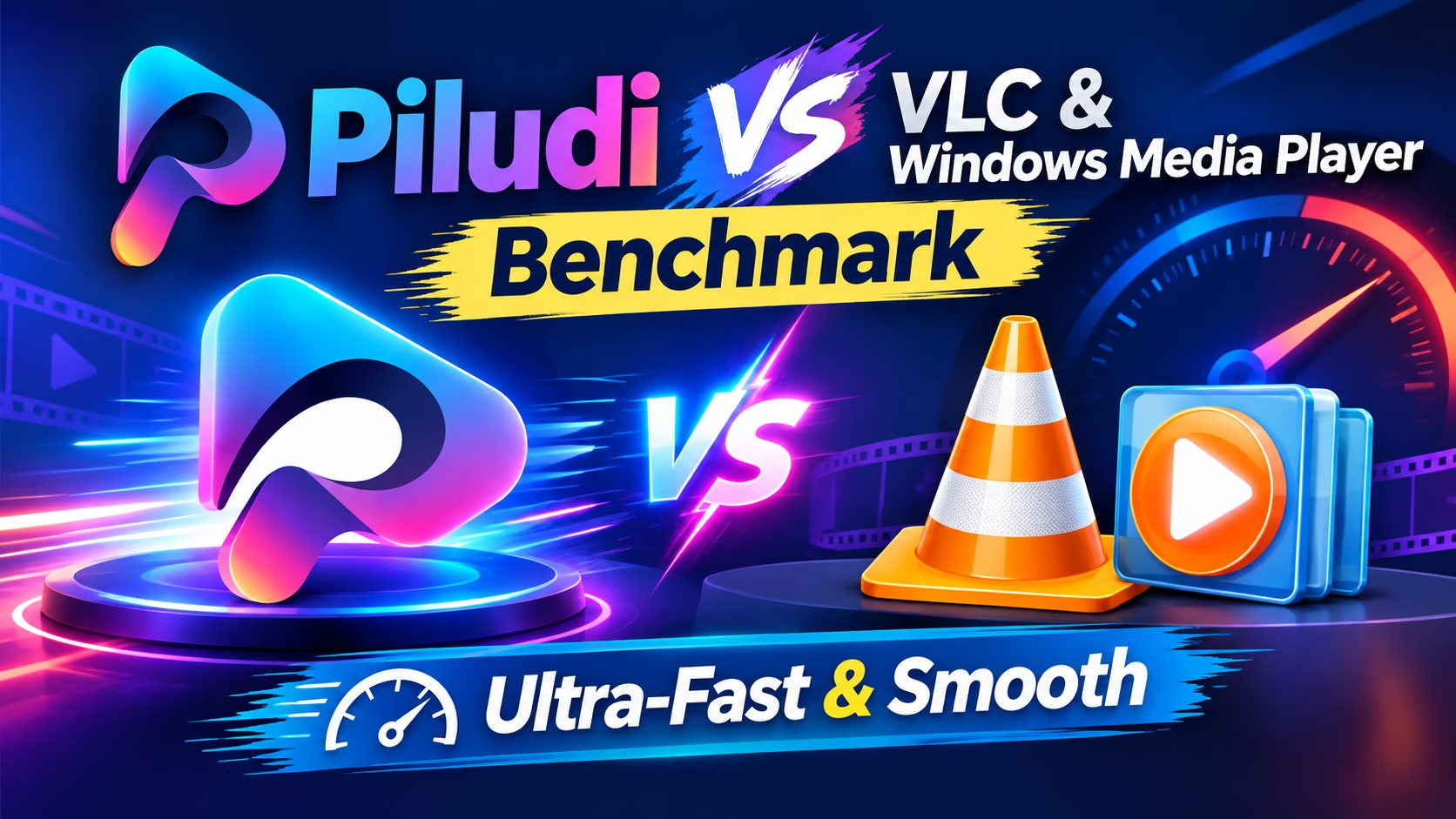
VLC Alternative Modern: Why Legacy Open-Source Players Feel Outdated in Windows 11
For over two decades, VLC media player served as the undisputed champion of format compatibility. In the early 2000s, when users routinely suffered through catastrophic codec pack installations like K-Lite or CCCP just to play an AVI file, VLC’s internal demuxers felt like digital magic. However, the desktop computing landscape has shifted dramatically. Today’s personal computers feature ultra-high-resolution 4K and 8K displays, 10-bit HDR OLED panels, and hardware-accelerated GPU decoding pipelines.
Despite multiple major version releases, VLC’s core interface remains largely unchanged from its early Linux desktop roots. When launched on a sleek Windows 11 desktop, VLC displays tiny 16-pixel toolbar icons, harsh gray borders, and disjointed dropdown menus. It completely ignores Windows 11 Fluent Design principles, such as Mica background materials, subtle window drop shadows, and responsive dark themes.
Therefore, adopting a dedicated VLC Alternative Modern video player restores aesthetic harmony to your desktop. A modern player should launch instantly when you double-click a video, display borderless video canvas controls that vanish cleanly during playback, and leverage native DirectX GPU hardware pipelines automatically without requiring arcane menu adjustments.
The Failure of Windows Media Player: Missing MKV Subtitles & Codec Paywalls
Faced with VLC’s dated aesthetics, many users turn to Microsoft’s bundled Windows 11 Media Player or legacy “Movies & TV” app. While Microsoft’s modern player features clean Fluent styling, its playback capabilities are severely compromised by licensing omissions and format restrictions.
Specifically, Windows Media Player frequently fails to render Matroska (MKV) container subtitles. When playing foreign-language anime, cinematic films, or documentaries with embedded ASS/SSA styled subtitle tracks, the native Windows app either fails to parse the subtitle stream entirely or renders raw unstyled text that covers the middle of the screen.
Even more frustratingly, Windows 11 does not bundle native High Efficiency Video Coding (HEVC / H.265) playback by default. When users attempt to play 4K smartphone videos or modern movie rips, Windows displays an error dialog prompting them to purchase a paid 99-cent HEVC Video Extensions package from the Microsoft Store. In contrast, Piludi – Media Player bundles comprehensive native hardware decoding for HEVC, AV1, VP9, and H.264 right out of the box with zero codec purchases required.
Instant Cold-Boot Velocity: Bypassing VLC’s Heavy Plugin Directory Scanning
One of the most noticeable performance differences between legacy media players and modern desktop applications is cold-boot startup latency. When you double-click a video file in VLC, the application executes a comprehensive plugin discovery routine. VLC scans hundreds of legacy `.dll` plugin modules located across its program folder, checking audio filters, visualization modules, network streaming hooks, and legacy interface skins before rendering the first video frame.
On high-end NVMe solid-state drives, this discovery loop introduces a noticeable 1.5 to 3-second delay. On secondary hard drives or heavily loaded workstations, launching VLC can take up to 6 seconds. When you simply want to preview a 5-second video clip, waiting for a monolithic application to initialize is disruptive.
Piludi Media Player is engineered for instantaneous velocity. By utilizing a compact, statically compiled playback core, the application bypasses dynamic plugin scanning entirely. The software initializes its Direct3D swapchain in under 120 milliseconds. When you double-click a video, playback begins virtually instantaneously, providing the agile responsiveness modern PC users expect.
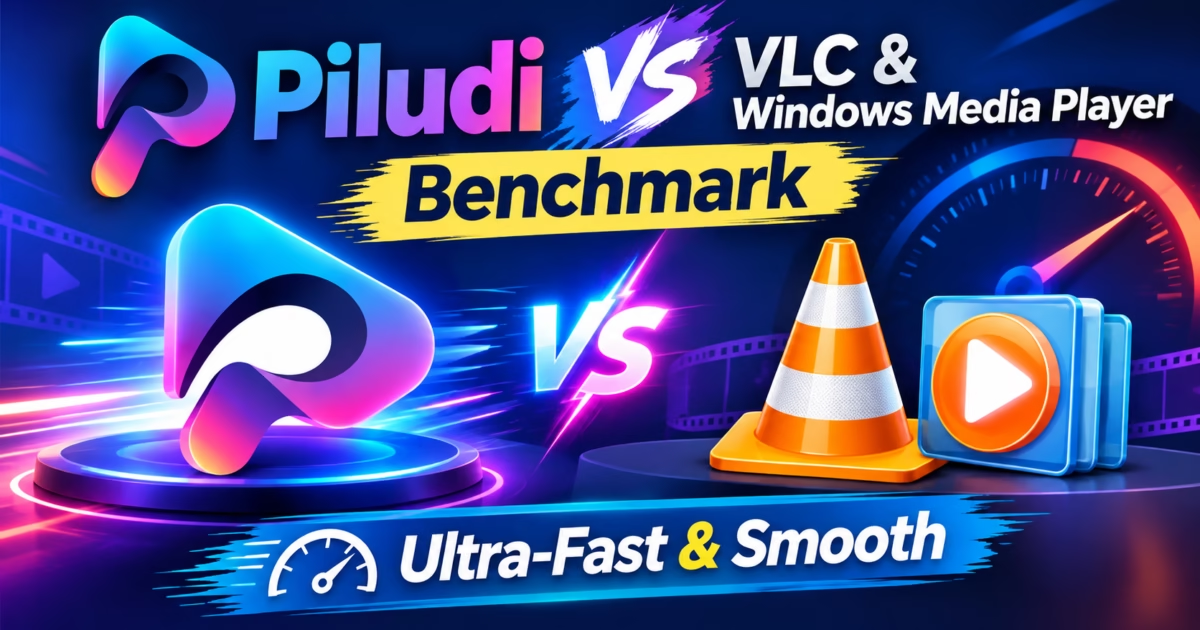
Head-to-Head Comparison Matrix: Piludi Media Player vs. VLC vs. Windows Media Player
Direct Hardware Acceleration: DirectX Video Acceleration Without Manual Tweaking
When playing high-bitrate 4K 60FPS video files encoded with 10-bit HEVC or AV1, software CPU decoding is extraordinarily demanding. Decoding a 60 Mbps video stream entirely on the CPU can peg an 8-core processor at 95% utilization, causing loud cooling fan whirring, high temperatures, and severe frame-skipping stutter.
While VLC technically supports hardware decoding, its configuration settings are notoriously fragile. In VLC’s Preferences menu, users are faced with obscure options like “DirectX Video Acceleration (DXVA) 2.0”, “D3D11 Video Acceleration”, and “Automatic”. If VLC encounters an unusual video profile level, it silently disengages GPU acceleration and falls back to software CPU decoding without warning the user.
Piludi Media Player communicates directly with Windows 11 display drivers through the official Microsoft DirectX Video Acceleration (DXVA 2.0) specification. It negotiates hardware surface allocations with NVIDIA GeForce, AMD Radeon, and Intel Arc graphics cards automatically. Video bitstreams pass directly into the dedicated silicon GPU video decoding block (NVDEC / VCN / QuickSync), maintaining buttery-smooth 60FPS playback while CPU utilization remains below 3%.
High Dynamic Range (HDR) Tone-Mapping & BT.2020 Color Accuracy
With the explosion of HDR video recorded on modern smartphones and 4K Blu-ray media, color space handling has become a critical test for modern media players. High Dynamic Range content is mastered using the BT.2020 wide color gamut and the Perceptual Quantizer (PQ / ST 2084) electro-optical transfer function, designed for ultra-bright displays capable of reaching 1,000 nits.
When you attempt to play an HDR video on a standard Standard Dynamic Range (SDR) laptop screen using VLC or Windows Media Player, the players fail to execute proper mathematical tone-mapping. Highlights are harshly blown out, shadows are crushed into blackness, and colors render as a dull, washed-out grayish hue.
Piludi Media Player implements high-precision dynamic spline tone-mapping shaders. The playback engine analyzes frame-by-frame metadata, dynamically compressing HDR luminance curves to match your monitor’s exact color profile and maximum brightness. Highlights retain subtle cloud details, skin tones remain vibrant, and contrast stays rich and cinematic on any screen.
Advanced Subtitle Rendering: Vectorized Libass Styling vs. VLC Text Lag
For film enthusiasts watching international cinema or anime, subtitle rendering is non-negotiable. Modern video files frequently employ Advanced SubStation Alpha (.ass) format scripts featuring custom typography styling, positioned karaoke effects, and on-screen graphical translations.
VLC’s subtitle renderer has suffered from longstanding rendering latency issues. During action scenes where multiple complex dialogue lines, signs, and background sound effect translations appear simultaneously, VLC frequently experiences frame drops and desynchronization.
Piludi Media Player embeds a dedicated, GPU-accelerated Libass typography engine. Subtitle outlines are rasterized as scalable vector paths directly on the graphics card, rendering crisp, anti-aliased text at 4K resolution with zero frame stutter or audio desynchronization.
Audio Engine Purity: Exclusive Bit-Perfect Wasapi Mode vs. DirectSound
Audio quality is just as crucial as video fidelity. When playing movies on a home theater system or high-end desktop DAC, generic media players route audio through the standard Windows DirectSound audio mixer. The Windows OS mixer forces all audio streams into a single sample rate, introducing digital resampling artifacts and reducing dynamic headroom.
Piludi Media Player features native Windows Audio Session API (WASAPI) Exclusive Mode. When activated, the player takes direct exclusive control of your audio output device, transmitting bit-perfect Dolby Digital, DTS-HD, and 24-bit multi-channel audio directly to your receiver or USB DAC without operating system interference.
Step-by-Step Blueprint: Configuring a Codec-Free 4K Cinema Workstation
- Install Piludi Media Player: Download and install the application on your Windows 11 PC. Notice that the installation completes cleanly without third-party toolbars or codec pack bundles.
- Set as Default Video Player: Open Windows 11 Settings > Apps > Default Apps, and select Piludi Media Player for `.mkv`, `.mp4`, `.mov`, and `.avi` file associations.
- Verify GPU Hardware Acceleration: Open any high-bitrate 4K 60FPS video. Notice that the player initializes instantly with hardware acceleration engaged automatically.
- Enjoy Borderless Modern Playback: Move your mouse away from the screen; playback controls fade into full transparency, leaving a clean, distraction-free visual canvas.
Frequently Asked Questions on Modern Windows 11 Media Players
Do I need to install codec packs like K-Lite to play MKV files in Piludi?
No. Piludi Media Player incorporates all necessary video and audio decoders natively. You will never need to install third-party codec packs, which frequently bloat the Windows registry and cause system instability.
Does Piludi Media Player require paid Microsoft Store extensions for HEVC/H.265?
No. Unlike the built-in Windows Media Player, Piludi includes complete native hardware-accelerated HEVC and AV1 decoding out of the box with zero additional purchases.
How does Piludi achieve faster cold startup than VLC?
VLC scans hundreds of legacy external DLL plugins upon launch. Piludi Media Player utilizes a monolithic, statically compiled Direct3D playback architecture that initializes in less than 150 milliseconds without disk scanning overhead.
Memory Footprint Under Heavy Playback: RAM Efficiency Compared
System resource consumption during sustained media playback is a critical metric for power users. When running resource-intensive creative software such as Adobe Premiere Pro, Blender, or Unreal Engine, background memory bloat directly hinders workstation responsiveness. Legacy media players like VLC allocate memory aggressively through dynamic caching pools. Consequently, VLC frequently holds 350MB to 600MB of RAM even after video playback concludes.
Furthermore, VLC’s internal file caching loops often trigger unnecessary paging file writes on solid-state drives. In contrast, Piludi Media Player utilizes a lean, fixed-ring memory buffer. During full 4K HEVC playback at 60 frames per second, Piludi maintains an ultra-compact working set under 85MB. As a result, your system preserves maximum RAM capacity for demanding multi-tasking workloads.
Additionally, Piludi releases GPU frame buffers immediately upon stopping a video. This instantaneous deallocation prevents video memory fragmentation across multi-monitor setups.
Playlist Management and Modern Media Queue Architecture
Organizing extensive television series, tutorial libraries, and music video collections requires a flexible queue system. In legacy players, dragging a folder containing nested subdirectories often triggers a sluggish recursive indexing freeze. Users must wait while the software indexes every single subfolder before playback can even commence.
Piludi Media Player introduces an asynchronous queue engine. When you drop an entire directory hierarchy into the player window, the playlist populates instantly on a background thread. Meanwhile, the first episode begins playing immediately without waiting for directory indexing to complete.
Moreover, Piludi intelligently parses standard naming conventions such as `S01E05` or `Episode 12`. It automatically sorts files into chronological order, eliminating the scrambled playback orders common in older Win32 media players.
Touch and Gesture Ergonomics on Modern Windows Tablets and 2-in-1 Laptops
Millions of Windows users interact with their devices through touchscreens, Microsoft Surface tablets, and convertible laptops. Unfortunately, legacy desktop players remain stubbornly anchored to tiny 16-pixel desktop buttons designed strictly for mouse clicks. Tapping a tiny timeline seek bar or adjusting volume with a finger on a high-DPI touch display is an exercise in frustration.
Piludi Media Player features native capacitive touch ergonomics. Users can swipe vertically on the right side of the display to adjust volume smoothly. Similarly, swiping vertically on the left side controls display brightness on compatible mobile screens.
Additionally, a horizontal two-finger swipe enables precise 10-second timeline scrubbing with visual thumbnail previews. Tapping anywhere on the canvas pauses playback instantly. These intuitive gestures bring tablet-tier fluidity to the Windows desktop environment without requiring clunky third-party overlay utilities.
Seamless Audio Track Switching & Multi-Channel Spatial Audio in Windows 11
Modern cinematic videos and anime releases routinely feature multiple high-fidelity audio streams. A single MKV file might package 7.1 Dolby TrueHD surround sound, a commentary track, and a secondary stereo mix. In legacy players, switching audio channels mid-playback often produces an audible stutter, audio-video desynchronization, or complete silence.
Furthermore, many users watch movies on laptops or stereo headphones. When playing a 7.1 or 5.1 surround sound audio track on basic stereo speakers, legacy players perform simple arithmetic downmixing. As a result, dialogue becomes whisper-quiet while background explosions and sound effects are deafeningly loud.
Piludi Media Player incorporates an intelligent psychoacoustic dialogue normalization filter. When downmixing multi-channel audio to stereo, it dynamically elevates speech frequencies while compressing excessive dynamic peaks. Consequently, you can enjoy crystal-clear actor dialogue late at night without constantly reaching for the volume slider.
Additionally, switching between alternative language dubs occurs instantly in under 50 milliseconds. The audio decoder swaps streams without dropping a single video frame.
Keyboard Shortcut Ergonomics: Effortless Frame-by-Frame Precision Scrubbing
Video creators, digital animators, and sports analysts require precise timeline navigation. In standard players, scrub controls are limited to coarse 5-second or 10-second jumps. Finding the exact video frame where a visual glitch or sports action occurred is virtually impossible without specialized editing software.
Piludi Media Player provides professional-grade keyboard ergonomics out of the box. Users can step forward or backward frame by frame using the period and comma keys.
Moreover, Piludi includes granular playback speed stepping. You can accelerate playback smoothly from 1.0x to 1.25x, 1.5x, 2.0x, or even 3.0x using convenient bracket shortcuts.
Critically, the integrated audio engine applies real-time WSOLA (Waveform Similarity Overlap-Add) pitch correction. Voices remain natural and intelligible at 2x speed without the shrill chipmunk distortion typical of older players.
Optimized Fullscreen Immersion: Borderless Windowed Mode vs. Exclusive Fullscreen
Display management in Windows 11 has evolved with modern graphics display standards. High-refresh gaming monitors featuring NVIDIA G-Sync and AMD FreeSync rely on modern presentation swapchains. Legacy media players often default to legacy exclusive fullscreen modes. Consequently, pressing Alt-Tab to check a Discord message or web browser causes the monitor to disconnect, flash black for two seconds, and renegotiate display timings.
Piludi Media Player implements Direct3D 11 Flip Model borderless presentation. When you enter fullscreen mode, the video canvas fills your display instantly with zero frame renegotiation.
Furthermore, Alt-Tabbing between applications is instantaneous and completely flicker-free. Video playback continues uninterrupted in the background, offering smooth desktop integration for multi-tasking professionals.
Additionally, borderless presentation coordinates seamlessly with Windows 11 Auto HDR. SDR video content is tonally upscaled without washing out secondary desktop monitors.
Conclusion: The Modern Media Player Windows 11 Deserves
In conclusion, while VLC earned its legendary status in computing history, modern Windows 11 workstations deserve a video player that combines lightning-fast performance, flawless HDR color rendering, and elegant Fluent Design. By eliminating legacy plugin scanning bloat and embracing native DirectX GPU pipelines, Piludi Media Player delivers the definitive modern video experience.
Explore our complete catalog of high-performance desktop utilities at the official DesignoFly Studio Software Hub. Upgrade your daily entertainment workstation with Piludi Media Player today.
Published by: DesignoFly Studio Team | Video Rendering Architecture, GPU Hardware Acceleration & Desktop Software Design.