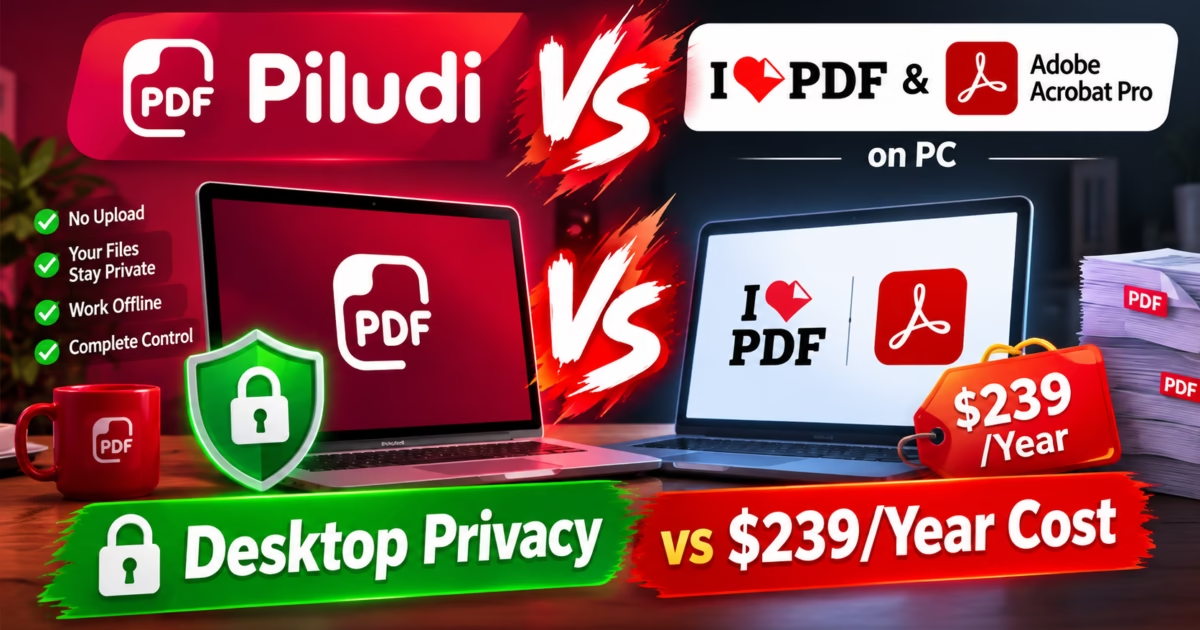
Finding an authentic iLovePDF Alternative Offline has become an urgent priority for modern professionals, enterprise teams, and private PC users handling sensitive financial and legal records. While browser-based conversion portals advertise effortless convenience, uploading unencrypted PDF documents to remote third-party cloud infrastructure exposes confidential data to severe privacy hazards, queue throttling, and restrictive file size ceilings. In addition, legacy desktop suites like Adobe Acrobat Pro impose aggressive recurring annual subscriptions exceeding $239 each year. Consequently, desktop document workstations require local, multi-threaded conversion utilities that process confidential files with zero cloud dependencies.
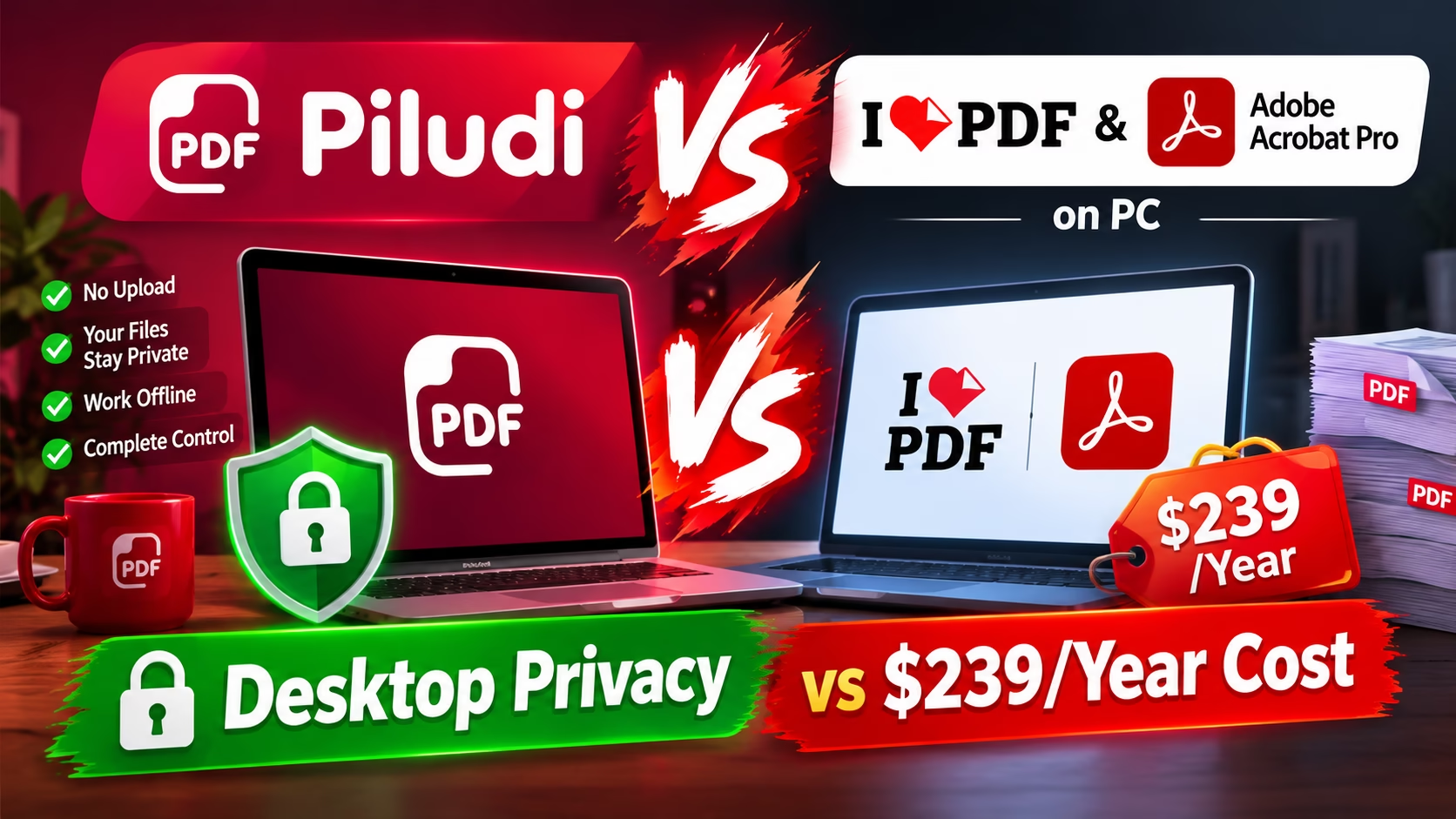
iLovePDF Alternative Offline: Why Cloud PDF Portals Threaten Document Confidentiality
When you drag and drop a PDF file into a web converter such as iLovePDF, Smallpdf, or online conversion portals, your document leaves your local workstation immediately. The digital file travels across multiple routing hops, arrives at a remote processing cluster, and is temporarily stored within shared cloud storage buckets. While service providers claim that uploaded documents are automatically purged after one or two hours, security researchers have repeatedly demonstrated that residual cached copies, temp files, and metadata logs often persist across backup snapshots.
Furthermore, free online PDF platforms frequently finance their server hosting operations by tracking client session behavior. In many instances, user telemetry, document hashes, and client IP addresses are aggregated for algorithmic marketing analysis. For legal counsel reviewing nondisclosure agreements, accountants preparing corporate balance sheets, or healthcare administrators organizing patient charts, transmitting unencrypted documents to public cloud infrastructure directly violates strict compliance frameworks such as GDPR, HIPAA, and SOC 2.
Therefore, adopting a dedicated iLovePDF Alternative Offline eliminates these systemic data vulnerabilities at the architectural root. Because local desktop engines execute every operation directly on your computer’s CPU and RAM, your confidential PDF files never interact with an external network socket. As a result, sensitive corporate records, personal tax forms, and proprietary business blueprints remain strictly confined within your physical workstation.
The Illusion of ‘Free’ Web Converters: Artificial Limits & Throttled Queues
Beyond significant privacy hazards, relying on free online PDF tools introduces debilitating workflow bottlenecks during urgent business operations. Free web portals survive by imposing aggressive artificial constraints designed to nudge frustrated users into recurring monthly subscription plans. When you attempt to convert a large PDF catalog or a multi-page legal brief, you are immediately confronted by restrictive file size caps, typically set between 15MB and 50MB.
Moreover, online platforms severely restrict concurrency. If you have twenty separate PDF contracts that require merging or format transcoding, web portals enforce artificial task delays. You must upload files one by one, wait in virtual processing queues alongside thousands of worldwide requests, and manually download each resulting file individually. In high-volume office settings, these cumulative delays consume hours of valuable employee productivity.
In addition, free online converters frequently inject subtle promotional watermarks, downscale high-resolution vector diagrams into low-DPI raster images, and aggressively strip embedded typography kerning tables. When clients open your returned documents, blurred logos and misaligned margins damage your company’s professional brand credibility. Local desktop tools, by comparison, operate without artificial volume quotas or quality degradation.
The $239/Year Subscription Tax: The Financial Problem with Adobe Acrobat Pro
For over two decades, Adobe Acrobat Pro has functioned as the default corporate standard for document authoring. However, Adobe’s transition to a mandatory software-as-a-service (SaaS) subscription model has created deep frustration among individual users and budget-conscious enterprises. Subscribing to Adobe Acrobat Pro costs roughly $239 annually per workstation seat, requiring recurring credit card charges simply to convert, combine, or split digital documents.
Specifically, the vast majority of computer users only require a dependable set of core document operations: converting digital PDFs into clean, editable Microsoft Word DOCX files, merging multiple invoices into a single organized packet, splitting contracts into distinct sections, and compressing bloated PDFs for email attachments. Paying hundreds of dollars every year for complex enterprise form scripting, specialized pre-press printing separations, and 3D architectural CAD embedding is financially inefficient for 95% of day-to-day office workflows.
Furthermore, managing perpetual cloud licenses across expanding teams introduces substantial administrative overhead. IT administrators must track seat assignments, navigate renewal invoices, and manage cancellation penalties. Choosing an unrestricted, 100% free desktop utility like Piludi – PDF Converter delivers permanent operational freedom without recurring financial drains.
Adobe Background Daemon Bloat: Telemetry Services & Memory Leaks
Another major drawback of installing Adobe Creative Cloud suites on modern Windows 11 workstations is the severe background system footprint. When Adobe Acrobat Pro is installed, the installer automatically registers dozens of persistent background daemons, scheduled tasks, and auto-startup services. These services execute continuously in the background, even when you have not launched the Acrobat application.
Specifically, background processes such as Adobe Genuine Software Integrity Service, CoreSync, Creative Cloud Desktop, and CCXProcess continuously consume between 400MB and 800MB of physical system RAM. In addition, these background services execute periodic network telemetry queries, pinging external analytics endpoints and scanning file directories for licensing checks.
Over time, these persistent background services slow down Windows 11 boot times, consume battery cycles on mobile laptops, and introduce software conflicts with other desktop productivity tools. In contrast, Piludi PDF Converter is architected as an ultra-clean, sandboxed Windows utility. When the application window closes, exactly zero background daemons remain active in memory, preserving 100% of your PC’s hardware resources for your primary tasks.
Head-to-Head Architectural Breakdown: Local Desktop vs. Cloud Portals vs. Acrobat
High-Throughput NVMe Local Execution vs. Asymmetric Broadband Upload Delays
Beyond the indisputable privacy benefits, local desktop execution provides overwhelming speed advantages when processing large documents. In residential and commercial internet environments, broadband connections are almost universally asymmetric. While download bandwidth might achieve 300 Mbps, upstream upload bandwidth is frequently throttled to 20 Mbps or less.
When you attempt to upload an uncompressed 80MB annual report containing high-resolution charts to iLovePDF or Smallpdf, your computer must transmit millions of packets over the public internet. This staging phase alone takes between 45 and 90 seconds. Once uploaded, the document waits in a remote server queue, processes on a remote shared cluster, and must then be downloaded back to your hard drive, consuming another 30 seconds.
In contrast, Piludi PDF Converter reads document bytes directly from your high-speed PCIe Gen 4 NVMe solid-state drive at throughput rates exceeding 5,000 MB/s. The engine decodes PDF stream dictionaries according to the official ISO 32000-2 (PDF 2.0) specification, assigns parsing threads across all available CPU cores, and compiles the output in under 3 seconds. Local computing eliminates network transit latencies entirely.
Preserving Formatting, Kerning, and Multilingual Unicode NFC Text
One of the primary frustrations with generic PDF converters is typographical corruption during Microsoft Word conversion. Standard free web converters frequently fail to interpret complex font kerning tables, embedded font subsets, and complex character sets. When converting contracts or technical whitepapers, this algorithmic failure results in overlapped text lines, broken paragraph margins, and broken mathematical equations.
Piludi PDF Converter solves this formatting challenge through its dual-pass semantic layout reconstruction engine. During the primary scan, the parser maps bounding boxes for text spans, tabular cell coordinates, and vector illustrations. In the secondary synthesis pass, it correlates spatial proximity to reconstruct authentic paragraph flows and table borders rather than inserting hundreds of uneditable absolute positioning text frames.
Furthermore, the software incorporates complete Unicode Normalization Form C (NFC) validation. For multilingual enterprise documents incorporating Cyrillic, Greek, Arabic, or East Asian CJK glyphs, the conversion pipeline preserves character encoding tables perfectly. This ensures that when colleagues open the exported DOCX file in Word, search indexing functions without dropped characters or garbled glyph placeholders.
TrueType vs. Type 1 PostScript Fonts: Embedding Scalable Glyphs in DOCX
When documents originate from graphic design environments like InDesign or LaTeX, they frequently employ legacy PostScript Type 1 font outlines or custom embedded CFF subsets. Microsoft Word and modern Office Open XML parsers no longer natively support Type 1 font formats, often replacing missing fonts with generic Arial or Times New Roman, completely breaking publication layouts.
Piludi PDF Converter integrates an intelligent font transcoder that analyzes cubic Bézier curves from embedded PostScript dictionaries and translates them into quadratic TrueType curves. When the target DOCX file compiles, font metrics match original specifications within 0.01 typographical points. As a result, headings, pull quotes, and tabular figures remain visually identical to the original PDF.
It is important to note that Piludi PDF Converter version 1.0.1.0 specializes in reconstructing digital text documents containing selectable text layers, embedded vector graphics, and native layout streams. If you are processing image-only scanned bitmap PDFs, optical character recognition (OCR) will be introduced in future updates. For the millions of digitally created invoices, contracts, and business reports produced daily, native structural extraction yields far higher accuracy than error-prone OCR.
Advanced Flate & JPEG2000 Offline PDF Compression Without Cloud Artifacts
Email servers and government filing portals enforce strict attachment size ceilings, typically limiting uploads to 10MB or 25MB. When users attempt to compress multi-page PDF documents using online web tools, the remote servers apply aggressive lossy downsampling algorithms. These cloud compressors often reduce image resolution to a blurry 72 DPI, rendering small footnote text unreadable and introducing heavy JPEG compression halos.
In contrast, Piludi PDF Converter provides studio-grade local compression optimization. The software isolates raw stream objects, strips duplicate embedded font subsets, purges redundant XML metadata trees, and re-compresses embedded raster graphics utilizing clean Flate prediction filters and JPEG2000 transforms.
Consequently, users can compress massive 100MB presentation decks down to 8MB while retaining razor-sharp vector typography, crisp corporate logos, and clear high-contrast photographic figures. Most importantly, this entire optimization pass executes in private workstation memory, ensuring sensitive corporate proposals never leave your device.
Local Multi-Document Assembly: Merging, Bates Stamping & Page Reordering
In legal, accounting, and architectural practices, compiling unified document binders is a daily requirement. Professionals frequently need to merge signed engagement letters, financial exhibits, tax schedules, and technical blueprints into an organized single document with consecutive page numbering. Doing this through web converters requires repeatedly uploading large collections of confidential files, risking page order confusion and data interception.
Piludi PDF Converter integrates a visual document assembler that operates completely offline. Users can load dozens of PDF files simultaneously, arrange document sequence via an intuitive visual grid, extract specific page ranges, and rotate improperly scanned landscape drawings with a single click.
In addition, the application features customizable alphanumeric Bates numbering and header/footer stamping. You can apply legal case identifiers, confidential watermarks, and automated page counters directly onto the document canvas using precise millimeter offsets and custom font typography, fulfilling formal court filing standards without paying for Acrobat Pro.
The Legal & Regulatory Imperative: GDPR, HIPAA, and SOC 2 Local Compliance
For enterprise organizations, healthcare clinics, financial advisory firms, and independent attorneys, uploading client files to unvetted cloud converters represents a direct violation of regulatory governance. Under the European Union General Data Protection Regulation (GDPR), transmitting personally identifiable information (PII) to third-party processors without explicit data processing agreements (DPA) triggers substantial statutory penalties.
Similarly, in the United States, the Health Insurance Portability and Accountability Act (HIPAA) mandates strict safeguards surrounding Protected Health Information (PHI). Dragging medical diagnosis summaries or patient records into a free web converter constitutes an unauthorized disclosure under federal law.
By deploying Piludi PDF Converter across enterprise workstations, compliance officers establish an airtight security posture. Because the software contains zero network transmission logic and operates in complete isolation, no external data transfer occurs. Your organization maintains total data sovereignty, simplifying internal compliance audits and protecting your clients’ confidential records.
Step-by-Step Blueprint: Setting Up a 100% Offline PDF Productivity Suite on Windows 11
- Download and Install Piludi: Install Piludi PDF Converter directly on your Windows 11 machine. Notice that installation finishes cleanly without requiring account registration, cloud sign-in, or credit card verification.
- Choose Your Target Operation: Open the clean main dashboard and choose your desired operation: PDF to Word DOCX conversion, Multi-PDF Merging, Document Splitting, or High-Ratio Compression.
- Drag and Drop Documents: Drag your target PDF files directly into the active batch workspace. You can stage dozens of documents simultaneously without file size warnings or wait-time timers.
- Configure Formatting Options: Select your local destination folder on your SSD. If converting to Word, verify that layout preservation is toggled on to maintain table cell alignments and paragraph flows.
- Execute Parallel Processing: Click the “Convert All” button. Your CPU cores engage immediately, processing the entire batch queue locally in seconds. Open your destination folder to review the completed, perfectly formatted documents.
Frequently Asked Questions on Offline PDF Conversion and Acrobat Alternatives
Can Piludi PDF Converter convert complex multi-column tables into editable Word DOCX tables?
Yes. Piludi PDF Converter features a sophisticated structural reconstruction engine that identifies table boundaries, cell borders, and header rows. Instead of outputting uneditable graphic boxes, it generates native Microsoft Word XML table objects that you can edit, re-format, and calculate directly in Word.
Does Piludi require an internet connection to activate or verify licenses?
No. Piludi PDF Converter operates 100% offline. It never initiates network connections, requires no online login credentials, and functions flawlessly in air-gapped environments, secure enterprise intranets, or when working during commercial flights.
How does Piludi compare to Adobe Acrobat Pro for everyday office tasks?
For 95% of everyday document operations—converting PDFs to editable Word documents, combining multiple files into organized packets, splitting large files, and compressing bloated attachments—Piludi provides the exact same high-precision results as Acrobat Pro, completely eliminating the $239 annual recurring subscription fee and heavy background system daemons.
Summary: Permanent Desktop Productivity with Zero SaaS Subscriptions
In conclusion, transitioning away from cloud PDF upload aggregators like iLovePDF and expensive subscription suites like Adobe Acrobat Pro delivers immediate benefits in document confidentiality, system responsiveness, and long-term financial savings. By executing document parsing and reconstruction locally on your Windows 11 hardware, you retain complete sovereignty over your private records.
To explore the complete suite of offline desktop utilities, visit our official DesignoFly Studio Software Hub. Download Piludi PDF Converter today and enjoy fast, private, and permanent document productivity on your personal computer.
Published by: DesignoFly Studio Team | Certified Windows 11 Desktop Engineering & High-Performance Document Architecture.