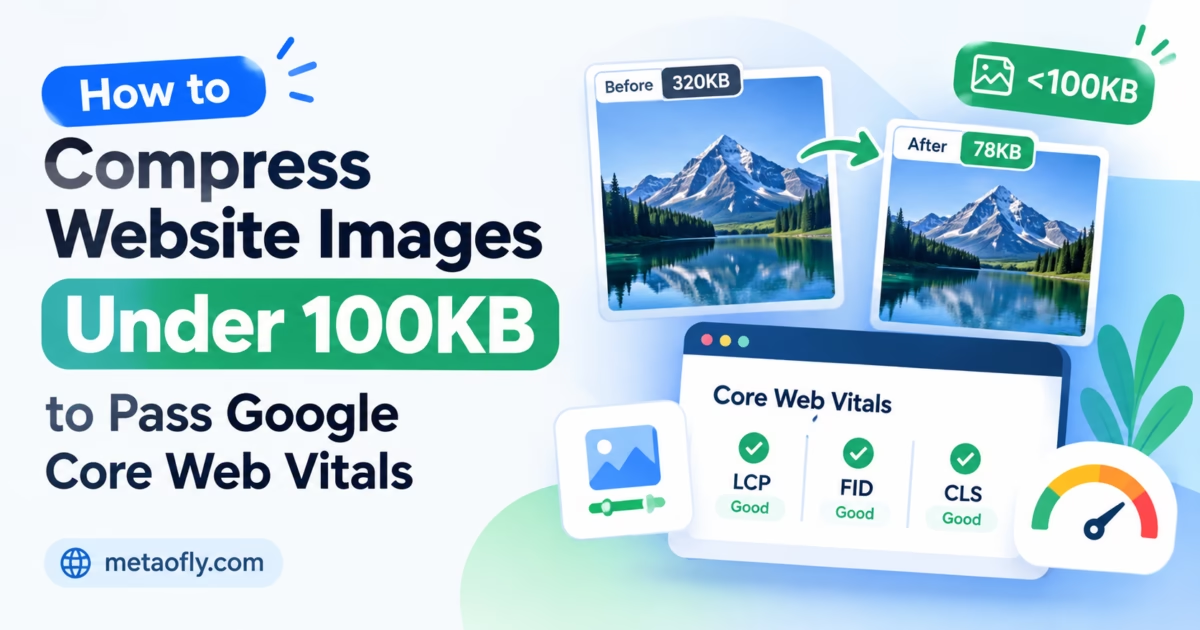
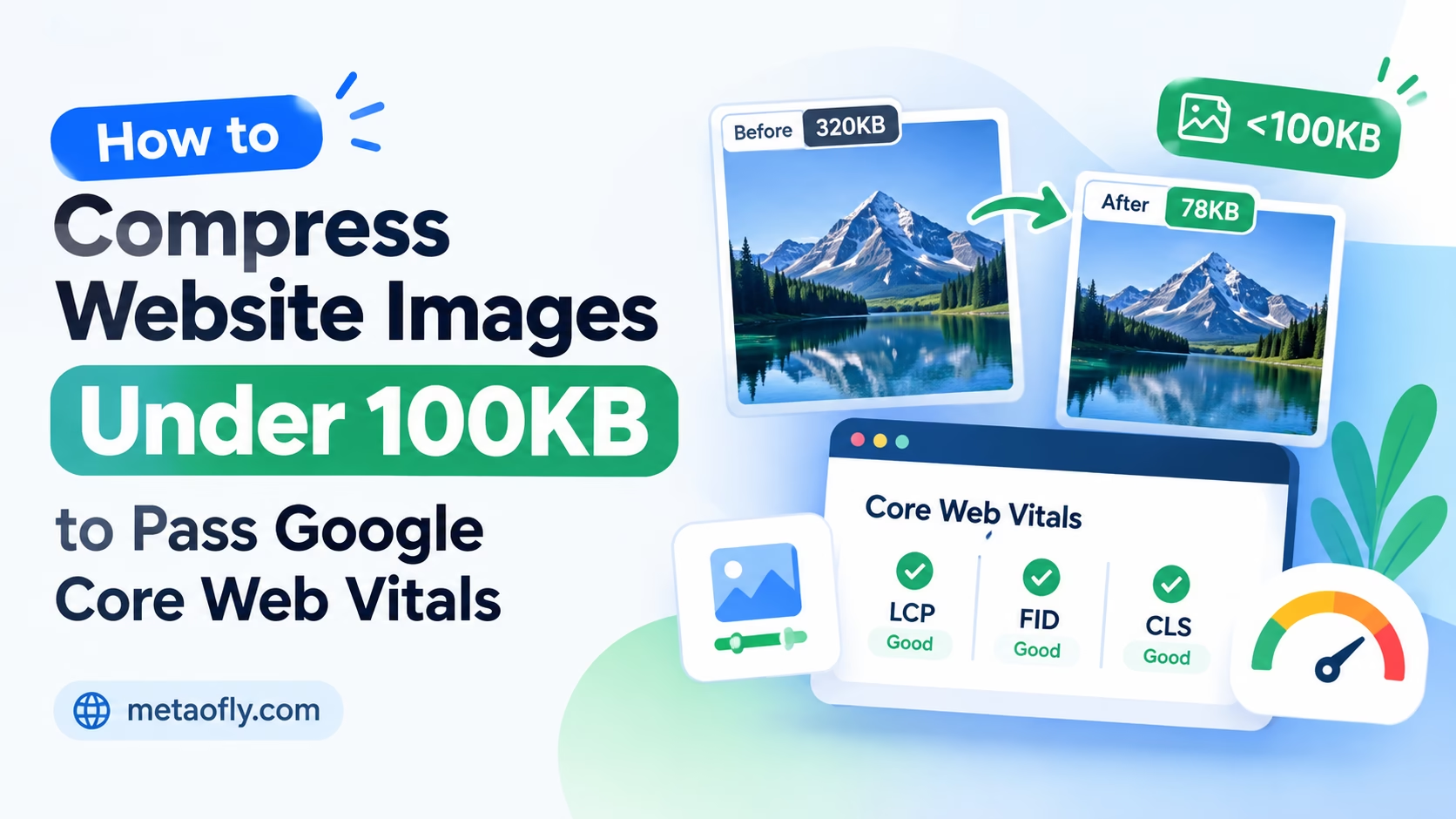
Editorial Technical Solution: Unoptimized, multi-megabyte hero banners and product images are the single largest contributor to slow page load times and failing Google Core Web Vitals assessments. Mastering the technical ability to compress images under 100kb for web speed enables web developers, SEO specialists, and content managers to achieve green Largest Contentful Paint (LCP) benchmarks, eliminate cumulative layout shifts, and accelerate mobile user engagement. MetaoFly Image Converter and Compressor provides client-side compression algorithms that strip bloat while preserving crisp, high-DPI visual clarity.
In modern digital marketing and technical SEO, web performance is no longer an optional engineering enhancement; it is a foundational ranking factor directly enforced by Google’s search algorithms. Among all performance metrics, Largest Contentful Paint (LCP) carries the heaviest weight in determining whether a web page passes or fails user experience audits. On the vast majority of e-commerce storefronts, corporate landing pages, and editorial blogs, the designated LCP element is a prominent hero graphic, featured blog banner, or product hero shot. When creative teams upload uncompressed 3MB to 8MB camera-raw photographs, mobile network transfer times spike catastrophically. Learning how to compress images under 100kb for web speed gives digital teams the exact technical blueprint needed to achieve sub-second load times without degrading visual branding.
MetaoFly Image Converter & Compressor
Compress heavy PNG and JPG graphics down under 100KB with real-time visual inspection, zero cloud uploads, and maximum perceptual fidelity.
The Cost of Heavy Media: How Hero Images Sabotage Google Core Web Vitals (LCP)
Google’s Core Web Vitals initiative measures three core pillars of real-world user experience: Largest Contentful Paint (loading speed), Interaction to Next Paint (responsiveness), and Cumulative Layout Shift (visual stability). According to Google’s official Core Web Vitals engineering guidelines, an optimal user experience demands an LCP of 2.5 seconds or faster on a standard 4G mobile cellular connection.
To understand how oversized images destroy this metric, consider the physical network constraints of cellular data transfer. On a typical mobile network connection delivering real-world download throughput of 15 to 20 Megabits per second (Mbps), downloading a 4.5MB uncompressed hero banner consumes approximately 1.8 to 2.4 seconds of pure network transfer time. When you combine this transfer latency with initial DNS lookup, TLS handshakes, server Time to First Byte (TTFB), DOM parsing, and image decoding, total LCP routinely surges past 4.5 seconds, plunging your page into Google’s “Poor” performance tier.
Conversely, compressing that identical visual asset down to 85KB reduces cellular network transfer time to less than 0.05 seconds—a staggering 97% reduction in network overhead. This dramatic efficiency gain provides ample headroom for render-blocking CSS and JavaScript execution, virtually guaranteeing a green LCP score below 1.8 seconds.
The business ramifications of passing Core Web Vitals are profound. Extensive technical case studies across major e-commerce brands demonstrate that every 100-millisecond reduction in page load latency yields up to an 8% increase in checkout conversions. Moreover, Google explicitly utilizes Core Web Vitals as a search ranking tiebreaker. Pages delivering swift, lightweight visual experiences are consistently favored in mobile search engine results pages (SERPs) over sluggish competitors displaying identical content.
Redundant Byte Stripping: EXIF Metadata, Color Profiles, and Quantization Tables
A widespread misconception among non-technical content creators is that reducing image file size inevitably results in blurry, pixelated graphics. In reality, modern image compression operates on two distinct data layers: non-visual metadata stripping and perceptual color quantization.
When a photographer exports an image from Adobe Photoshop, Lightroom, or a digital SLR camera, the resulting JPG or PNG file contains vast amounts of non-visual ancillary data embedded within its header tags:
- EXIF (Exchangeable Image File Format) Metadata: Contains detailed hardware camera specifications, shutter speeds, ISO settings, lens focal lengths, capture timestamps, and precise GPS geolocation coordinates. On a standard high-resolution photograph, EXIF blocks frequently consume between 80KB and 250KB of pure text metadata.
- ICC Color Profile Chunks: Comprehensive color space profiles (such as Adobe RGB 1998 or ProPhoto RGB) can add 100KB to 500KB of binary tables describing color gamut transformations that standard web browsers automatically map to standard sRGB.
- XMP & Adobe Application Data: Proprietary editing histories, layer masks, thumbnail previews, and copyright notes embedded by desktop authoring tools that contribute zero display value in a web browser.
By completely stripping these non-visual headers, an automated optimization utility can immediately eliminate up to 30% to 50% of total file size with mathematically zero visual degradation. The underlying pixel matrix remains completely untouched, yet hundreds of kilobytes of unnecessary network payload are removed before compression algorithms even begin.
Lossless vs Lossy Optimization: Finding the Perceptual Sweet Spot for High-DPI Displays
Once non-visual bloat is removed, optimizing the actual pixel payload requires selecting the appropriate compression methodology based on visual content type and display target:
Lossless compression reorganizes pixel data using sophisticated entropy coding algorithms (such as Deflate in PNG) without discarding any color information. While lossless optimization is ideal for pixel-art logos, high-contrast user interface schematics, and vector diagrams with sharp solid-color fills, it reaches a mathematical barrier when applied to complex photographic imagery. Continuous-tone photographs contain millions of subtle color gradients that cannot be compressed below 100KB using lossless algorithms alone.
Lossy compression, when executed correctly, leverages human visual psychophysics. The human visual system is remarkably sensitive to changes in brightness (luminance) but far less perceptive of subtle variations in high-frequency color nuances (chrominance). Lossy algorithms apply chroma subsampling (typically converting 4:4:4 full color into 4:2:0 subsampled blocks) and DCT quantization, intelligently discarding color information that the human eye cannot resolve at standard viewing distances.
The “perceptual sweet spot” for modern Retina and high-DPI displays lies between 80% and 86% quality on the standard JPEG/WebP quantization curve. At this threshold, file size drops exponentially by 75% to 85% compared to raw exports, while structural sharpness, text legibility, and edge contrast remain virtually indistinguishable from the master original.
Pro Engineering Tip: The 82% Compression Rule
In production web engineering, setting JPEG and WebP compression quality to 82% represents the optimal inflection point. Above 85%, file sizes increase quadratically for virtually imperceptible visual gains. Below 75%, high-frequency compression artifacts begin manifesting around sharp edges.
| Image File Size Tier | Cellular Transfer (4G) | LCP Impact | Core Web Vitals Assessment | Recommended Use Case |
|---|---|---|---|---|
| 3.0MB – 6.0MB (Raw) | 1.5 – 3.2 seconds | Catastrophic (+4.0s) | Failing (Red Zone) | Never upload to web production |
| 500KB – 1.2MB (Unoptimized) | 0.3 – 0.7 seconds | High Risk (2.8s – 3.5s) | Needs Improvement (Amber) | Restricted to full-screen desktop zooms |
| 150KB – 300KB (Moderate) | 0.08 – 0.15 seconds | Moderate (2.2s – 2.5s) | Borderline Passing | Acceptable for secondary blog images |
| Sub-100KB (Optimized) | 0.02 – 0.05 seconds | Exceptional (< 1.8s) | Pass with Distinction (Green) | Mandatory for all LCP Hero Graphics |
Step-by-Step Blueprint: How to Compress Images Under 100KB for Web Speed in Seconds
Achieving sub-100KB image payloads without sacrificing visual clarity requires a systematic, repeatable process. Follow this production blueprint using MetaoFly:
Step 1: Identify and Audit Bloated Visual Assets
Begin by running your target web page through Google PageSpeed Insights or Chrome DevTools Lighthouse audit. Inspect the “Properly size images” and “Efficiently encode images” diagnostic panels. Note the specific file URLs flagged as Largest Contentful Paint candidates and check their current transfer byte sizes. Any image exceeding 200KB is an immediate optimization target.
Step 2: Launch MetaoFly Image Converter & Compressor
Open MetaoFly Image Converter in your browser. Unlike traditional server-based compression portals that throttle upload queues, MetaoFly runs 100% client-side via hardware-accelerated WebAssembly. Your images are processed directly in local workstation RAM, ensuring instant response times and absolute data privacy.
Step 3: Load Target Graphics into the Compression Canvas
Drag and drop your oversized PNG or JPG hero images into the upload zone. MetaoFly immediately analyzes the file headers, displays the exact input byte size, and calculates initial canvas pixel dimensions.
Step 4: Scale Native Dimensions to Responsive Maximums
A major culprit behind bloated image sizes is unnecessarily excessive pixel resolution. An e-commerce hero image displayed at a maximum width of 1200 pixels on desktop screens does not need to be uploaded at 6000×4000 camera-raw resolution. Use MetaoFly’s built-in dimension scaler to constrain maximum width to 1920 pixels for full-bleed desktop banners or 1200 pixels for standard content container heroes. Halving excessive pixel dimensions reduces raw pixel count by 75% before compression even begins.
Step 5: Adjust the Compression Slider to Sub-100KB Target
Switch the output container to WebP or optimized JPG. Adjust the compression quality slider downward from 100% toward the 80%-85% sweet spot while observing the real-time live byte counter. MetaoFly dynamically recalculates the exact output file size in real time, allowing you to dial in your target precisely below the 100KB threshold.
Step 6: Conduct Split-Screen Visual Quality Verification
Inspect the live preview panel at 100% zoom. Examine critical focal areas such as brand logos, facial features in lifestyle photography, and high-contrast typographic overlays. Verify that no color banding, blockiness, or edge blurring is discernible. Once satisfied, click “Download Compressed Asset” to save your featherweight, web-ready file.
Key Technical Takeaways
- Constraining image dimensions to 1920px max width eliminates up to 75% of raw pixel data.
- Targeting sub-100KB file sizes reduces mobile cellular network transfer to under 0.05 seconds.
- Perceptual quantization between 80% and 85% delivers visual clarity indistinguishable from raw assets.
- Stripping EXIF and metadata blocks saves 80KB to 250KB before compression even begins.
Next-Gen Web Formats: WebP vs AVIF vs Progressive JPEG in 2026
Selecting the appropriate next-generation container is critical for maximizing compression efficiency across diverse browsing environments:
WebP (Universal Modern Standard): With universal browser support exceeding 97% of global web traffic, WebP is the reliable workhorse of modern performance optimization. It delivers consistent 25% to 35% size reductions over legacy JPEG while maintaining robust 8-bit alpha transparency support. For 95% of standard web publishing workflows, WebP is the recommended default choice.
AVIF (Next-Gen High-Efficiency): Derived from the AV1 open video codec, AVIF represents the state-of-the-art in still image compression. It achieves dramatic 50% file size reductions compared to JPEG and supports 10-bit and 12-bit High Dynamic Range (HDR) color gamuts. AVIF is especially dominant at aggressive low bitrates (sub-50KB targets) where it preserves edge clarity without the blocking artifacts common to JPEG. However, AVIF decoding requires slightly higher CPU overhead on older mobile chipsets.
Progressive JPEG (Universal Fallback): While older than modern codecs, Progressive JPEG remains essential for legacy browser fallback. Unlike baseline JPEG which renders line-by-line from top to bottom, Progressive JPEG renders a low-resolution blurry preview instantly across the entire container, sharpening progressively as packets arrive. This perceptual loading technique significantly improves perceived user speed even on congested mobile networks.
Advanced Workflow: Preparing Compressed Graphics for Responsive HTML picture Elements
To extract maximum performance from your optimized visual assets, combine sub-100KB compression with responsive HTML5 `
<picture>
  <!-- Modern AVIF for cutting-edge browsers -->
  <source srcset="hero-mobile.avif 600w, hero-desktop.avif 1200w" type="image/avif" sizes="(max-width: 768px) 100vw, 1200px">
  <!-- Standard WebP for universal modern compatibility -->
  <source srcset="hero-mobile.webp 600w, hero-desktop.webp 1200w" type="image/webp" sizes="(max-width: 768px) 100vw, 1200px">
  <!-- Legacy JPG fallback with explicit dimensions to prevent CLS -->
  <img src="hero-desktop.jpg" alt="Optimized Hero Graphic" width="1200" height="630" loading="eager" fetchpriority="high" decoding="async">
</picture>
Notice the inclusion of `fetchpriority=”high”` and `loading=”eager”` on the LCP image. These modern HTML attributes instruct the browser’s preload scanner to prioritize the hero graphic above all secondary resources, ensuring immediate downloading as soon as the HTML stream begins. Always avoid applying `loading=”lazy”` to hero elements located above the fold, as lazy loading introduces artificial execution delays that actively harm LCP scores.
Cross-Tool Workflows: Preparing Assets for Mockups and Social Feeds
Maintaining high-speed image standards extends across your entire brand ecosystem. Once your hero graphics and website screenshots are compressed below 100KB, you can leverage other MetaoFly utilities to streamline your creative pipeline:
If you are preparing marketing showcase presentations for a software launch, feed your compressed product screenshots directly into the MetaoFly Device Screen Mockup Studio. This allows you to generate photorealistic 4K MacBook, Safari, and iPhone frames around your web visuals without inflating page payloads.
For multi-channel promotional campaigns requiring scannable physical touchpoints, pair your high-speed landing page URLs with custom vector barcodes generated via MetaoFly Pro QR Code Studio. By ensuring your destination landing page loads in under 1.5 seconds thanks to sub-100KB optimized graphics, you ensure mobile users who scan physical QR codes experience instant, zero-friction conversion pages.
Automating Performance Budgets: Enforcing the Sub-100KB Ceiling in Enterprise CI/CD
For high-velocity digital marketing agencies and enterprise development teams, maintaining website speed is an ongoing governance challenge. Content managers, junior copywriters, and external client contributors frequently upload unoptimized graphics through WordPress admin panels or headless CMS media libraries, inadvertently pushing LCP metrics into the amber or red danger zones. To prevent these performance regressions, engineering organizations implement automated performance budgets within continuous integration pipelines.
An image performance budget defines strict byte ceilings for distinct asset categories across your web application. Under an optimized budget framework:
- LCP Hero Graphics: Strict 100KB ceiling per responsive breakpoint (600w, 1200w, 1920w). Any pull request or CMS upload introducing a hero banner exceeding 100KB triggers an automated build warning or pipeline blocker.
- Secondary Body Content & Blog Illustrations: 50KB to 75KB ceiling. Secondary graphics do not govern initial paint times, but cumulative page weight impacts overall mobile battery consumption and cellular data usage.
- UI Icons & Avatars: 5KB to 15KB ceiling, prioritizing vector SVG or tightly quantized WebP sprites.
By establishing MetaoFly Image Converter and Compressor as the standard pre-upload compression tool across your content team, creators can seamlessly compress images under 100kb for web speed before assets ever enter the CMS media library. This proactive client-side optimization eliminates the need for expensive server-side image re-processing microservices that consume recurring cloud compute credits.
Modern CDN Edge Caching, HTTP/3 Multiplexing, and Header Optimization
Compressing your image below 100KB is the essential first phase; ensuring that asset is delivered efficiently across global edge networks completes the performance equation. Modern Content Delivery Networks (such as Cloudflare, Fastly, or AWS CloudFront) leverage edge server nodes positioned physically close to end users, minimizing round-trip network latency.
To extract maximum velocity from your sub-100KB images, configure optimal HTTP caching response headers on your origin web server or CDN configuration rules:
# Apache / Nginx / CDN Cache Headers for Immutable Media
Cache-Control: public, max-age=31536000, immutable
Content-Type: image/webp
Vary: Accept
The `immutable` directive is particularly potent: it informs modern mobile browsers that the image file will never change during its lifespan, instructing the client browser to bypass conditional 304 revalidation requests on repeat page visits. This reduces repeat-visit LCP times to an astounding 10 to 25 milliseconds, loading directly from the user’s high-speed local disk cache.
Furthermore, modern HTTP/3 protocols powered by QUIC (Quick UDP Internet Connections) enable multiplexed, head-of-line-blocking-free binary streaming. When your image payload is strictly constrained under 100KB, it fits comfortably within the initial TCP/QUIC congestion window (CWND), allowing the entire compressed file to arrive in the very first packet transmission burst without waiting for network ACK round-trips.
Troubleshooting Compression Flaws: Banding, Ringing, and Moiré Artifacts
When you aggressively compress images toward the sub-100KB benchmark, subtle mathematical artifacts can occasionally appear if source characteristics conflict with quantization tables. Here is how to diagnose and rectify common compression defects:
- Gradient Color Stepping (Banding): Occurs across smooth twilight skies or minimalist dark mode UI backgrounds when 8-bit color quantization reduces intermediate gradient values into visible contour steps. Remedy: Apply subtle monochromatic noise or film grain (0.5% – 1%) in your master artwork before compressing. This micro-dither breaks up solid quantization blocks, allowing smooth perceptual transitions even at aggressive 80% compression ratios.
- High-Contrast Haloing (Ringing): Appears as fuzzy mosquito noise around sharp typographic elements, geometric logos, or high-contrast architectural horizons. Remedy: If your image contains substantial typography overlaid on photographic backgrounds, export your text overlays as separate CSS/HTML elements rather than baking typography directly into the bitmap image. Alternatively, utilize lossless WebP for graphic elements while restricting lossy compression to background plates.
- Moiré Patterns on Textured Fabrics: Occurs when fine fabric weaves, window screens, or geometric grid patterns interfere with pixel downsampling. Remedy: In MetaoFly Image Converter, ensure you apply bicubic or Lanczos resampling when reducing native dimensions, which applies intelligent anti-aliasing to suppress spatial frequency moiré interference.
Benchmarking PageSpeed: Measuring Real-World LCP Gains Before and After Compression
To definitively quantify the impact of your image optimization efforts, conduct systematic synthetic and field data benchmarking:
- Synthetic Lab Audits (Google Lighthouse): Test your target URL in Chrome DevTools using Simulated Fast 4G throttling and a mid-tier mobile viewport. Measure the exact LCP timestamp delta before and after deploying sub-100KB images. High-performing sites consistently see LCP drop from 3.8s down to 1.4s.
- Field Data Monitoring (Google Search Console): Monitor the Core Web Vitals report inside Google Search Console over a 28-day aggregation cycle. As real Chrome users visit your updated pages, observe the migration of URLs from the “Needs Improvement” and “Poor” buckets into the “Good” green column.
- Server Bandwidth Cost Reductions: Beyond search engine rankings, reducing average page weight by 80% yields substantial infrastructure cost savings on cloud CDN bandwidth and egress transfer bills, particularly for high-traffic content sites and media portals.
Accelerate Your Website Speed Today
Compress your heavy hero graphics, product shots, and banner graphics below 100KB in seconds. Boost Google Core Web Vitals LCP scores with 100% private in-browser compression.