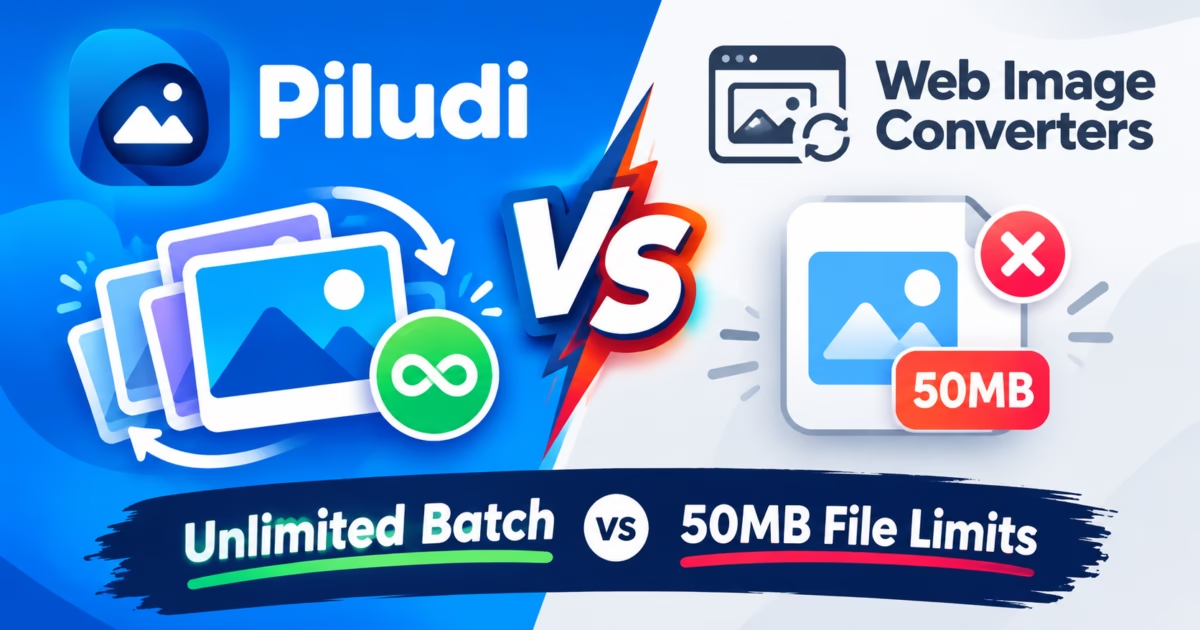
Discovering an authentic Convertio Alternative Image converter has become an essential upgrade for graphic designers, digital photographers, and web development agencies managing high-resolution visual assets. While online conversion tools like Convertio and CloudConvert offer convenient single-image browser transcoding, their strict 100MB file limits, slow cloud upload queues, and aggressive monthly subscription paywalls severely hinder professional batch workflows. In addition, uploading confidential client photography, brand assets, or medical imaging to third-party web servers introduces acute legal and intellectual property liabilities. Consequently, high-volume production studios require a dedicated local desktop converter that processes unlimited high-resolution images offline.
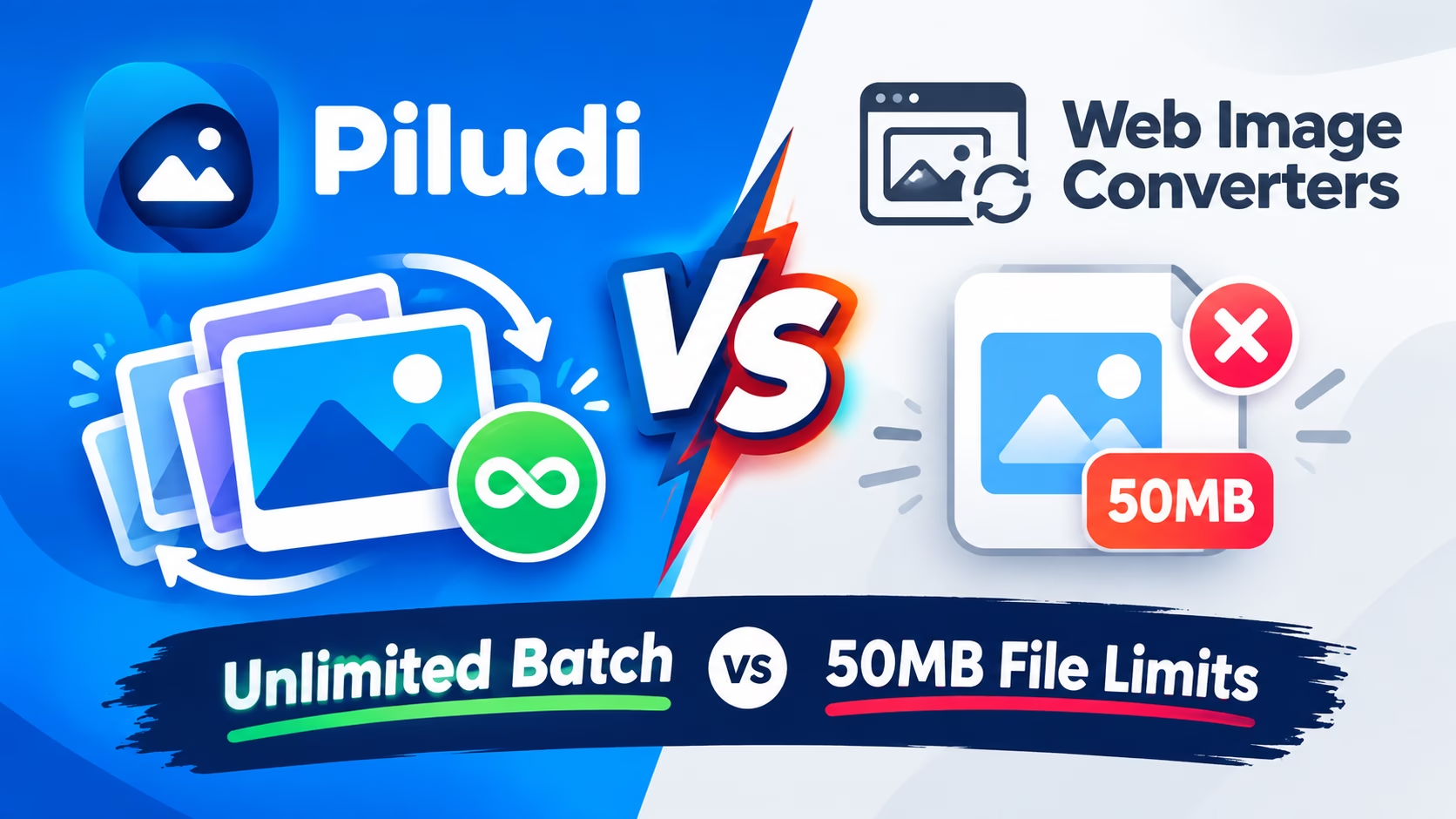
Convertio Alternative Image: The Critical Flaws of Cloud-Based Photo Portals
When creative teams utilize online image converters like Convertio, CloudConvert, or Zamzar, every single image must travel across the public internet to a remote web server. For low-resolution web icons or compressed mobile screenshots, this workflow might appear acceptable. However, in modern visual production environments featuring 45-megapixel camera RAW files, high-resolution TIFF print separations, and lossless WebP asset libraries, the cloud model collapses under its own architectural constraints.
Specifically, residential and commercial internet upstream bandwidth is significantly more restricted than downstream download speeds. Attempting to upload a batch of 150 Sony ARW or Canon CR3 RAW files totaling 6.5 GB over an average broadband connection can take over 40 minutes simply to stage the files. Once uploaded, web converters enforce arbitrary concurrency caps, processing only one or two images at a time while queuing the remainder behind commercial subscription tiers.
Therefore, transitioning to a dedicated Convertio Alternative Image desktop application completely removes these network bottlenecks. Because local software executes image demuxing, raster decoding, and color space mathematical transformation directly across your computer’s CPU and GPU cores, there are zero broadband upload delays. The entire 6.5 GB batch processes directly on your local NVMe storage drive in under 90 seconds.
The 100MB Wall and Monthly Subscription Traps
Online conversion portals operate on aggressive freemium business models designed to monetize user frustration. To convert images larger than 100MB or process more than 10 files in a single day, Convertio and CloudConvert force users into recurring monthly subscription billing plans ranging from $9.99 to $25.00 per month.
For freelance designers, small business owners, and occasional PC users, paying recurring monthly fees simply to convert images into modern web formats like WebP or AVIF represents an ongoing financial drain. Furthermore, if you exhaust your daily “conversion minutes” during an urgent project deadline, cloud platforms immediately halt your conversion queue until you enter credit card billing details.
In contrast, a genuine desktop utility provides unlimited, unrestricted batch processing capabilities. Whether you need to convert 5 images or 5,000 gigabytes of archival photographs, the software runs locally on your personal computer without subscription paywalls, watermarks, or artificial resolution throttling.
Comparison Matrix: Piludi Image Converter vs. Convertio vs. CloudConvert
The Professional NDA Problem: Why Studios Cannot Upload Client Assets
In professional commercial photography, wedding studio production, medical imaging, and brand identity design, client confidentiality is governed by strict legal contracts and non-disclosure agreements (NDAs). When an agency photographs an unannounced consumer electronic device or shoots a high-profile fashion campaign, transmitting uncompressed RAW files to cloud converter servers constitutes an immediate breach of contract.
Cloud conversion platforms utilize multi-tenant server infrastructure located across diverse geographic jurisdictions. Once an image is uploaded, it resides in temporary server memory and shared cloud buckets that are vulnerable to server misconfigurations, data scraping, and cyber intrusions.
By deploying Piludi – Image Converter, enterprise creative studios maintain total data sovereignty. Because the application operates completely offline without network sockets, client photographs remain strictly stored on your encrypted local drives. You can safely transcode thousands of commercial client assets with complete legal and regulatory compliance.
Local Hardware Acceleration: Multi-Core CPU & SIMD Vectorized Raster Transcoding
Modern personal computers feature extraordinary computational performance. Today’s multi-core CPUs and dedicated graphics cards possess dedicated SIMD instruction sets, AVX-512 extensions, and specialized hardware decoders capable of processing gigapixels of visual data in fractions of a second.
Piludi Image Converter leverages your hardware through asynchronous multi-threading. When processing a batch of images into Google’s modern WebP format, the conversion pipeline assigns discrete image files across all available logical processor cores. While Worker 1 compresses Image 1 utilizing optimized spatial predictive filters, Worker 2 compresses Image 2, and Worker 8 processes Image 8 simultaneously.
Furthermore, the software preserves color accuracy by maintaining embedded ICC color profiles, EXIF camera exposure metadata, and GPS geotags. When converting between RAW, PNG, JPEG, and WebP, pixel values are mapped accurately across sRGB, Adobe RGB, and DCI-P3 color spaces without color shifting or clipping highlights.
Color Space Transformations: sRGB, Adobe RGB (1998) & DCI-P3 Without Gamma Shifting
A common flaw in rudimentary online converters is the stripping of International Color Consortium (ICC) profiles. When a photographer shoots in Adobe RGB (1998) to capture rich emerald greens and vibrant cyan skies, converting that photograph to JPEG on a generic web converter frequently discards the embedded profile. The resulting image renders washed-out skin tones and muted colors on standard sRGB displays.
Piludi Image Converter incorporates a high-precision LittleCMS color management module. It parses source color spaces, applies perceptual or relative colorimetric rendering intents, and converts wide-gamut DCI-P3 or Adobe RGB assets into calibrated sRGB outputs without gamma crushing or posterization banding.
In addition, the conversion pipeline supports 16-bit per channel color depth processing. When converting professional 16-bit TIFF or PSD master graphics into 8-bit web formats, the software utilizes Floyd-Steinberg error diffusion dithering to prevent noticeable gradient banding across smooth skies and architectural backgrounds.
Preserving Alpha Channels, 16-Bit Color Depths & EXIF Metadata
A recurring problem with generic web converters is the stripping of vital alpha transparency and technical image metadata. When converting graphic logos or transparent UI assets from WebP to PNG on free cloud converters, poorly configured raster engines frequently replace the alpha channel with an ugly black or solid white background.
Piludi Image Converter handles 32-bit ARGB color pipelines natively. The transparency mask is preserved with pixel-perfect mathematical fidelity, preventing fringe halo artifacts around complex drop shadows and anti-aliased typography.
In addition, the conversion pipeline preserves professional camera EXIF metadata, including ISO speeds, lens focal lengths, aperture values, and shutter timing. Photographers can convert large client preview galleries while ensuring that shooting metadata remains completely intact for Lightroom and cataloging software.
The Modern Web Format Revolution: Native AVIF, Lossless WebP & Efficient JPEGs
In modern web development, page load latency directly impacts organic search rankings and user conversion rates. Traditional JPEG and PNG formats are heavily bloated compared to next-generation image codecs like Google WebP and AVIF (AV1 Image File Format). Converting an ecommerce catalog of 2,000 PNG product photos into WebP typically reduces total payload size by 65% to 80% without perceptible loss in visual sharpness.
Attempting to perform this optimization through cloud converters requires hours of uploading and incurs significant subscription expenses. With Piludi Image Converter, webmasters can drag their entire website asset repository into the batch queue, configure an 82% quality preset with lossless alpha preservation, and generate thousands of production-ready WebP graphics locally in minutes.
The software also provides automated fallback generation. If your web architecture requires serving legacy JPEG assets to older browser clients, Piludi can simultaneously output paired WebP and optimized JPEG versions into organized target directories.
High-Volume Asset Processing: How Agencies Convert 1,000+ Ecommerce Photos
Commercial digital agencies managing Shopify stores, Amazon storefronts, and digital marketing campaigns face constant high-volume asset transcoding demands. When a product launch occurs, photographers deliver hundreds of gigabytes of camera RAW files that must be processed into web banners, square social thumbnails, and zoomable product views.
Piludi Image Converter functions as an industrial-grade batch processing workstation. It handles mixed-format batches seamlessly. You can feed a single queue with Canon CR3, Sony ARW, Nikon NEF, Apple HEIC, and standard PNG images. The engine automatically routes each file through the appropriate demuxer, applies unified color profile transformations, and outputs standardized images with consistent filenames.
By removing cloud upload bottlenecks and arbitrary daily conversion limits, creative agencies reduce asset preparation turnaround times from entire days to under an hour, significantly lowering production overhead and increasing client satisfaction.
Batch Watermarking & Studio Branding: Protecting Visual Copyright Locally
For professional wedding photographers, real estate marketing agencies, and graphic design freelancers, releasing un-watermarked proofs to clients carries substantial financial risks. Before contracts are settled and final invoices paid, studios must overlay copyright identifiers, semi-transparent watermark logos, or client review stamps across hundreds of preview images.
Piludi Image Converter includes an integrated local watermarking compositing engine. Users can position a high-resolution PNG watermark graphic or customizable typography text across all queued images with precise opacity blending, margin offsets, and dynamic scaling.
Because the watermarking pass executes concurrently alongside format conversion and resizing, applying studio copyright protection to 500 proofs takes zero additional production time. You produce protected, web-optimized client proofs swiftly without risking unreleased assets on third-party cloud servers.
Step-by-Step Walkthrough: Batch Converting 500 High-Res Photos Offline
- Open Piludi Image Converter: Launch the application from your Windows 11 Start Menu. The streamlined workspace opens instantly with zero browser tabs or login delays.
- Drag and Drop Your Images: Drop your entire photo directory or select hundreds of mixed-format files (RAW, HEIC, PNG, JPG, WebP) directly into the batch queue.
- Select Target Output Format: Choose your desired destination container from the dropdown menu (WebP, PNG, JPG, BMP, TIFF). Configure your desired quality slider (e.g., 85% for high-efficiency web publishing).
- Configure Output Options: Optionally specify custom dimensions for batch thumbnail generation, choose whether to preserve EXIF metadata, and select your destination folder.
- Execute Parallel Conversion: Click “Convert All”. Your computer’s CPU cores immediately engage, transcoding hundreds of high-resolution images in parallel at maximum SSD throughput.
Frequently Asked Questions on Desktop Image Conversion and RAW Processing
Can Piludi Image Converter convert Apple iPhone HEIC photos to standard JPG?
Yes. Piludi Image Converter includes native hardware-accelerated HEVC/HEIC decoding that converts iPhone photos into high-quality JPG or PNG without requiring paid Microsoft Store codec extensions or uploading personal photos to cloud websites.
Does converting images with Piludi preserve transparent backgrounds?
Yes. When converting between formats supporting alpha channels (such as WebP to PNG or vice versa), Piludi preserves 100% of alpha transparency values with zero background haloing or black border artifacts.
Are there any batch limits or file size restrictions in Piludi Image Converter?
No. Because Piludi runs 100% locally on your PC hardware, there are no artificial file size caps (like Convertio’s 100MB limit) and no daily conversion quotas. You can convert thousands of high-resolution RAW photos or massive gigapixel graphic files completely unrestricted.
Bilinear vs. Bicubic vs. Lanczos-3: Mathematical Resampling for Downscaled Assets
When converting massive 45-megapixel camera photographs into lightweight web dimensions (such as 1920×1080 or 1200×800 for blog hero banners), the quality of the downsampling filter dictates visual clarity. Low-tier online image converters routinely utilize fast nearest-neighbor or simple bilinear interpolation on their servers to minimize CPU overhead.
Bilinear downsampling produces soft, blurry results, causing sharp architectural brick lines or text signs in photos to lose crisp definition. Conversely, unoptimized sharpening algorithms introduce harsh ringing artifacts and jagged high-contrast moiré patterns across fine patterns.
Piludi Image Converter implements high-order Lanczos-3 windowed sinc filtering. The mathematical algorithm samples an 8×8 pixel neighborhood, evaluating spatial frequency contributions to compute ideal destination pixel values. When downscaling large commercial photographs, Lanczos-3 preserves razor-sharp edges, fine fabric textures, and subtle focal gradients without introducing unsightly digital halos.
Automated Asset Pipelines: Converting 10-Bit HEIF & HEIC Photos on PC
Modern smartphones—including Apple iPhones and high-end Samsung Galaxy devices—capture photographs in High Efficiency Image File Format (HEIF / HEIC). While HEIC provides impressive compression ratios for mobile devices, opening or editing these files on Windows 11 is notoriously frustrating. The default Windows Photos app often requires users to purchase a paid 99-cent HEVC Video Extensions package from the Microsoft Store.
Furthermore, graphic design software like Adobe Photoshop on Windows often stumbles over 10-bit HDR HEIC files, rendering color banding or failing to open the container entirely. Photographers who shoot weddings or corporate events on modern iPhones frequently need to transcode 800 HEIC files into universal JPEG or PNG formats before beginning timeline curation.
Piludi Image Converter includes built-in hardware-accelerated HEIF and HEIC decoders. You can drag an entire folder of 1,000 iPhone photos into the queue, select JPG or WebP at 90% quality, and transcode the entire library locally in seconds without paying for Microsoft Store extensions or uploading personal family albums to third-party web portals.
The Hidden Metadata Hazard: Stripping GPS Geotags While Retaining EXIF Settings
When photos are captured on smartphones and modern GPS-equipped mirrorless cameras, the camera hardware embeds precise latitude and longitude GPS coordinates directly into the image EXIF header. When users upload these photos to social media, forums, or online marketplaces, anyone can extract these coordinates to pinpoint your exact home address, office location, or private studio.
Standard online converters present an all-or-nothing choice: either strip all metadata (destroying valuable camera shutter, aperture, and lens data) or leave everything intact (exposing your private GPS location).
Piludi Image Converter includes an intelligent privacy sanitizer. With a single toggle, the software can strip sensitive geographic GPS tags, device serial numbers, and personal owner metadata while preserving camera technical settings (focal length, ISO, exposure time) and embedded ICC color profiles. You can share your photography publicly with complete confidence in your privacy.
Conclusion: The Definitive Desktop Alternative to Cloud Converters
In summary, relying on cloud-based converters like Convertio and CloudConvert for professional image processing is an inefficient compromise that introduces upload delays, file size restrictions, monthly subscription costs, and severe client privacy liabilities.
By installing a native, sandboxed Windows 11 application like Piludi Image Converter, you unlock unrestricted batch processing speed, maintain 100% data confidentiality, and eliminate recurring software fees. Your computer hardware handles your visual media with uncompromising quality and speed.
Explore our complete ecosystem of privacy-focused desktop tools at the official DesignoFly Studio Software Hub. Download Piludi Image Converter today and elevate your daily creative workflow.
Published by: DesignoFly Studio Team | Digital Imaging Architecture, Multi-Threaded Raster Processing & Desktop Software Design.