
📐 2026 Interactive Dimensions Cheat Sheet
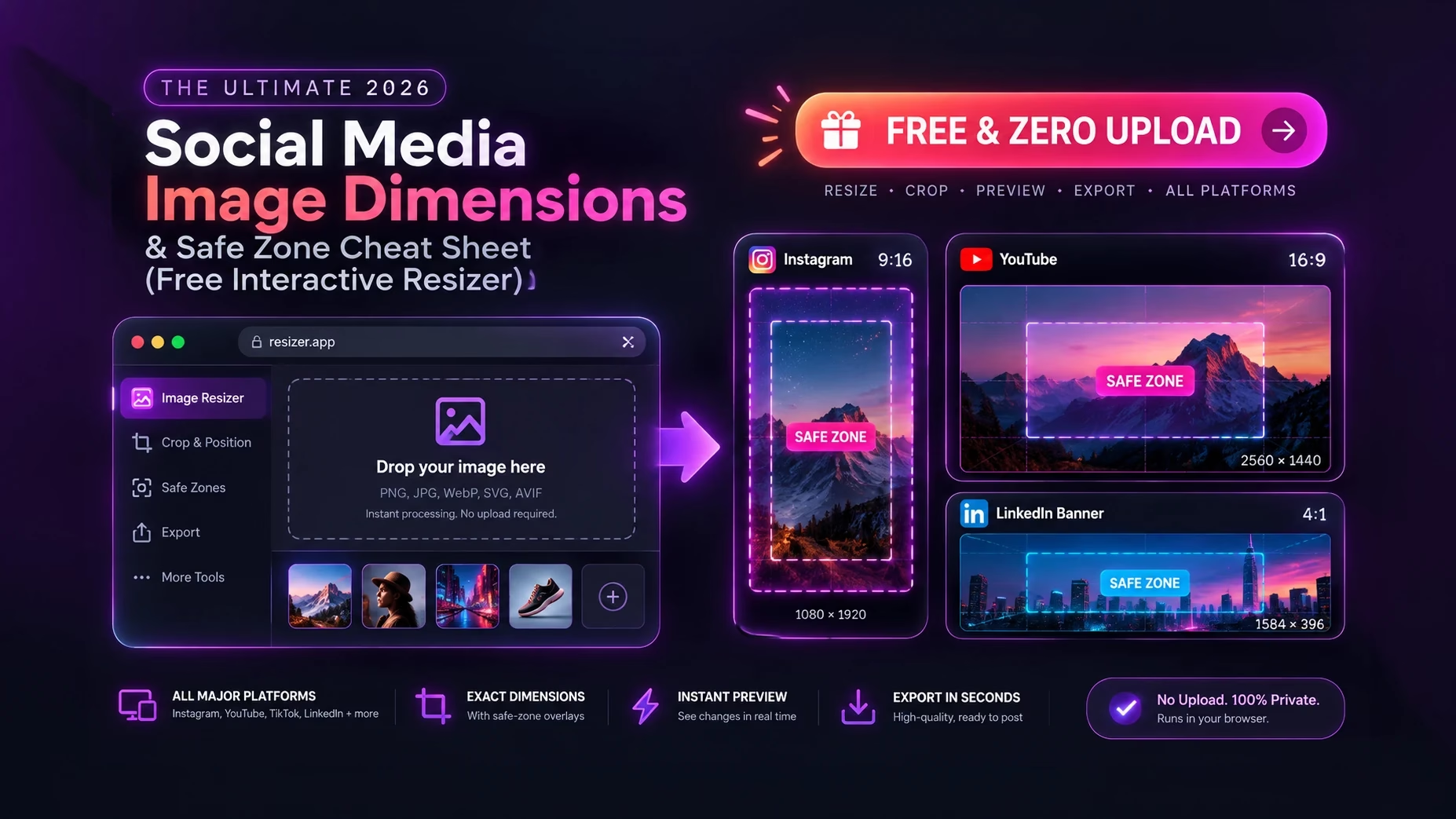
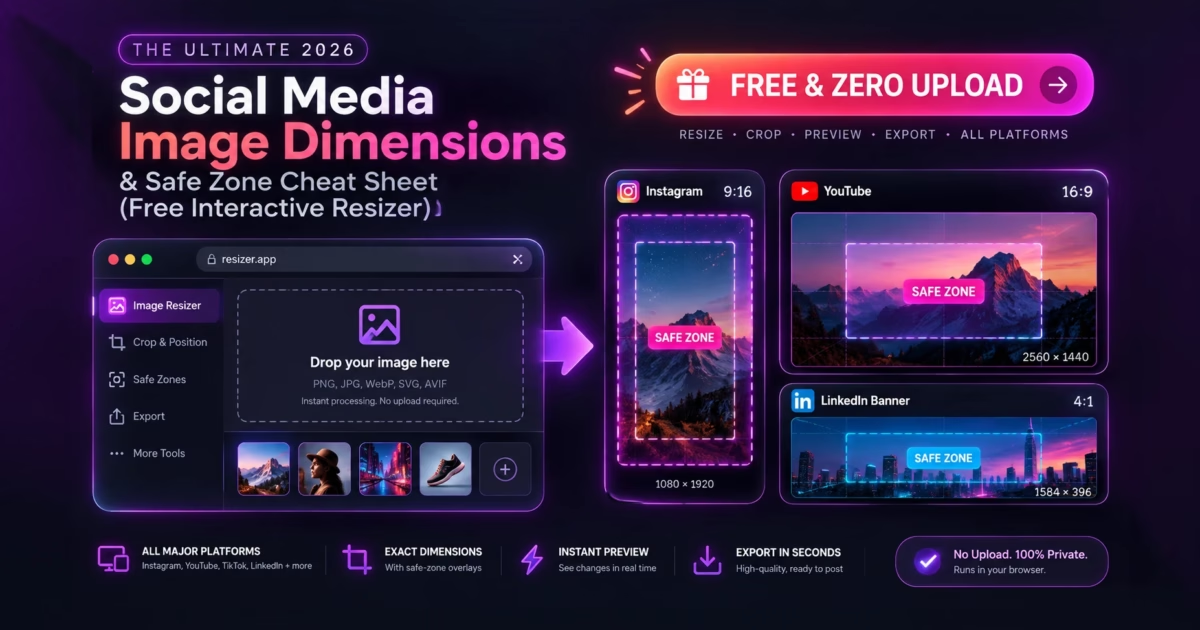
To instantly resize images for every major social network and preview exact UI safe zones without unwanted cropping, use MetaoFly Social Media Image Resizer & Cropper. The platform automatically applies 2026 pixel standards: Instagram Portrait (1080×1350 px, 4:5), Stories/Reels/TikTok (1080×1920 px, 9:16 with 220px top/bottom HUD clearance), YouTube Banner (2560×1440 px with 1546×423 px central safe core), and LinkedIn Header (1584×396 px). Upload once, toggle platforms with live interactive safe-zone HUD overlays, and export watermark-free high-DPI assets directly from local browser memory.
The Frustration of Paywalled Magic Resizers & Broken Mobile Safe Zones
Every content creator, social media manager, and marketing designer knows the headache of multi-platform distribution. You finish designing a breathtaking graphic for an Instagram feed post, only to realize you now need an identical version adapted for TikTok, a landscape version for LinkedIn, and a wide banner for YouTube.
When you attempt to solve this workflow with conventional design software, you hit two massive walls:
⚠️ The $120/Year Freemium Paywall & The UI Overlay Disaster
Platforms like Canva lock one-click “Magic Switch / Magic Resize” behind a strict $120/year Pro subscription. Free web alternatives degrade your images with aggressive compression, limit exports, or stamp intrusive watermarks over your artwork. Even worse, none of them warn you about platform UI occlusion: on TikTok and Instagram Reels, the native app’s right-side engagement buttons (Like, Comment, Share, Audio Disc) and bottom caption text block up to 35% of your visual content if you fail to calculate safe margins!
MetaoFly engineered Social Media Image Resizer & Cropper to eliminate this frustration forever. It gives creators a 100% free, unlimited, in-browser workstation with dynamic neon Safe Zone HUD overlays. You can see exactly where platform buttons and profile icons sit in real time before exporting clean, high-DPI graphics.
Under the Hood: Canvas 2D Bicubic Resampling & Dynamic Safe Zone HUD
MetaoFly’s resizing engine runs entirely on client-side hardware using HTML5 Canvas 2D transformation pipelines:
- Bicubic Sub-Pixel Interpolation: Rather than using nearest-neighbor scaling that creates pixelated jagged edges, the engine computes high-quality bicubic resampling over an
OffscreenCanvas, preserving razor-sharp text and photography details. - Adaptive Blurred Padding: When adapting vertical images into horizontal landscape formats (or vice-versa), MetaoFly offers procedural Gaussian blur background extensions, eliminating unsightly solid black bars.
- Live Calibrated HUD Guides: The interactive viewport overlays real-time millimeter-calibrated bounds representing mobile navigation bars, engagement rails, and responsive desktop crop zones.
Step-by-Step Guide: Resizing & Aligning Social Media Artwork in MetaoFly
The MetaoFly workspace provides an efficient 2-column studio layout (Left: Interactive Viewport with Real-Time Safe Zone HUD; Right: Platform Presets, Aspect Ratio Sliders & Background Styling).
Upload Master Image into Local In-Memory Canvas
Drag your master PNG or JPG photo into the left workspace canvas. Because processing occurs purely in local device RAM, images load instantaneously without compression or server upload delay.
Select Target Network Preset (Instagram, TikTok, YouTube, LinkedIn, X)
In the right control drawer, select your desired platform and placement. The canvas instantly snaps to the exact native resolution (e.g. 1080×1350 for Instagram Portrait, 1280×720 for YouTube Thumbnail, or 1584×396 for LinkedIn Header).
Activate Safe-Zone Overlay & Fine-Tune Composition
Toggle the Safe Zone HUD overlay. Neon guides project the platform’s native interface elements (like TikTok’s like/share icons or YouTube’s mobile viewport bounds). Pan and zoom your subject to ensure critical typography, faces, and brand logos remain fully visible inside the protected zone.
Configure Background Style & Export Clean Asset
Choose your background treatment: Fit with Blurred Backdrop, Solid Brand Color, or Exact Crop / Fill. Click Download Clean High-DPI Image to save the optimized graphic without watermarks.
The Master 2026 Social Media Dimensions & Safe Zone Reference Table
Bookmark this table for exact pixel dimensions, aspect ratios, and safe margin requirements across all major social networks:
Stop Guessing Social Media Crop Dimensions
Resize and verify safe margins for Instagram, TikTok, YouTube, and LinkedIn in real time using our free browser studio.
MetaoFly Resizer vs. Commercial Resize Tools
How does MetaoFly Social Media Image Resizer compare against paid subscription software?
Real-World Persona Workflows
Scenario 1: Short-Form Video Creators & TikTok Influencers
When publishing video hooks and carousel covers on TikTok and Instagram Reels, placing text within the top 200 pixels or bottom 350 pixels guarantees that the account handle, sound title, and right-hand engagement icons will obscure your message. By loading cover photos into MetaoFly with the Safe Zone HUD active, creators align typography precisely within the unobstructed center sweet spot, boosting video tap-through rates by up to 25%.
Scenario 2: E-Commerce Brands & Instagram Carousel Marketers
Square 1:1 posts (1080×1080 px) occupy significantly less mobile screen real estate than vertical 4:5 portrait posts (1080×1350 px). In fact, 4:5 graphics provide 25% more screen height in user feeds, dramatically improving ad visibility and scroll-stopping power. Marketers use MetaoFly to batch extend product photography into 4:5 format with sleek blurred background padding without awkward cropping.
Scenario 3: Corporate Executives & LinkedIn Thought Leaders
A LinkedIn banner displays differently on a 27-inch 4K desktop monitor compared to an iPhone screen. Furthermore, the round profile photo cuts into the bottom-left quadrant on desktop and centers on certain mobile views. MetaoFly’s responsive safe zone guides allow executive branding specialists to position corporate slogans and credentials safely on the upper right, ensuring complete visibility across all devices.
Pro Troubleshooting: 3 Social Media Cropping Pitfalls to Avoid
1. The Instagram Grid Profile Auto-Crop
While your 4:5 portrait post displays at 1080×1350 px in the user’s feed, your profile portfolio grid crops it down to a square 1:1 (1080×1080 px). If your headline or product subject is positioned in the top or bottom 135 pixels, it gets sliced in half on your profile. Always keep critical focal points within the middle 1080×1080 square.
2. YouTube Thumbnail Duration Pill Collision
YouTube automatically renders a solid black timestamp pill (e.g. 14:28) over the bottom-right corner of every video thumbnail on both desktop and mobile apps. Placing text, logos, or emotional facial expressions in the bottom-right corner renders them illegible. Keep that sector blank.
3. Uploading Overcompressed Files to Meta & TikTok
If you export an image at 72 DPI with 60% JPEG quality, Instagram and TikTok’s aggressive server transcoders will re-compress it further, resulting in severe color banding and pixel mush. Always export at high quality (85%–90%) or PNG from MetaoFly to survive platform re-encoding cleanly.
Related Creative Studios on MetaoFly
- Image Converter & Compressor: Convert resized graphics into ultra-light WebP format for fast web portfolio rendering.
- Device Screen Mockup Studio: Frame your newly resized social posts inside 3D iPhone and MacBook studio mockups.
- Color Palette Extractor: Sample exact brand hex colors to create matching solid backgrounds for your social templates.
- Pro QR Code Studio: Generate branded vector QR codes to place on printed social media flyers and business cards.
Frequently Asked Questions (FAQ)
What is the best image size for Instagram posts in 2026?
The best image dimension for Instagram feed posts is 1080 × 1350 pixels (4:5 portrait ratio). It occupies the maximum vertical screen space on modern smartphones, driving higher engagement than traditional 1080 × 1080 square images.
What is the safe zone for TikTok and Instagram Reels?
While the full resolution is 1080 × 1920 pixels (9:16), the critical safe zone requires keeping important text, faces, and logos at least 220 pixels from the top (profile header area) and 380 pixels from the bottom (caption, hashtags, and music ticker area), with 120 pixels clearance on the right rail for interaction buttons.
Can I resize an image without cropping off important details?
Yes. MetaoFly includes a Fit with Blurred Background mode. It scales your original image to fit within the new aspect ratio without cropping, while generating an elegant matching blurred extension of your photo in the remaining background space.
Does MetaoFly place watermarks on resized images?
Never. All exports are 100% clean, professional, and unwatermarked. There are zero paid subscriptions or premium lockouts.
Are my photos uploaded to an external server when resizing?
No. MetaoFly Social Media Image Resizer executes completely in your local browser memory using HTML5 Canvas 2D. Your confidential photos and graphics never leave your computer or phone.
#Instagram Safe Zone
#TikTok Safe Zone HUD
#YouTube Banner Dimensions
#LinkedIn Header Resizer
#Free Canva Magic Resize Alternative
#Zero Watermark
#In-Browser Privacy
Reference specifications: Certified according to official YouTube Banner & Thumbnail Aspect Guidelines and Meta Instagram Resolution & Safe Zone Standards.