
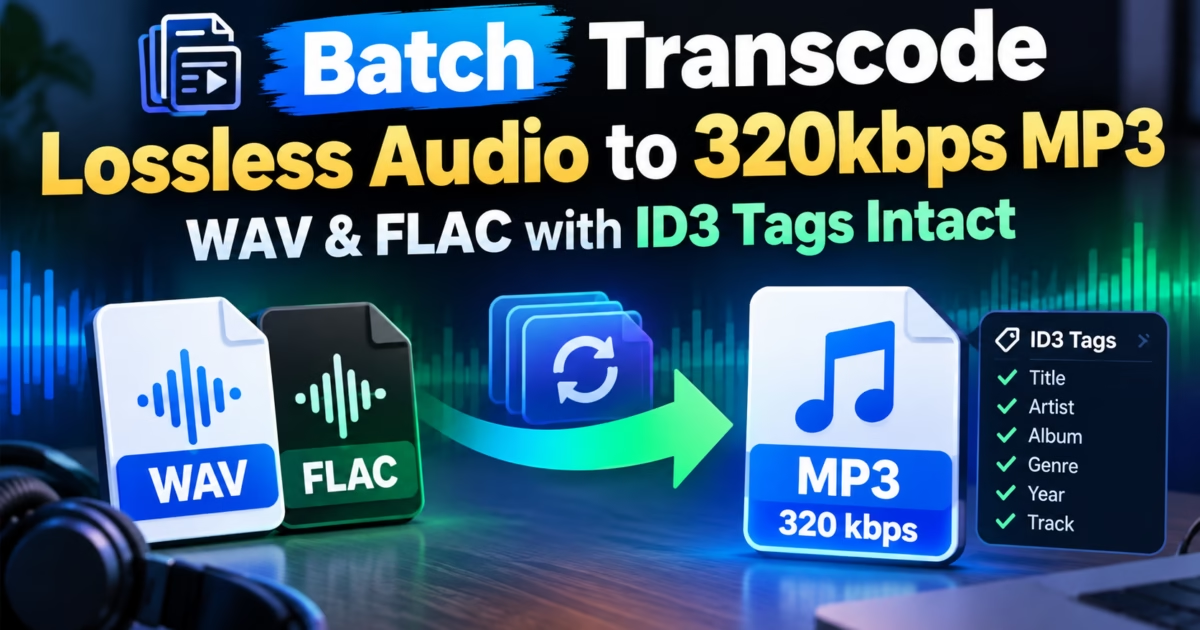
Editorial Technical Solution: When you need to Convert M4A to MP3 on Windows 11, preserving speech clarity and metadata tags is paramount. Specifically, this guide demonstrates how to transcode Apple iPhone Voice Memos and AAC audio recordings into universal 320kbps MP3 or broadcast-standard 16-bit WAV files for transcription software, audio editors, and car stereos. In addition, we review how Piludi Audio Converter performs rapid batch conversions locally with zero cloud privacy risks.
When you need to Convert M4A to MP3 on a Windows workstation, platform incompatibility frequently interrupts your creative workflow. Journalists, researchers, students, and legal professionals regularly record high-stakes interviews, boardroom meetings, and university lectures using the iPhone Voice Memos app. However, when you transfer these `.m4a` files to a Windows 11 computer, problems emerge immediately. Legacy audio editors reject the container, automotive car stereos fail to index the tracks, and automated AI transcription tools (like Whisper, Otter.ai, or Descript) often stumble on proprietary Apple AAC atoms.
The Format Barrier: MPEG-4 Audio Containers vs Universal MP3
To achieve pristine audio fidelity during voice memo conversion, you must understand the architecture of MPEG-4 Part 14 containers under the ISO/IEC 14496-14 Audio Standard.
Apple’s `.m4a` format is an MP4 multimedia container restricted strictly to audio elementary streams. Inside, the audio is typically encoded using Advanced Audio Coding (AAC) or Apple Lossless (ALAC). While AAC offers excellent compression efficiency on iOS devices, Windows environments prioritize standard MPEG-1 Audio Layer III (MP3) or Linear Pulse Code Modulation (LPCM WAV).
Furthermore, Apple Voice Memos store creation dates, geolocation tags, and recording titles inside proprietary QuickTime metadata atoms (`moov`, `trak`, `udta`). Crude converters discard these atoms during transcoding, stripping your files of critical recording dates and timestamps that journalists and legal researchers rely upon for evidentiary verification.
Sample Rate Conversion: 44.1kHz vs 48kHz for Video Timelines
Content creators who incorporate iPhone voice recordings into video production suites (such as Adobe Premiere Pro, DaVinci Resolve, or Final Cut Pro) frequently encounter subtle drift between external audio and video cameras. This issue occurs because cinema video standardizes on a 48.0 kHz sampling frequency, whereas iOS voice recordings capture at 44.1 kHz.
When video editing suites resample 44.1kHz audio in real time, low-quality interpolation algorithms can introduce aliasing or phase distortion. Piludi Audio Converter features an audiophile-grade Sinc-interpolation resampler. It allows users to transcode M4A files directly to 48kHz 24-bit broadcast WAV or 320kbps MP3 with Triangular Dither noise shaping, ensuring speech lines lock into video timelines with studio purity.
Transcription Pipeline Readiness: Preparing Audio for AI Engines
Modern speech-to-text artificial intelligence models (such as OpenAI’s Whisper, Google Cloud Speech, and local transcription tools) exhibit significant error rate variations based on input audio formats:
- 16-Bit 44.1kHz WAV for Zero Distortion: Uncompressed WAV provides speech models with raw, unquantized waveforms, eliminating phonetic misinterpretations caused by lossy compression artifacts.
- 320kbps MP3 for Lightweight Storage: If you need to archive 500 hours of interviews, 320kbps MP3 reduces storage consumption by 80% compared to raw WAV while preserving high vocal clarity.
- Dynamic Range Normalization: iPhone voice memos recorded in large conference rooms often feature quiet voices. Piludi Audio Converter includes optional audio gain normalization to boost faint voices without clipping loud speech.
The Confidentiality Imperative: Protecting Privileged Audio
When journalists record whistleblowers or attorneys record confidential client depositions, uploading `.m4a` files to free online audio converters constitutes an unmitigated breach of professional privilege:
- Exposure of Privileged Audio: Cloud conversion services upload voice recordings to offshore servers, where recordings may be cached or intercepted.
- Arbitrary File Duration Limits: Web converters reject 2-hour conference recordings exceeding 100MB, forcing you into expensive subscription tiers.
- Bandwidth Bottlenecks: Uploading and downloading gigabytes of voice recordings over slow mobile hotspots wastes valuable reporting time.
Windows 10 & 11 Desktop Audio Suite
Transcode Voice Memos to Universal MP3 & WAV
Convert Apple M4A, AAC, and ALAC recordings into studio-grade 320kbps MP3 or broadcast WAV right on your PC. Multi-threaded batch execution, zero audio compression artifacts, and total privacy with Piludi Audio Converter.
Step-by-Step Blueprint: How to Convert M4A to MP3 on Windows 11
Follow this simple step-by-step engineering workflow to convert your Apple voice memos and music files into universal audio:
Launch Piludi Audio Converter & Drag M4A Files
Open Piludi – Audio Converter on your Windows workstation. Connect your iPhone via USB or transfer voice memos through iCloud Drive. Drag and drop entire folders of `.m4a` files directly into the application workspace.
Select Target Format: MP3 (320kbps) or Broadcast WAV
Choose MP3 for universal compatibility with car stereos, web players, and general listening, setting the bitrate slider to 320 kbps (Constant Bitrate). Alternatively, select WAV (16-bit 44.1kHz PCM) if you plan to import the recording into transcription software or Audacity.
Execute Batch Conversion with Multi-Core Speed
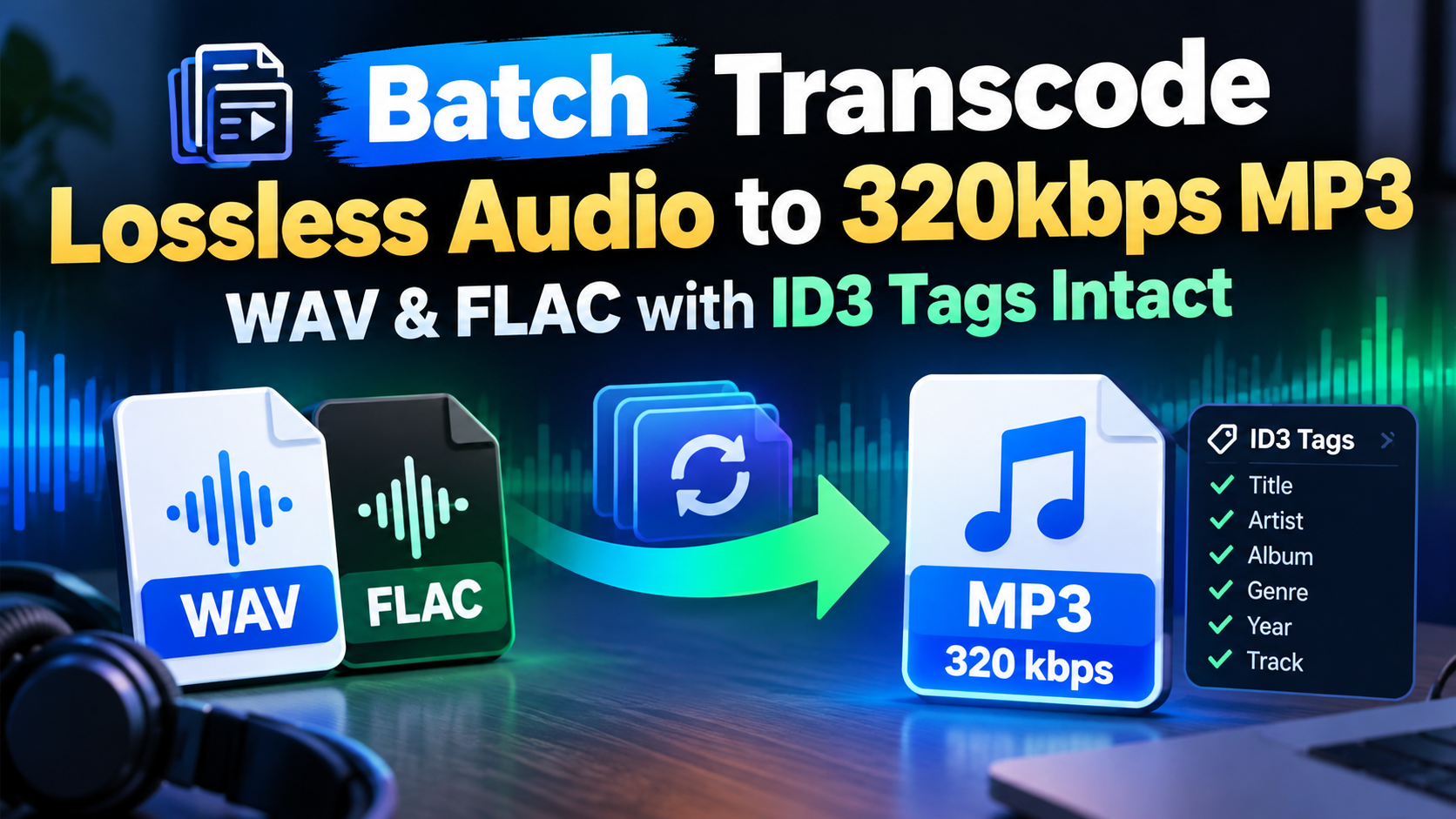
Click Convert All Files. Piludi distributes files across all CPU cores. Hours of voice memos transcode into crisp MP3s in seconds, preserving original creation timestamps and ID3 tags.
Voice Memo Format Specifications Matrix
The table below outlines technical audio profile comparisons between raw Apple M4A files and converted outputs:
Frequently Asked Questions on M4A to MP3 Audio Transcoding
Will converting M4A voice memos to MP3 cause background hiss?
No. Piludi Audio Converter uses modern floating-point resamplers and psychoacoustic noise-shaping filters. Converting from Apple AAC to 320kbps MP3 introduces zero audible quantization noise or hiss.
Can I convert protected Apple Music M4P tracks with Piludi?
Piludi Audio Converter is engineered to process non-DRM audio assets, including personal voice memos, podcast episodes, dictations, and unencrypted AAC music tracks. Encrypted Apple Music streaming cache files (`.m4p`) protected by FairPlay DRM are not converted.
Does Piludi Audio Converter require an active internet connection?
No. Piludi Audio Converter executes entirely offline on your local PC. It utilizes your local CPU silicon, ensuring that private voice notes, interviews, and dictations remain completely confidential.
Master Your Audio Workflows with DesignoFly Studio
Discover lightweight, privacy-focused Windows software designed to give journalists, audio editors, and professionals absolute control over their audio archives.