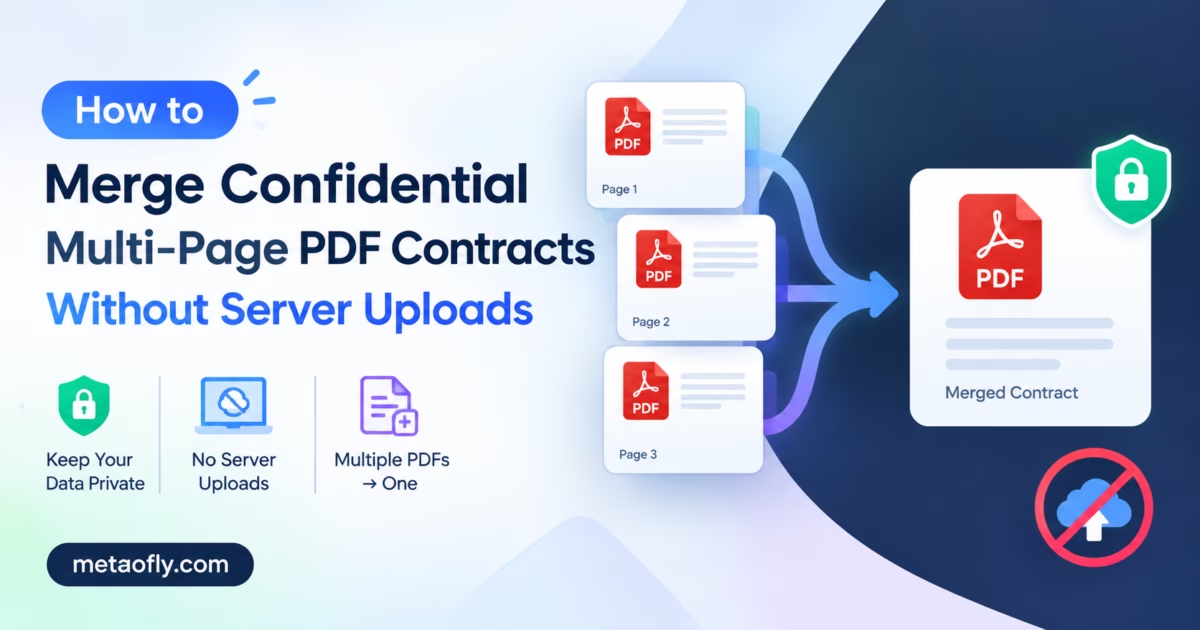
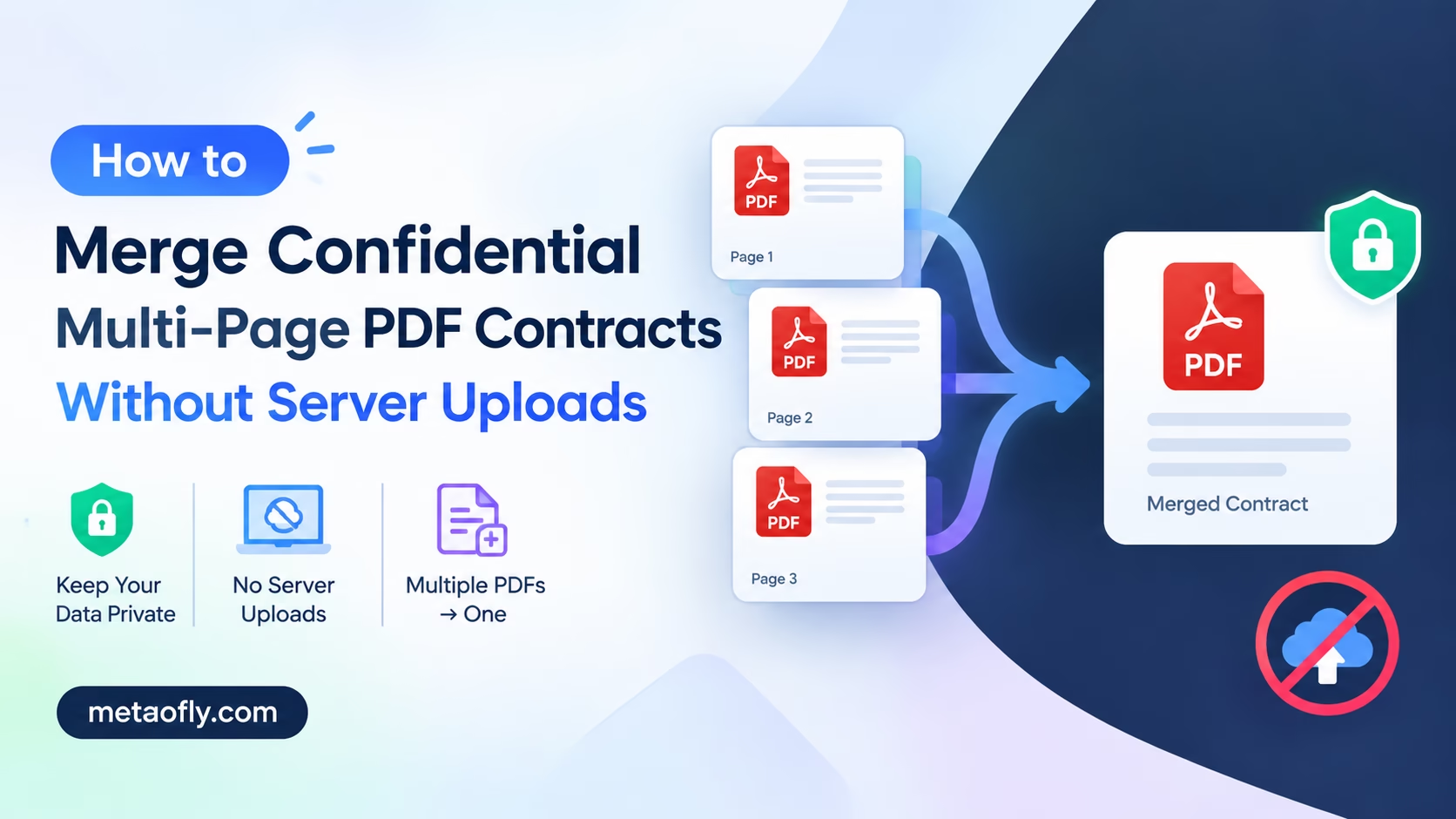
Looking to create a Merge PDF Without Upload?
Editorial Technical Solution: Legal teams, financial analysts, and healthcare administrators handle documents containing privileged information that must never traverse external cloud servers. The ability to merge confidential pdf without upload eliminates the data sovereignty risks inherent in third-party cloud PDF portals. MetaoFly PDF Suite processes all file operations entirely within your local browser memory using WebAssembly, guaranteeing zero network transmission of document contents at any point during the merge workflow.
Every day, millions of professionals upload sensitive contracts, financial statements, medical records, and legal agreements to free online PDF merging services without understanding the profound privacy implications of transmitting confidential data to third-party servers. These cloud-based tools receive complete copies of your documents and may cache, log, or analyze them for service improvement purposes. When you merge confidential pdf without upload using MetaoFly PDF Suite, every byte of your document data remains exclusively within your browser tab’s local memory allocation, creating a verifiable chain of custody that satisfies enterprise compliance requirements.
This Merge PDF Without Upload capability ensures professional results every time.
MetaoFly PDF Suite
Merge, split, and organize confidential PDF documents with zero server uploads. 100% client-side WebAssembly processing ensures complete data privacy.
Merge PDF Without Upload: The Invisible Privacy Threat: Why Third-Party Cloud PDF Portals Are a Severe Legal Liability
When you drag a confidential contract into a cloud-based PDF merger, the complete file is uploaded via HTTPS to a remote server operated by the service provider. The service provider’s terms of service typically grant themselves a broad license to process, store, and in some cases analyze uploaded content for service improvement, machine learning training, and operational analytics purposes. For documents containing attorney-client privileged communications, protected health information under HIPAA, or financial data subject to SOX compliance, this upload constitutes a potential compliance violation that exposes your organization to regulatory penalties.
Even services that prominently advertise automatic deletion after processing present significant residual risk. Server-side file systems may retain cached copies in temporary directories, operating system swap files, backup snapshots, content delivery network edge caches, or database transaction logs. A data breach affecting the service provider’s infrastructure could expose months of accumulated document uploads from thousands of unsuspecting users who trusted the deletion promise.
This Merge PDF Without Upload capability ensures professional results every time.
The regulatory landscape has intensified these concerns dramatically in recent years. GDPR Article 5 requires data minimization, meaning organizations must not process personal data beyond what is strictly necessary for the stated purpose. Uploading an entire multi-page contract to a cloud server merely to merge pages violates this principle when a fully local alternative exists that achieves the same result without any data transmission.
This Merge PDF Without Upload capability ensures professional results every time.
Similarly, CCPA grants California residents the right to know what personal data is collected and how it is used, creating disclosure obligations for any organization whose employees use cloud PDF tools to process documents containing customer information. SOX compliance requirements for financial document handling explicitly prohibit transmission of financial records through unaudited third-party processing systems. These regulatory requirements make client-side document processing not just a privacy preference but a legal necessity for many organizations.
This Merge PDF Without Upload capability ensures professional results every time.
The risk extends beyond regulatory compliance to competitive intelligence protection. Merging confidential pitch decks, pricing proposals, acquisition term sheets, or patent applications through cloud services creates potential exposure vectors for commercially sensitive information. Client-side processing eliminates all of these transmission-related risks by ensuring document data never exists outside your local browser environment.
This Merge PDF Without Upload capability ensures professional results every time.
Merge PDF Without Upload: How Client-Side WebAssembly Works: Processing Files in Local Memory Without Network Transfer
MetaoFly PDF Suite operates on an entirely different architectural model than cloud PDF services. When you load the PDF Suite in your browser, the application downloads a pre-compiled WebAssembly module that contains the complete PDF manipulation engine. Once loaded, this module executes entirely within your browser’s sandboxed memory space, with no ability to initiate network connections or transmit data to external servers.
This Merge PDF Without Upload capability ensures professional results every time.
When you drag PDF files into the merge interface, the browser’s File API reads each document from your local filesystem into a JavaScript ArrayBuffer object. This ArrayBuffer exists exclusively in your browser tab’s allocated RAM segment. The WebAssembly engine processes the PDF byte streams locally, combining page trees, merging cross-reference tables, reconciling font subsetting, and concatenating content streams without ever creating a network socket connection or initiating any HTTP request containing document data.
This Merge PDF Without Upload capability ensures professional results every time.
You can verify this zero-transmission architecture independently using standard browser developer tools. Open your browser’s Developer Tools by pressing F12, navigate to the Network tab, and clear all recorded network activity. Then perform your complete PDF merge operation including loading files, reordering pages, and executing the merge. The Network tab will show zero HTTP POST or PUT requests containing file data, providing cryptographic certainty that your document contents never left your machine.
This Merge PDF Without Upload capability ensures professional results every time.
This client-side processing model means there is no server to breach, no database to hack, and no cloud storage to compromise. When you close the browser tab, the merged document data is released from RAM through JavaScript garbage collection and ceases to exist entirely. No residual copies, no temporary files on remote servers, and no backup snapshots are created at any point in the workflow. This architecture satisfies the most stringent information security audit requirements.
This Merge PDF Without Upload capability ensures professional results every time.
Key Takeaways
- Cloud PDF mergers transmit your complete document contents to remote servers for processing.
- WebAssembly processing keeps all data exclusively in your browser’s local RAM allocation.
- Verify zero network transmission by monitoring the browser Network tab during merge operations.
- GDPR Article 5 data minimization is inherently satisfied by client-side processing architecture.
- All document data is released from memory when you close the browser tab.
- No server-side backup copies, cache files, or transaction logs are created during processing.
How to Merge Confidential Pdf Without Upload: Retaining Embedded Fonts, Tables, and Digital Signatures
Professional PDF documents contain far more than simple text and images. Legal contracts include embedded font subsets, structured table layouts with precise cell positioning, interactive form fields, digital signatures with certificate chains, document metadata, XMP sidecar data, and cross-reference tables that link all these structural elements together. A competent merge engine must preserve all of these structural elements without corruption, data loss, or formatting degradation.
This Merge PDF Without Upload capability ensures professional results every time.
MetaoFly PDF Suite’s WebAssembly engine handles font subsetting correctly during merge operations. When two documents use different subsets of the same font family, the merge engine reconciles the font tables by combining glyph outlines, updating character mapping tables, and regenerating font descriptor entries. This ensures text renders correctly throughout the combined document without fallback to system fonts, character substitution errors, or missing glyph boxes.
This Merge PDF Without Upload capability ensures professional results every time.
Table layouts, which are notoriously fragile in PDF processing operations, are preserved by maintaining the original content stream positioning data verbatim. Unlike cloud services that re-render documents through intermediate HTML conversion, which destroys table formatting, MetaoFly’s engine operates directly on the PDF binary structure. This direct binary manipulation preserves exact table cell positioning, merged cell spans, border formatting, background fills, and row alignment across the entire merged output.
This Merge PDF Without Upload capability ensures professional results every time.
Digital signatures present a unique technical consideration during merge operations. When two individually signed documents are merged into a single file, the original signatures remain embedded in their respective page ranges but will display validation warnings because the document structure has been modified after signing. This is standard behavior across all PDF merging methods regardless of the tool used and does not indicate data corruption. The original signed pages retain their complete signature data, certificate chains, and timestamp tokens for audit verification and legal compliance purposes.
Form field data including text inputs, checkboxes, radio buttons, and dropdown selections are preserved during merging. If two source documents contain form fields with identical names, the merge engine automatically renames the fields from the second document to prevent namespace collisions that would cause form data to overwrite between sections in the merged output.
Step-by-Step Blueprint: Dragging, Dropping, Reordering, and Combining Files with MetaoFly PDF Suite
The complete workflow to merge confidential pdf without upload using MetaoFly PDF Suite takes under sixty seconds for typical document volumes. This step-by-step guide walks through every stage of the process for confident, secure document merging.
Step 1: Open MetaoFly PDF Suite in Your Browser
Navigate to the MetaoFly PDF Suite tool page in any modern browser including Chrome, Firefox, Edge, or Safari. The WebAssembly engine loads automatically in approximately two seconds on modern hardware. No account registration, no software installation, no browser extension, and no Java or Flash plugin is required.
Step 2: Drag and Drop Your PDF Files into the Merge Zone
Select multiple PDF files from your local filesystem and drag them directly into the designated drop zone on the page. Alternatively, click the file selector button to browse your directories using the standard operating system file picker dialog. The suite supports simultaneous multi-file selection for batch operations involving dozens of source documents.
Step 3: Reorder Pages Using the Visual Thumbnail Interface
Once files are loaded, the suite generates and displays thumbnail previews of every page across all uploaded documents. Drag individual pages or page groups to reorder them into your desired sequence. This visual reordering capability is essential when combining exhibits, appendices, signature pages, and cover sheets from separate source files into a cohesive combined deliverable.
Step 4: Remove Unwanted Pages Before Merging
Click the delete icon on any page thumbnail to exclude it from the final merged document. This selective exclusion allows you to combine specific pages from multiple source files without including unnecessary blank pages, duplicate covers, irrelevant appendices, or draft watermarked pages that should not appear in the final deliverable.
Step 5: Execute the Merge and Download the Combined Document
Click the merge button to combine all selected and ordered pages into a single PDF document. The WebAssembly engine processes the merge operation entirely in your local browser memory and presents a download prompt when complete. Save the combined file to your preferred directory. The entire merge output is generated without any server communication.
Resolving File Bloat: Merging Multiple 50MB Scans into Clean, Normalized Deliverables
Scanned documents frequently carry excessive file sizes due to uncompressed raster image data, redundant ICC color profiles, embedded preview thumbnails, and unoptimized color space definitions. When merging multiple large scanned PDFs, the combined file size can quickly exceed email attachment limits, cloud storage quotas, and court electronic filing size restrictions.
MetaoFly PDF Suite applies intelligent stream compression during the merge process where possible. Image objects within scanned pages are analyzed and, where applicable, re-encoded using optimized compression parameters that can reduce file size by 30 to 60 percent without visible quality degradation. This compression operates on the binary image data within the PDF content streams, not on the structural metadata that defines page layout and document organization.
For organizations that regularly merge large scanned documents such as medical imaging records, architectural blueprints, legal discovery productions, or financial audit documentation, this built-in optimization capability eliminates the need for a separate compression step after merging. The output file is immediately sized for practical distribution, email transmission, and electronic filing system archival. For additional compression of images before including them in documents, the MetaoFly Image Converter and Compressor can reduce individual image files to optimal sizes.
Verification Test: How to Inspect Network Activity in DevTools to Confirm Zero Cloud Transmission
For organizations with strict information security requirements, audit committees, and regulatory compliance obligations, MetaoFly PDF Suite’s zero-transmission architecture can be independently verified through standard browser developer tools. This verification procedure provides auditable, documented evidence that document data remains exclusively within the local browser environment throughout the entire merge operation.
Open Chrome DevTools by pressing F12 or right-clicking any page element and selecting Inspect from the context menu. Navigate to the Network tab and click the clear button to remove any existing recorded entries. Enable the Preserve Log checkbox to ensure no entries are missed during the verification test.
Now perform your complete PDF merge workflow: load files, reorder pages, remove unwanted pages, and execute the merge. During and after the merge operation, examine the Network tab entries carefully. You will observe zero HTTP POST or PUT requests containing file data. The only network activity visible will be the initial page load resources including HTML, CSS, JavaScript, and the WebAssembly module binary, all of which were downloaded before you loaded any documents.
This verifiable zero-transmission architecture makes MetaoFly PDF Suite suitable for environments governed by HIPAA, SOX, GDPR, ITAR, FedRAMP, and other regulatory frameworks that restrict the external transmission of sensitive document data. When you need to merge confidential pdf without upload, this client-side approach satisfies the most stringent information security audit requirements while delivering professional-grade merge capabilities. For creating branded QR codes that link to your secure document portals, the MetaoFly Pro QR Code Studio provides matching client-side privacy guarantees.
Handling Password-Protected and Encrypted PDFs: Merging Secured Documents Without Decryption Services
Professional document workflows frequently involve PDF files that have been encrypted with owner passwords restricting printing, copying, and modification permissions, or user passwords that prevent unauthorized opening. When merging documents from multiple sources, encountering password-protected files is common in legal, financial, and healthcare contexts where document security policies mandate encryption at rest.
MetaoFly PDF Suite handles owner-password-protected PDFs that allow viewing but restrict modification by processing the document content as rendered in the browser. Since the browser’s PDF rendering engine has already decrypted the content for display purposes, the client-side merge engine can access the rendered page data without requiring the owner password to be entered separately. This approach respects the document’s viewing permissions while enabling legitimate merge operations.
For documents encrypted with user passwords that prevent opening entirely, the password must be entered before the document can be loaded into the merge queue. MetaoFly PDF Suite prompts for the password when it detects user-level encryption, and the decryption occurs entirely within your browser’s local memory. The password is never transmitted to any external server and is discarded from memory immediately after the document has been decrypted and loaded into the processing queue.
When merging multiple encrypted documents from different sources with different passwords, each document is independently decrypted during the loading phase. The resulting merged output file is saved without encryption by default, allowing unrestricted access to the combined document. If you need to re-encrypt the merged output, you can apply password protection using the security features in your preferred PDF viewer or document management system after the merge operation is complete.
Enterprise Workflow Integration: Merging Documents from SharePoint, Google Drive, and Local Networks
Modern enterprise document workflows span multiple storage platforms including SharePoint Online, Google Workspace Drive, Dropbox Business, and on-premises network file shares. When assembling a comprehensive report or contract package, the source documents are frequently distributed across these different platforms, requiring manual download to a local directory before merging can begin.
The recommended workflow for enterprise document assembly involves downloading all source PDFs to a temporary local directory, performing the merge operation in MetaoFly PDF Suite using the locally cached files, and then uploading the merged result to the appropriate document management system. This download-merge-upload pattern ensures that the merge processing occurs entirely within your local browser environment, maintaining the zero-transmission privacy guarantee regardless of where the source documents originate.
For teams that regularly merge documents from standardized templates, consider establishing a local staging folder where team members collect the individual document components before initiating the merge. This staging approach reduces the risk of missing components and provides a clear audit trail of which source documents were included in each merged output. MetaoFly PDF Suite’s visual thumbnail interface makes it immediately apparent if any expected pages are missing from the assembled collection.
Organizations using Microsoft 365 or Google Workspace can leverage their platform’s native download capabilities to batch-download multiple documents to a local directory. Once downloaded, these files can be dragged directly into MetaoFly PDF Suite’s merge interface for immediate processing. The entire workflow completes without installing any desktop software, browser extensions, or third-party plugins, making it compatible with locked-down corporate environments where software installation requires IT approval.
For recurring merge operations involving the same document structure, such as monthly financial reports or quarterly compliance packages, establish a documented workflow checklist that specifies the source location and order of each component document. This standardization reduces assembly errors and ensures consistency across reporting periods while maintaining the privacy benefits of client-side processing for every merge operation.
Merge Your Confidential Documents with Complete Privacy
Combine, reorder, and optimize PDF contracts, financial statements, and legal documents entirely within your browser. Zero server uploads, zero data retention, zero compliance risk.