

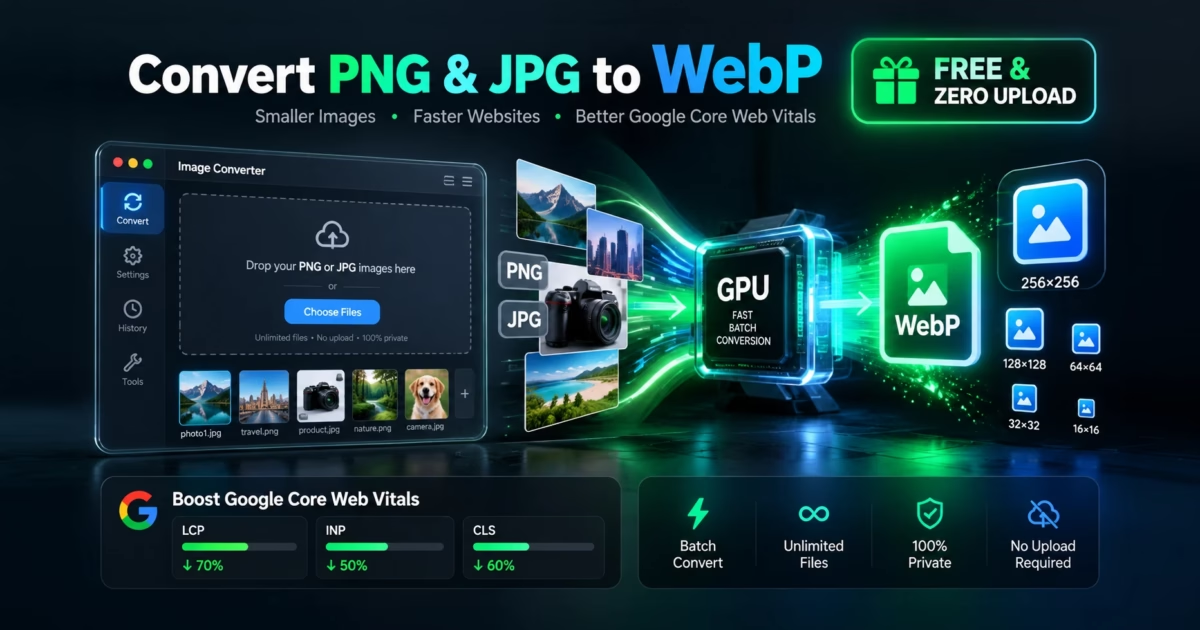
⚡ GPU-Accelerated WebP Conversion
To batch convert PNG and JPG images to modern WebP format and shrink page weights by up to 75% for Google Core Web Vitals, use MetaoFly Image Converter & Compressor. Drag and drop dozens of photos simultaneously into the local browser stage, select WebP or multi-size Favicon ICO, configure quality (80%–85% provides visually lossless compression), and click Batch Convert. All operations run locally on your client GPU/CPU via HTML5 Canvas 2D without cloud queues, upload caps, or privacy leaks.
Why Traditional Online Image Compressors Fail Modern Web Teams
In modern web development and digital marketing, website speed directly dictates search rankings, conversion rates, and ad costs. According to Google, passing Core Web Vitals—specifically the Largest Contentful Paint (LCP) metric—requires hero banners and above-the-fold media to load in under 2.5 seconds. Yet, the vast majority of websites remain weighed down by legacy 3MB uncompressed PNGs and bloated 1.5MB JPEGs.
When designers and site owners try to solve this with standard online image tools, they hit severe artificial limitations:
⚠️ The Batch Quota & File Size Paywall
Popular tools like TinyPNG restrict free users to 20 images at a time with a strict 5MB file cap. CloudConvert limits non-paying users to 25 conversion credits per day. Google’s open-source Squoosh tool offers exceptional compression, but only processes a single image at a time with no bulk queue. If you have an e-commerce catalog of 150 product photos, batch processing becomes an excruciating chore or forces a $39–$99 recurring monthly subscription.
MetaoFly solves this bottleneck through client-side hardware acceleration. MetaoFly Image Converter & Compressor taps into your local device’s GPU and multi-core CPU. You can queue 50, 100, or 200 high-resolution photos at once. Zero bytes leave your browser, zero files touch a cloud server, and zero subscriptions are ever demanded.
Under the Hood: HTML5 Canvas 2D & Intra-Frame WebP Encoding
WebP is a modern image format developed by Google based on the VP8 video codec keyframe prediction architecture:
- Predictive Block Coding: Instead of dividing images into rigid 8×8 DCT blocks like JPEG, WebP predicts sub-pixel color transitions using neighboring spatial pixels (intra-prediction). It encodes only the residual difference, eliminating high-frequency noise and ringing artifacts around text and sharp edges.
- Lossless Alpha Channel Preservation: WebP supports 8-bit transparent alpha channels with 3:1 better compression than PNG, ensuring transparent product cutouts remain feather-light without jagged halos.
- Native Browser GPU Rasterization: MetaoFly decodes image bitmaps onto hardware-accelerated
OffscreenCanvassurfaces. The browser’s native C++ rendering pipeline compiles the output WebP stream in parallel Web Workers, producing blisteringly fast bulk conversions.
Step-by-Step Guide: Batch Optimizing Images in MetaoFly
MetaoFly Image Converter features a professional 2-column workspace (Left: Multi-Image Grid Stage with Interactive Previews; Right: Target Format, Compression Sliders & Batch Actions).
Drag & Drop Image Assets in Bulk
Select up to dozens of PNG, JPG, JPEG, AVIF, TIFF, or BMP files and drop them onto the left workspace stage. Because files are ingested directly into local device RAM, staging is instantaneous without upload latency.
Select Target Format (WebP / PNG / JPG / Favicon ICO)
In the right control drawer, choose WebP for optimal web performance. You can also select Favicon (.ICO) to bundle your image into a multi-resolution Windows and browser icon (containing 16×16, 32×32, 48×48, and 64×64 sub-bitmaps in one file).
Adjust Quality & Max Resolution Constraints
Set the WebP quality slider between 80% and 85%. This sweet spot yields a 65%–75% reduction in file size with zero human-perceptible artifacting (SSIM > 0.98). Optionally configure max width constraints (e.g. 1920px for hero banners or 1080px for blog body graphics).
Execute Batch Conversion & Download ZIP
Click Batch Convert All. Watch the individual progress bars fly as your GPU processes each asset. When complete, download all optimized images instantly in a neatly packaged .zip archive or save individual files with a single click.
Google Core Web Vitals Impact & Compression Benchmark
How does switching from PNG/JPG to WebP impact Google PageSpeed scores and real-world conversion metrics?
Page Speed Formula: LCP = TTFB + Resource_Load_Delay + Resource_Load_Duration + Element_Render_Delay
Reducing image weight by 70% cuts Resource_Load_Duration proportionally, turning failing red LCP scores into passing green.
| Image Category | Original Format & Size | Converted WebP (82%) | Weight Reduction | LCP Improvement |
|---|---|---|---|---|
| E-Commerce Product Shot | PNG (Transparent): 2.8 MB | 460 KB | -83.5% | ~1.4s faster load |
| Full-Width Hero Banner | JPEG (High Res): 3.4 MB | 620 KB | -81.7% | ~2.1s faster load |
| Blog In-Content Infographic | PNG: 1.2 MB | 195 KB | -83.7% | ~0.8s faster load |
| Website Favicon Master | PNG 512×512: 380 KB | 42 KB (Multi-size .ICO) | -88.9% | Instant tab render |
Slash Website Load Times Today
Batch convert your entire image catalog into ultra-efficient WebP format using client-side GPU acceleration. Free forever with unlimited conversions.
MetaoFly Image Converter vs. Competitor Portals
A detailed architectural comparison against legacy compression websites:
| Feature & Policy | MetaoFly Converter | TinyPNG | CloudConvert | Squoosh |
|---|---|---|---|---|
| Batch Limit per Session | Unlimited | 20 images max | 25 conversions / day | 1 image at a time |
| File Size Cap | Unlimited (Local RAM) | 5 MB cap | 100 MB free cap | Limited by browser tab |
| Local Execution (Zero Upload) | 100% In-Browser Memory | Server upload required | Server upload required | 100% In-Browser |
| Multi-Size Favicon Generator | Built-In .ICO Multi-Layer | No | Basic ICO | No |
| Subscription Cost | 100% Free Forever | $39 / year | $9 / month + overage | Free (Single file only) |
Real-World Persona Applications
Scenario 1: E-Commerce Store Managers & Shopify Merchants
An online boutique with 300 apparel products suffered from sluggish catalog load times and high shopping cart abandonment. By bulk uploading product photos into MetaoFly Image Converter, they converted their entire PNG catalog into 82% quality WebPs, reducing total catalog asset size from 840MB down to 142MB. As a result, category pages loaded 3.2 times faster, mobile bounce rates dropped by 18%, and conversions increased noticeably.
Scenario 2: Frontend Developers & SEO Agencies
When launching corporate client websites, SEO agencies must pass Lighthouse audits with green scores across Mobile and Desktop. Hero images often trigger the dreaded “Serve images in next-gen formats” and “Properly size images” warnings. Using MetaoFly, developers set max width boundaries and convert master Figma exports into WebP in seconds, achieving immediate 95+ PageSpeed scores.
Scenario 3: Graphic Designers & Webmasters Needing Favicons
Modern browsers and Windows desktop shortcuts require icons that scale across high-DPI retina displays. Creating a compliant favicon.ico requires embedding multiple bitmap resolutions (16×16, 32×32, 48×48, and 64×64) within a single binary wrapper. MetaoFly automatically handles this multi-layer packaging from any master PNG logo in one click.
Pro Troubleshooting: 3 Image Compression Pitfalls to Avoid
1. Setting Quality Below 75% for Detail-Heavy Images
While setting WebP quality to 50% cuts file size dramatically, it introduces noticeable blur around fine typography, jewelry facets, and textile textures. For commercial websites, keep quality locked between 80% and 85% for an optimal balance of invisible compression and light file weight.
2. Re-Compressing Heavily Degraded JPEGs
Converting a JPEG that has already been compressed multiple times causes “generational loss”—the encoder attempts to preserve existing block artifacts, paradoxically resulting in a larger file or muddy colors. Always start from master PNGs or original camera RAW/high-bitrate JPEGs.
3. Neglecting Aspect Ratio Locks
When batch resizing image dimensions, always keep proportional scaling enabled. Manually forcing mismatched width and height values distorts product geometry and ruins visual brand credibility.
Related Creative Studios on MetaoFly
- Social Media Image Resizer: Preset aspect ratio cropping for Instagram posts, YouTube thumbnails, and LinkedIn banners.
- AI Background Remover: Cut out portrait and product backgrounds with in-browser neural networks before converting to transparent WebP.
- Color Palette Extractor: Sample brand hex codes from your photos to synchronize CSS themes.
- Pro QR Code Studio: Generate high-resolution vector QR codes to embed into product flyers.
Frequently Asked Questions (FAQ)
Will converting JPG to WebP make my site rank higher on Google?
Yes, indirectly but significantly. Google’s search algorithm uses Core Web Vitals (specifically LCP) as an official ranking signal. Shrinking image payload by 70% accelerates page speed, which improves user experience, lowers bounce rates, and boosts ranking competitiveness.
Do all modern web browsers support WebP?
Yes. WebP enjoys over 97% global browser support, including Google Chrome, Apple Safari (iOS & macOS), Mozilla Firefox, Microsoft Edge, and Opera.
What quality setting should I choose for WebP compression?
A quality rating of 80% to 85% is the universal industry standard. It delivers maximum bandwidth reduction while preserving clean, razor-sharp detail for retina and 4K displays.
Does WebP preserve transparency from PNG images?
Yes. Unlike standard JPEG which fills transparent pixels with solid white or black, WebP includes native 8-bit alpha channel support, preserving crisp transparency for product cutouts and brand logos.
How does MetaoFly compress images without uploading them?
MetaoFly utilizes HTML5 Canvas 2D and WebGL rendering APIs built directly into your web browser. The binary data is decoded, re-sampled, and encoded into WebP using your device’s native GPU and CPU hardware.
#Batch Image Compressor
#Core Web Vitals
#LCP Optimization
#Favicon ICO Maker
#Client-Side GPU
#No Uploads Free
#TinyPNG Alternative