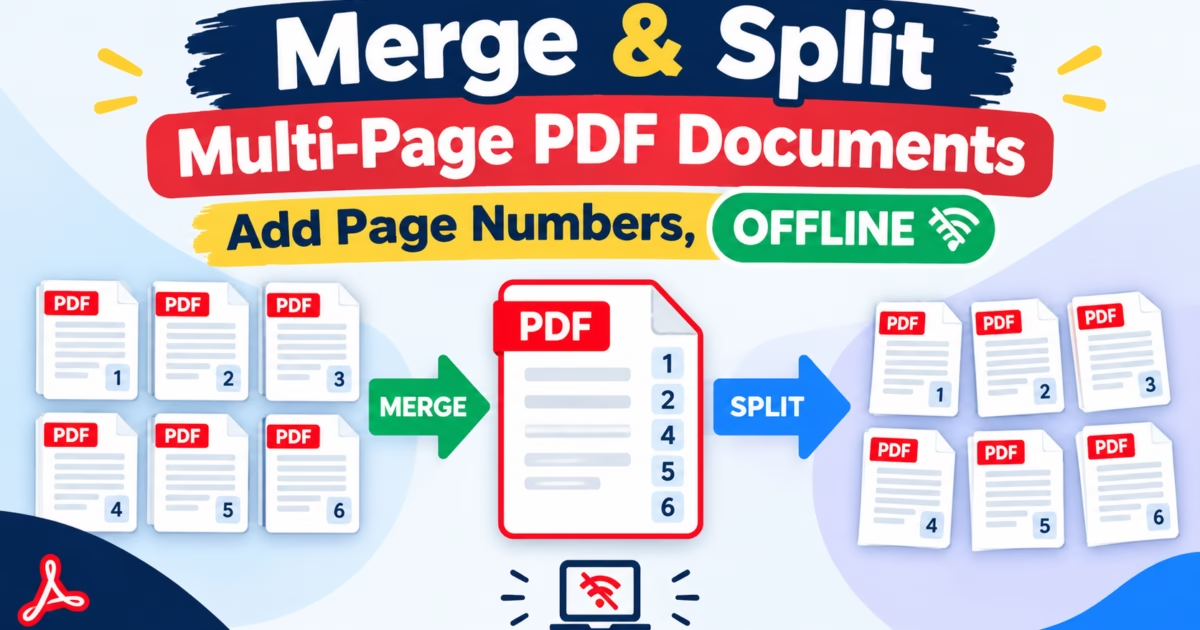
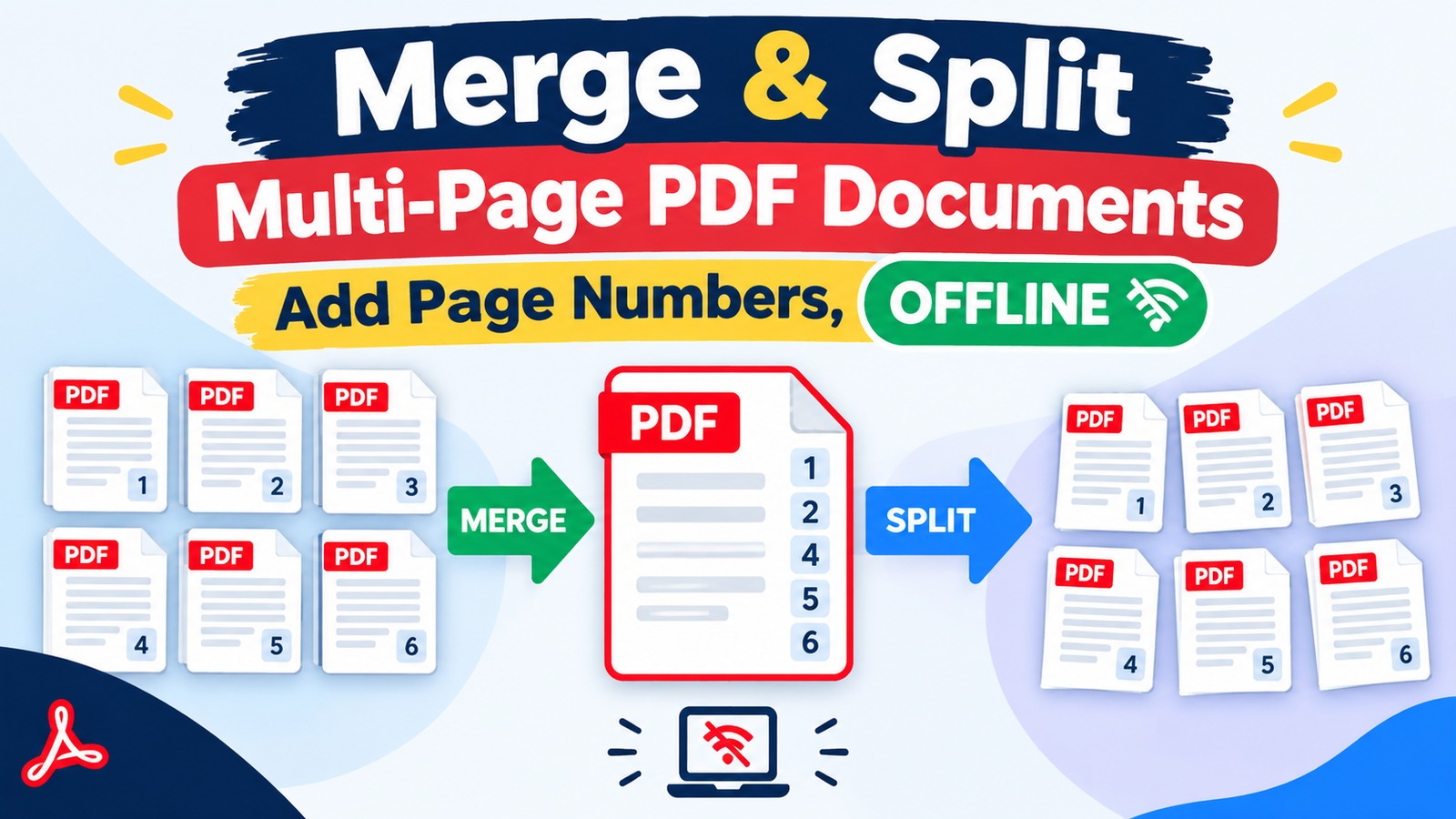
Editorial Technical Solution: When you need to Merge and Number PDF files into consolidated legal, financial, or architectural portfolios on Windows 11, automated Bates numbering and coordinate positioning are essential. Specifically, this guide demonstrates how to combine dozens of disparate PDF documents, reorder pages, and imprint sequential header or footer numbers with custom font styling. In addition, we review how Piludi PDF Converter executes 100% offline batch document processing with zero cloud data exposure.
When you need to Merge and Number PDF documents for corporate audits, legal discovery, or client proposals, manual document assembly quickly becomes an administrative nightmare. Professionals routinely deal with scattered invoices, scanned receipts, technical blueprints, and executive summaries produced by different departments. If you simply merge these documents using generic web tools, each segment retains its original chaotic page count. Page 4 appears after page 12, invoices lack sequential indexing, and legal compliance teams reject the submission. Furthermore, uploading sensitive corporate financials or proprietary contracts to random web converters exposes your company to severe data leak vulnerabilities.
The Technical Mechanics: Object Stream Consolidation Under ISO 32000-1
To combine documents without bloating file sizes or breaking embedded vector font outlines, you must understand how PDF containers operate under the ISO 32000-1 PDF Standard.
A standard PDF document is not a static flat image; rather, it is a hierarchical tree of indirect objects comprising content streams, catalog dictionaries, embedded TrueType fonts, and cross-reference (XREF) tables. When merging multiple files, crude tools concatenate objects haphazardly, creating duplicated font descriptors and orphaned color spaces that triple file sizes.
Piludi PDF Converter utilizes a high-efficiency Clean Object Deduplication Engine. When combining documents, it consolidates shared font dictionaries, recalculates byte offsets in the trailer dictionary, and generates a rebuilt, defragmented single-stream PDF that opens instantly in Adobe Acrobat, Bluebeam Revu, and web browsers.
Handling Mixed Resolution Pages: Scanned Documents vs Vector Blueprints
A major complication in professional document assembly is merging documents of vastly differing page dimensions and resolutions. For example, a legal discovery package often includes standard 8.5×11 inch text briefs, 300 DPI scanned contract addenda, and massive 36×24 inch architectural CAD drawings.
Inferior merger tools force uniform page scaling, stretching letter-sized pages or compressing large schematics into unreadable thumbnails. Piludi PDF Converter respects the individual MediaBox and CropBox bounding dimensions of every individual page. Furthermore, when imprinting Bates page numbers, Piludi calculates dynamic margin offsets relative to each page’s specific geometry, ensuring stamps appear precisely in the intended corner regardless of whether a page is portrait, landscape, or oversized engineering paper.
Bates Numbering vs Standard Page Numbering: Compliance Standards
Corporate legal counsel and certified accounting auditors rarely accept simple numbers like “1, 2, 3” at the bottom of discovery bundles. They demand Bates Stamping:
- Alphanumeric Prefix & Suffix Identifiers: Legal filings require standardized case prefixes (e.g., `CASE-2026-CONFIDENTIAL-0001` or `EXHIBIT-A-PAGE-0042`).
- Zero-Padded Increments: Sequential numbers must maintain fixed character widths (e.g., `0001`, `0002` through `9999`) to prevent database indexing sorting errors.
- Multi-Section Pagination: Complex annual reports require Roman numerals (`i`, `ii`, `iii`) for front-matter prefaces and executive summaries, transitioning to standard Arabic numerals (`1`, `2`, `3`) for operational chapters.
The Cloud Security Risk: Protecting Confidential Contracts & Audits
Uploading corporate discovery bundles, merger contracts, or tax returns to free online PDF mergers is an unacceptable cybersecurity hazard:
- Compliance Penalties (GDPR & HIPAA): Transmitting identifiable financial statements or healthcare records to third-party offshore cloud servers violates strict privacy frameworks.
- Permanent Data Scraping: Web converters frequently index uploaded documents or sell metadata to third-party data brokers.
- Arbitrary File Caps: Most web converters choke on files larger than 50MB, preventing you from assembling comprehensive project archives.
Windows 10 & 11 Document Processing
Consolidate & Number PDFs with Absolute Precision
Merge unlimited PDF files, rearrange page sequences, and apply customized Bates numbering right on your Windows PC. Enjoy military-grade document privacy, vector-sharp typography, and instantaneous processing speed with Piludi PDF Converter.
Step-by-Step Blueprint: How to Merge and Number PDF Documents on Windows 11
Follow this simple step-by-step workflow to combine your PDF files and imprint sequential page numbering:
Launch Piludi PDF Converter & Import Source PDFs
Open Piludi – PDF Converter on your Windows workstation. Select Merge & Organize PDFs. Drag and drop your source documents into the queue. Use the intuitive visual list to drag documents up or down to set your exact reading order.
Configure Bates Stamping & Number Positioning
Check Enable Sequential Page Numbering. Choose your target position: Bottom Center, Bottom Right, or Top Right Header. Define your custom format (e.g., `Page {n} of {total}` or `AUDIT-2026-{000n}`). Select your preferred font family, size (e.g., 10pt Helvetica), and margin offsets from the page boundary.
Export Unified, Indexed PDF Portfolio
Click Merge and Stamp Document. Piludi compiles the unified document, applies coordinate-accurate typography over the vector content layer, and saves the output to your destination folder in seconds.
Pagination Positioning & Coordinate Geometry
The table below illustrates common page numbering configurations and coordinate margin recommendations supported by Piludi PDF Converter:
Frequently Asked Questions on Merging and Numbering PDFs
Can I skip numbering on the cover page and table of contents?
Yes. Piludi PDF Converter allows you to define custom starting page offsets. You can instruct the engine to omit numbering on pages 1 through 3, commencing visible pagination as `Page 1` on page 4 of the unified document.
Will merging multiple PDFs flatten or break vector blueprints?
Never. Piludi preserves native vector line art, CAD drawings, layer dictionaries, and embedded searchable text streams. It never rasterizes vector pages into low-resolution JPEG bitmaps during merging.
Does Piludi PDF Converter impose page limits or file caps?
No. Piludi PDF Converter operates with complete freedom on your local PC. You can merge thousands of pages across hundreds of files without encountering paywalls, watermarks, or artificial quotas.
Experience Native Document Freedom with DesignoFly
Discover lightweight, privacy-focused Windows desktop applications engineered for legal teams, engineers, financial analysts, and corporate managers.